Skip to content
View in the app

A better way to browse. Learn more.

The Crimson Market

A full-screen app on your home screen with push notifications, badges and more.

To install this app on iOS and iPadOS
  1. Tap the Share icon in Safari
  2. Scroll the menu and tap Add to Home Screen.
  3. Tap Add in the top-right corner.
To install this app on Android
  1. Tap the 3-dot menu (⋮) in the top-right corner of the browser.
  2. Tap Add to Home screen or Install app.
  3. Confirm by tapping Install.

News

A club blog for PC Giveaway Community
  • Entries

    33
  • Comments

    33
  • Views

    66228

About this blog

Information about the current rewards progress, what's happening regarding the club & more.

Entries in this blog

Hi everyone, First of all, I'd like to apologise to anyone who has been caused an inconvenience due to our cancel / refund system in the last 2 months or so. Due to a change in PayPal where we had to migrate from what's called "IPN" to "Webhooks" in a rush as IPN is is being deprecated, a few bugs emerged without us knowing because there is nothing in PayPal's documentation which states IPN subscriptions are separate from Webhook subscriptions, this concept still makes no sense to me.
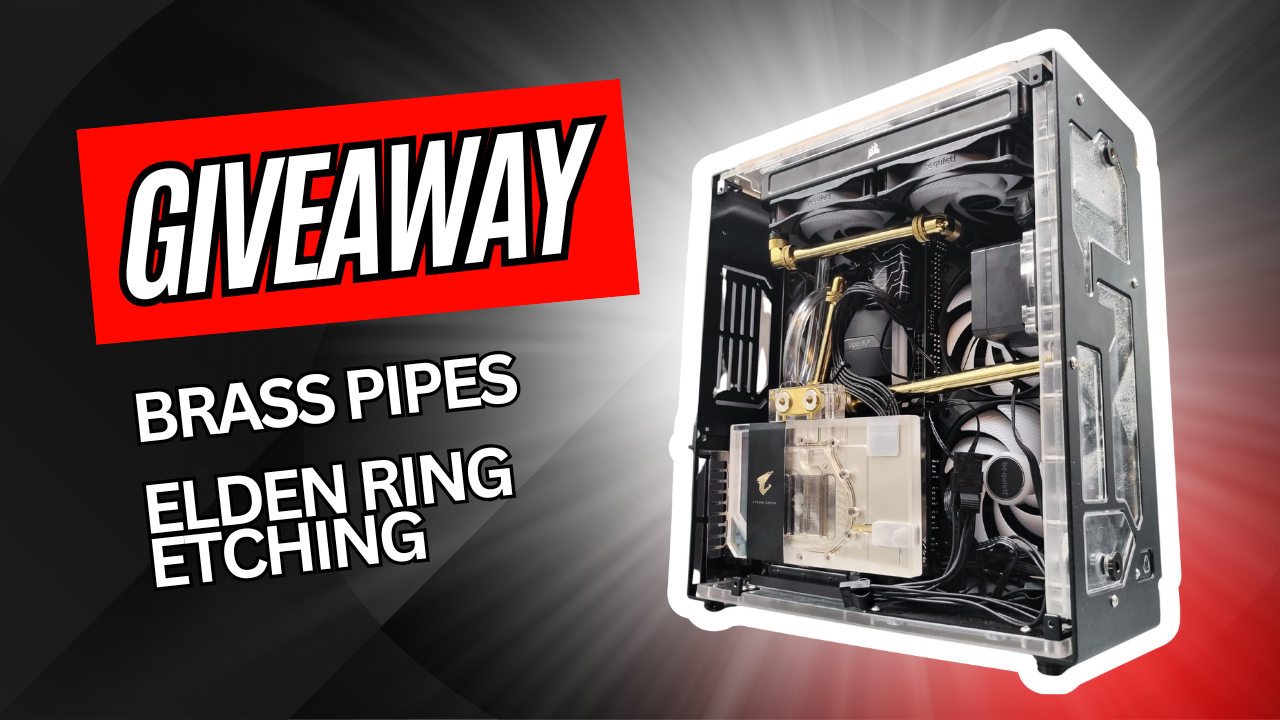
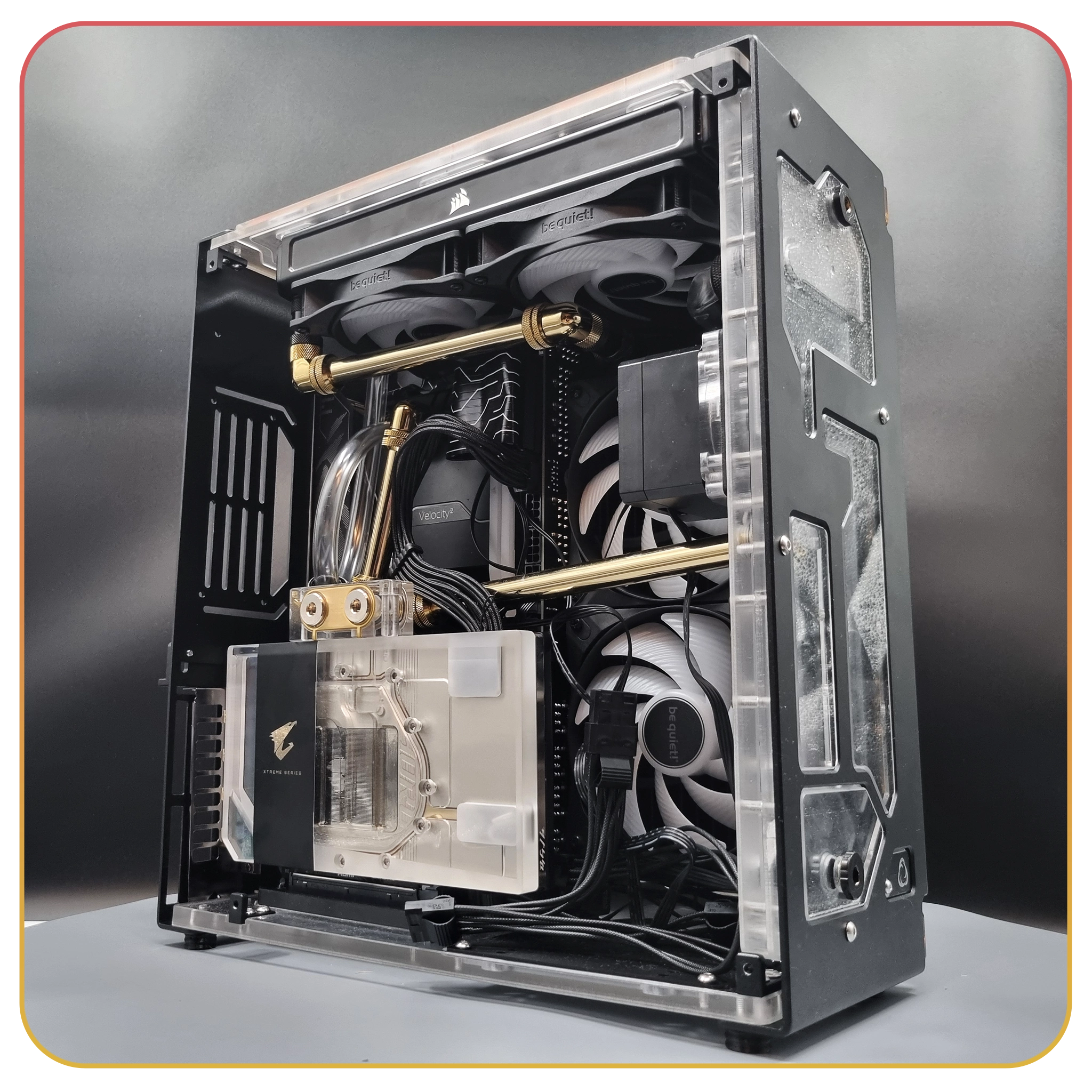
This is a really nice PC, I almost don't want to send it away xD It's simple and elegant, it's got that see through, gold, theme and I love it. It is themed to Elden Ring originally, we've got the Elden Ring symbol etched onto the glass which is pretty awesome! Here's all the content. Kintsugi Build Time Lapse Kintsugi Elden Ring PC Show case Kintsugi PC Unboxing And we have 6 episodes of the walk through to build it. Here is Part
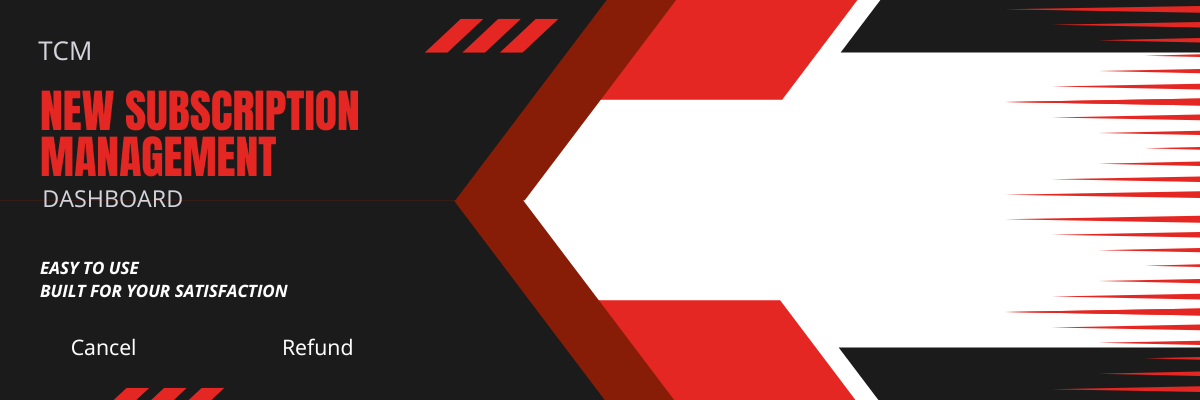
Hi everyone, We are working on overhauling how cancellation works at TCM. Currently to cancel your membership at TCM you go through these steps.   Login Click on your name in the top right corner Click on Account Settings Click on Manage subscription Add a Reason (helps us make the club better for people) Click on Cancel (NOT STAY) --------------------------------------------------------------------------------------------------------------- Fo
We are aware of some issues being caused by the recent overhaul to how memberships and subscriptions work for the club. Please do not worry as everything is tracked in PayPal & Stripe, if you are seeing "Not subscribed" Or have not received loyalty points for a recent payment, this is mostly a User Interface bug. We will make 100% sure everything is resolved by the next spin, we are trying our best to fix everything up, ultimately we take anything related to loyalty points very seriousl
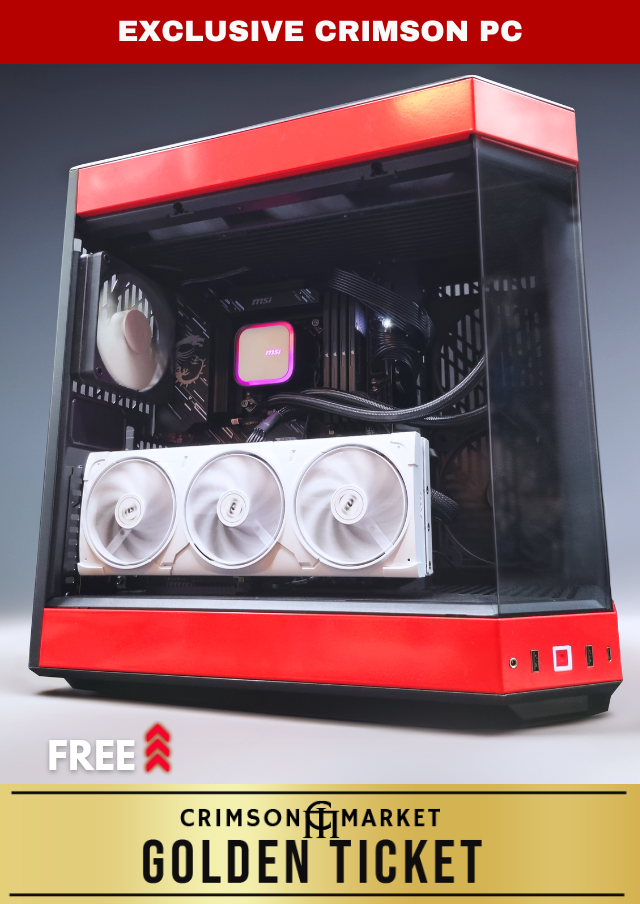
We are juggling around a few ideas on how to better handle rewards that have been unclaimed, there has only ever been one so far but we imagine there could be more. The first and only unclaimed PC is the 24ct Gold PC as after 2 months of attempting to contact the recipient from multiple emails, we had no reply. For this particular PC, we decided to spin again for it but it made us think about different options. We have three options. 1. Spin again next month 2. Re-use the p
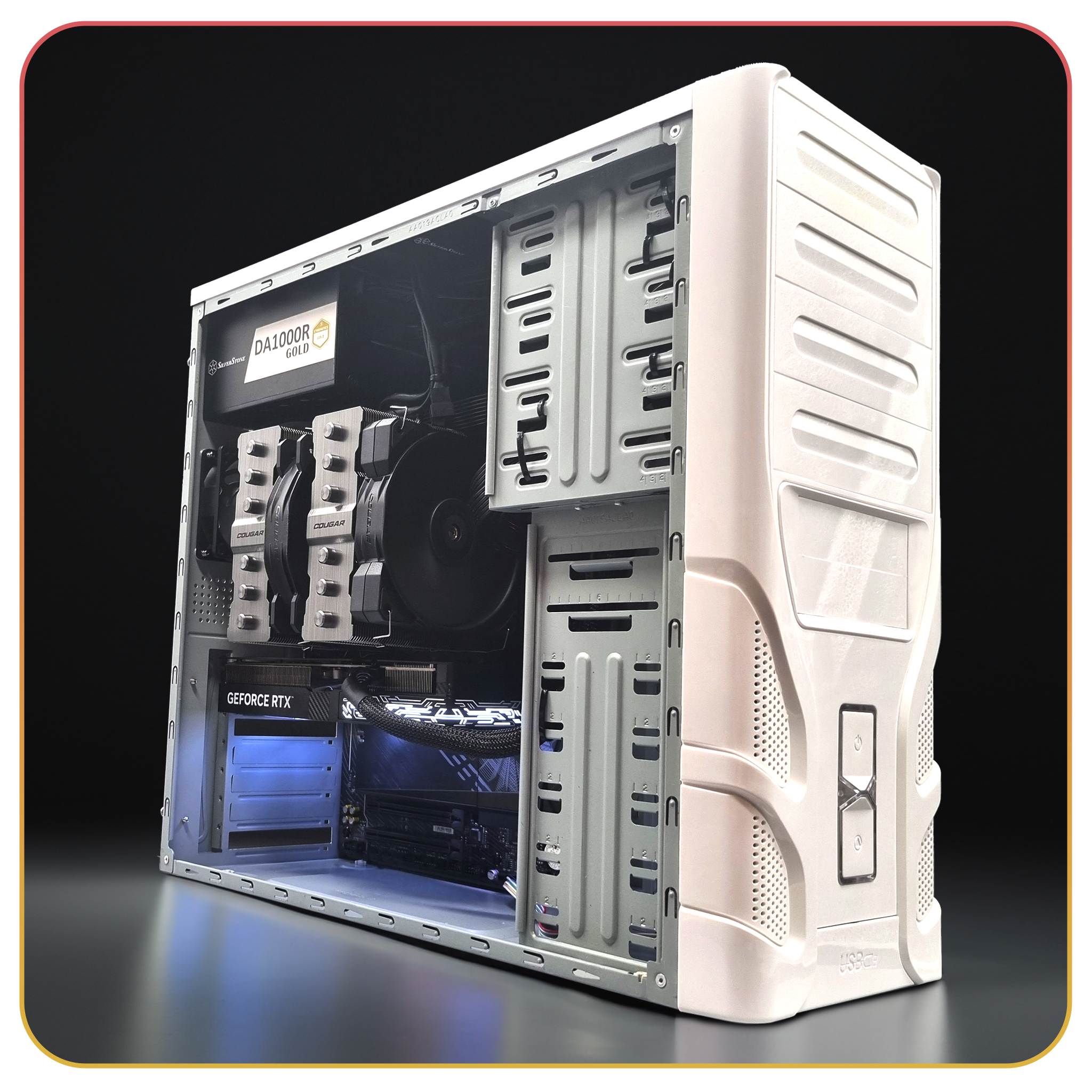
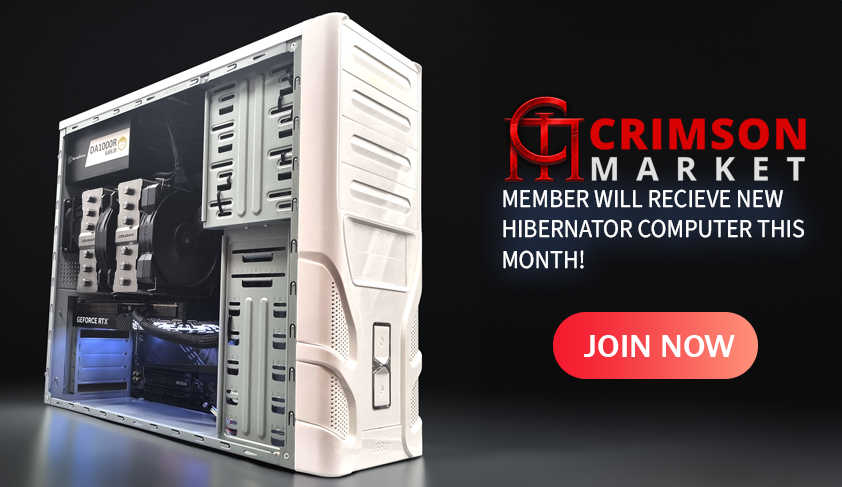
We saw the Hibernator Sleeper PC go out.     CPU: AMD Ryzen 7 9800X3D (AM5, 8 Core) Cooler: Cougar FORZA 135 Premium Dual Tower Air Cooler Motherboard: Gigabyte B850 AORUS ELITE WIFI7 DDR5 ATX RAM: 64GB Corsair Vengeance DDR5 6400MT/s Storage: 4TB Crucial P3 M.2 NVMe PCIe SSD GPU: GALAX RTX 5070 12GB GDDR7 1-Click OC PSU: 1000W SilverStone Gold Modular Gen5 PSU Cooling: Dual 80mm Deepcool Fans, Silverstone PWM Hub Congratulations to the winner adgisme - H
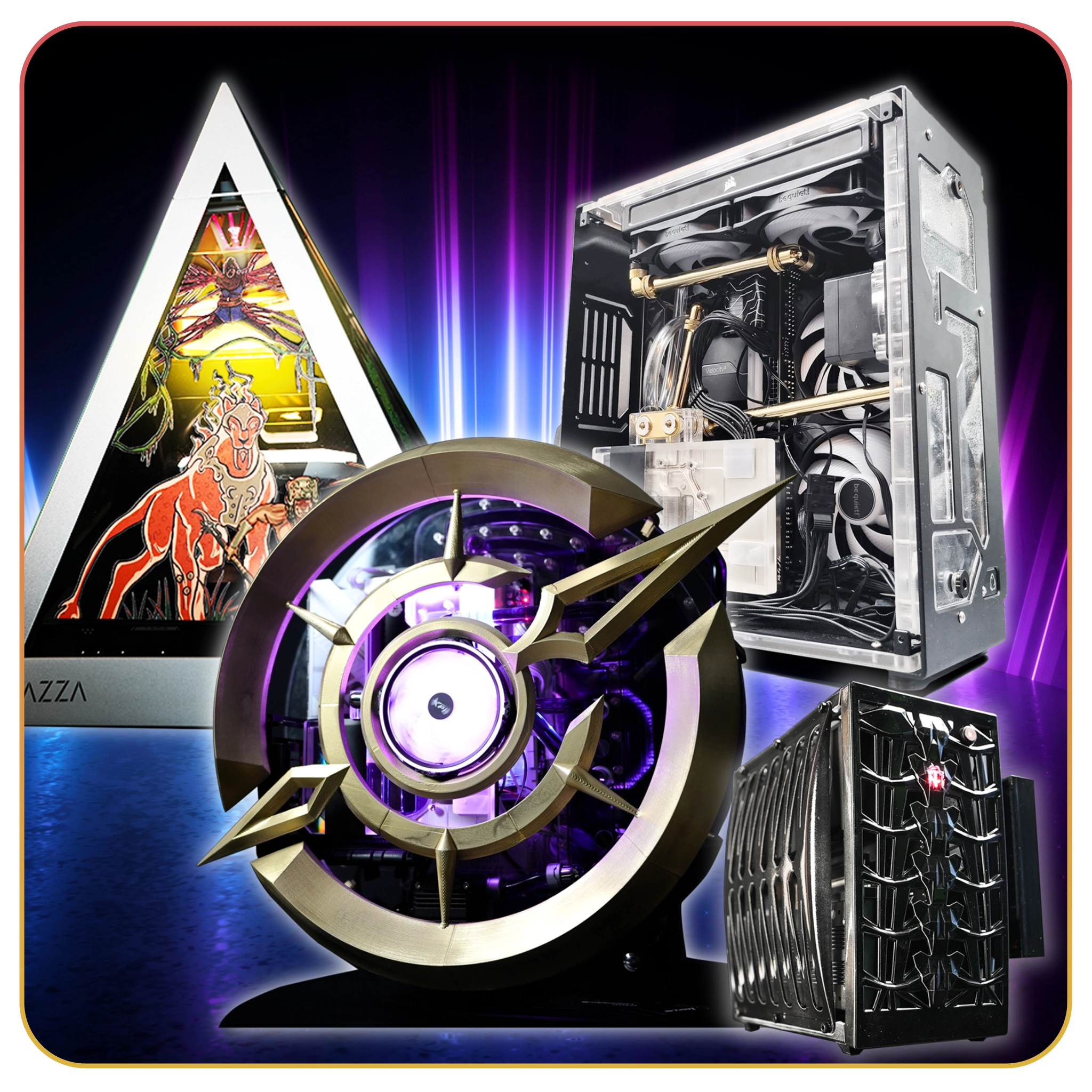
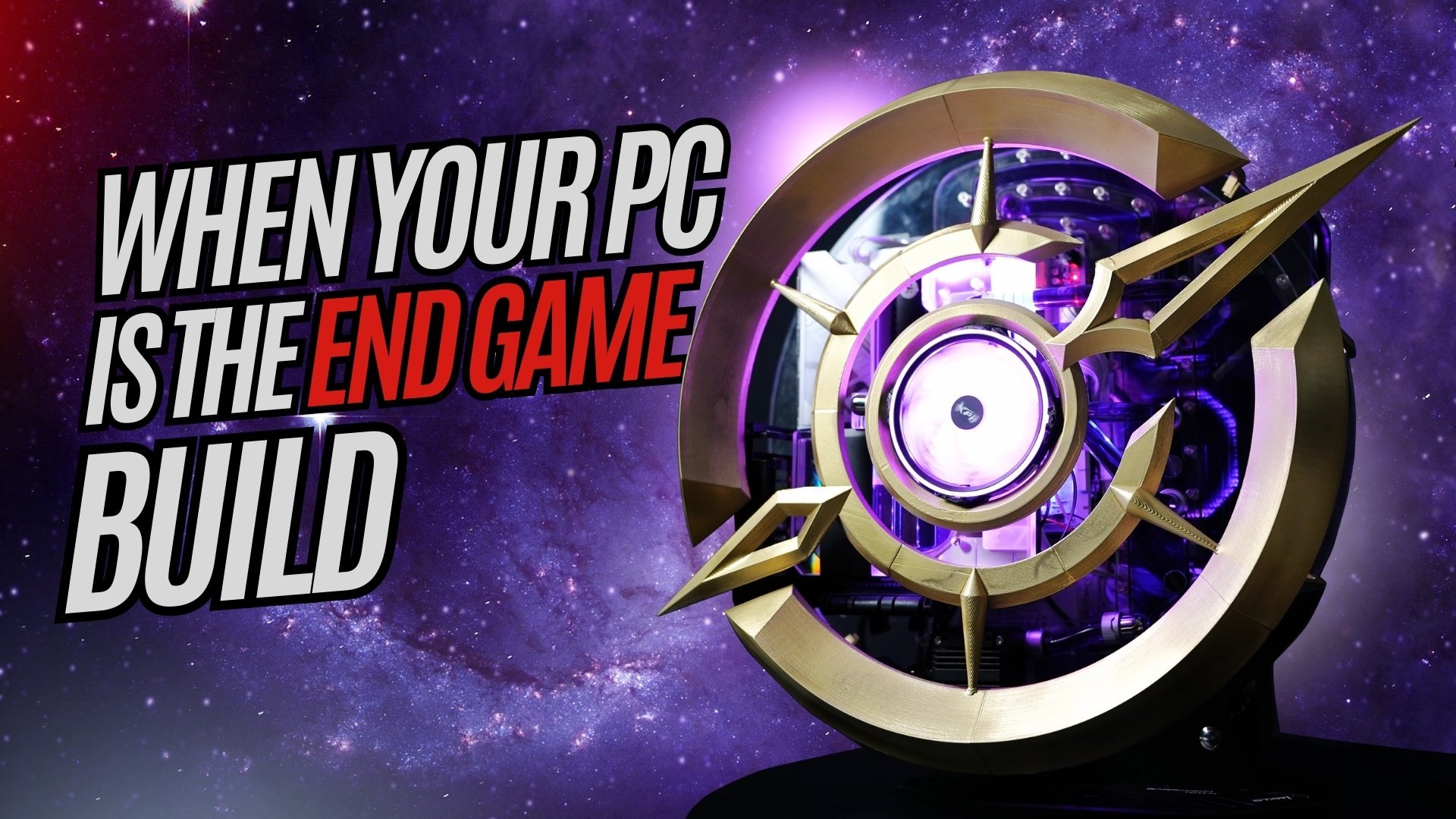
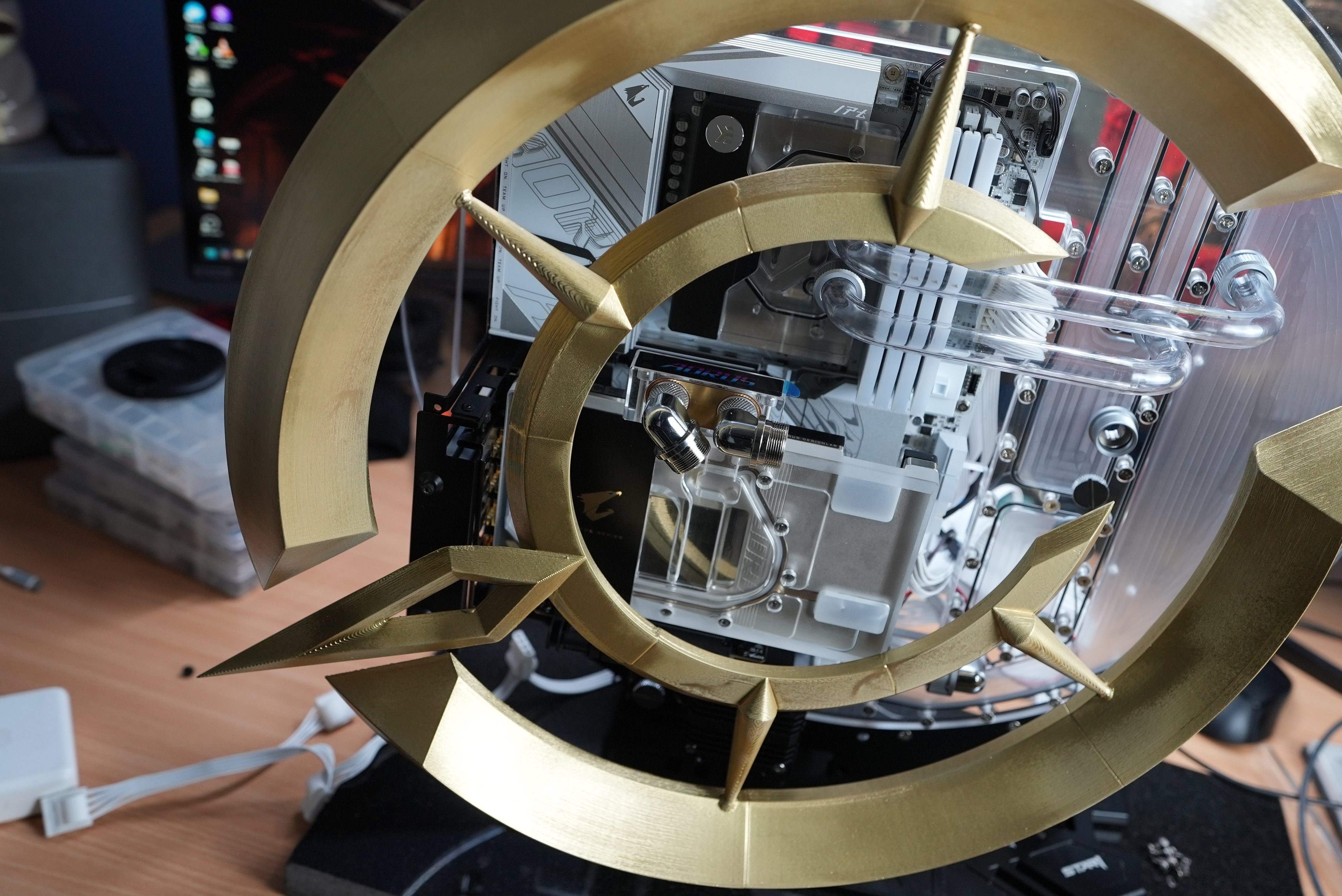
We thought, well, we knew it would be a good idea to give people updates about what is going on in the club since people might be wondering about the progress of the current build, their own reward deliveries, what the next builds might be and overall how the club is going. This is the beginning of that. Let's start with the current build, The Last Epoch PC. This is an extremely difficult build with a very intricate water cooling system and a details case mod which we had to 3D

Account

Navigation

Search

Search

Configure browser push notifications

Chrome (Android)
  1. Tap the lock icon next to the address bar.
  2. Tap Permissions → Notifications.
  3. Adjust your preference.
Chrome (Desktop)
  1. Click the padlock icon in the address bar.
  2. Select Site settings.
  3. Find Notifications and adjust your preference.