Skip to content
View in the app

A better way to browse. Learn more.

The Crimson Market

A full-screen app on your home screen with push notifications, badges and more.

To install this app on iOS and iPadOS
  1. Tap the Share icon in Safari
  2. Scroll the menu and tap Add to Home Screen.
  3. Tap Add in the top-right corner.
To install this app on Android
  1. Tap the 3-dot menu (⋮) in the top-right corner of the browser.
  2. Tap Add to Home screen or Install app.
  3. Confirm by tapping Install.

News

A club blog for PC Giveaway Community
  • Entries

    33
  • Comments

    33
  • Views

    67155

About this blog

Information about the current rewards progress, what's happening regarding the club & more.

Entries in this blog

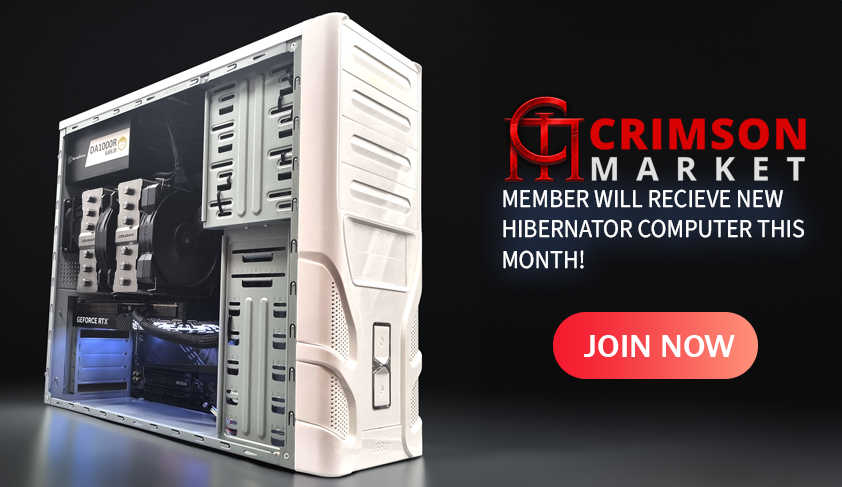
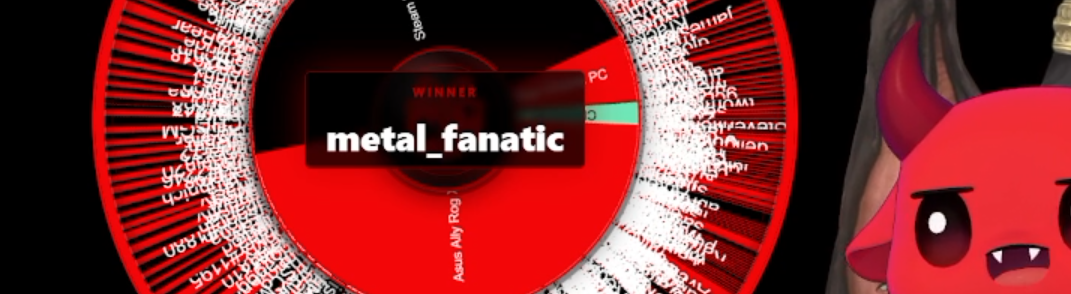
We saw the Hibernator Sleeper PC go out.     CPU: AMD Ryzen 7 9800X3D (AM5, 8 Core) Cooler: Cougar FORZA 135 Premium Dual Tower Air Cooler Motherboard: Gigabyte B850 AORUS ELITE WIFI7 DDR5 ATX RAM: 64GB Corsair Vengeance DDR5 6400MT/s Storage: 4TB Crucial P3 M.2 NVMe PCIe SSD GPU: GALAX RTX 5070 12GB GDDR7 1-Click OC PSU: 1000W SilverStone Gold Modular Gen5 PSU Cooling: Dual 80mm Deepcool Fans, Silverstone PWM Hub Congratulations to the winner adgisme - H

Account

Navigation

Search

Search

Configure browser push notifications

Chrome (Android)
  1. Tap the lock icon next to the address bar.
  2. Tap Permissions → Notifications.
  3. Adjust your preference.
Chrome (Desktop)
  1. Click the padlock icon in the address bar.
  2. Select Site settings.
  3. Find Notifications and adjust your preference.