

Skip to content
View in the app

A better way to browse. Learn more.

The Crimson Market

A full-screen app on your home screen with push notifications, badges and more.

To install this app on iOS and iPadOS
  1. Tap the Share icon in Safari
  2. Scroll the menu and tap Add to Home Screen.
  3. Tap Add in the top-right corner.
To install this app on Android
  1. Tap the 3-dot menu (â‹®) in the top-right corner of the browser.
  2. Tap Add to Home screen or Install app.
  3. Confirm by tapping Install.

News

A club blog for PC Giveaway Community
  • Entries

    38
  • Comments

    35
  • Views

    81077

About this blog

Information about the current rewards progress, what's happening regarding the club & more.
Entries in this blog

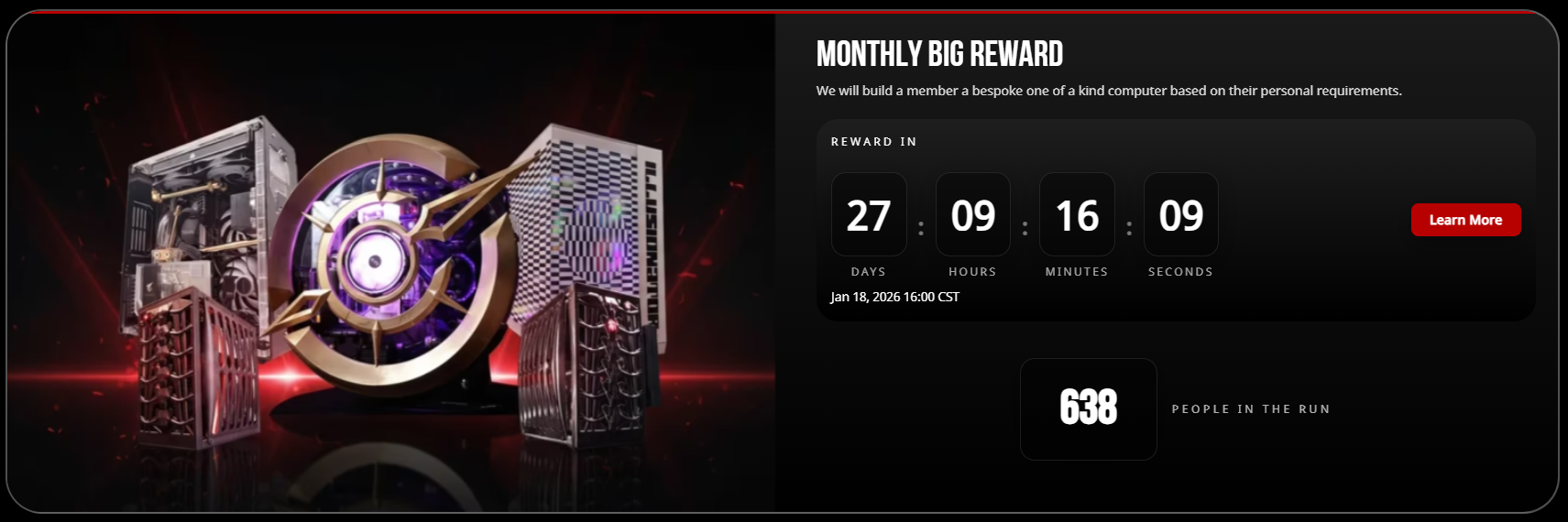
Congratulations Razboss!! I love to see someone who really participates in our community get a big reward! This one made me really happy and actually it was just as much of a Birthday present for me as it was a Christmas present for Razboss 🙂 Now as all our winners, the Loyalty Points do get halved so everyone else can have a shot at getting to the top and winning! Here's the highlight!  https://www.twitch.tv/videos/2650279641 We will do our next big reward in 28 days.

Account

Navigation

Search

Search

Configure browser push notifications

Chrome (Android)
  1. Tap the lock icon next to the address bar.
  2. Tap Permissions → Notifications.
  3. Adjust your preference.
Chrome (Desktop)
  1. Click the padlock icon in the address bar.
  2. Select Site settings.
  3. Find Notifications and adjust your preference.
