

Skip to content
View in the app

A better way to browse. Learn more.

The Crimson Market

A full-screen app on your home screen with push notifications, badges and more.

To install this app on iOS and iPadOS
  1. Tap the Share icon in Safari
  2. Scroll the menu and tap Add to Home Screen.
  3. Tap Add in the top-right corner.
To install this app on Android
  1. Tap the 3-dot menu (⋮) in the top-right corner of the browser.
  2. Tap Add to Home screen or Install app.
  3. Confirm by tapping Install.

News

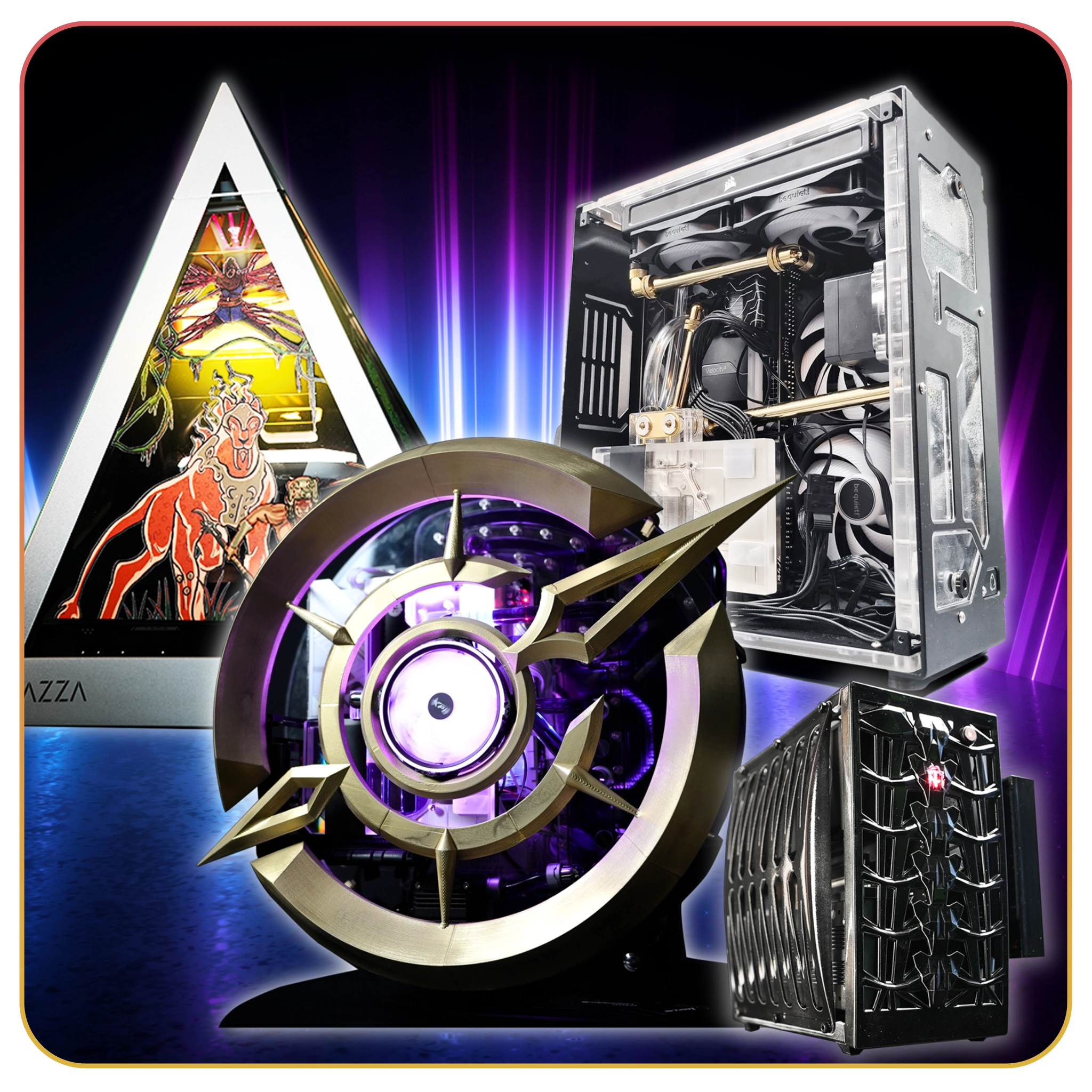
First Time Doing our BIG Reward and Tmac86 won the $10,000 CRIMSON PC! WTF?!

Congratulations Tmac86! Thank you for supporting us!

Your name came up on Raxx's stream and then the Crimson PC slice came up right after! Absolutely insane that the first time we do this we hit the 10k PC!

I can't wait to hear what you want to build with it, this PC is going to be absolutely insane!

If you want to split it as well we can put whatever part into the PC and the rest into anything else like cash or peripherals! Up to you man.

Watch this live next time on https://twitch.tv/crimsonlootcarnival 

around 1 hour 47 min in, Raxx spins it and it hits your name, then he spins the https://www.thecrimsonmarket.com/pcgiveaway wheel and hits CRIMSON!!!!!!!!!

Watch it here -> 


4 Comments

Recommended Comments

mikahelll1

Members

congratulations to the long time supporter!!!! cant wait for his ideias for customization


Tmac86

Members

Unbelieveable! This is crazy because i was in and out of the stream all day while I was at work and I just missed the drawing and then didnt even know I won! 

Haha better believe it! We are working hard on getting everything organised for you! There is nothing more important to us currently than to get a giant Golden Ticket Cheque with $10,000 written on it into your hands 🙂 This will be a good Christmas!

On 10/19/2025 at 8:51 AM, mikahelll1 said:

congratulations to the long time supporter!!!! cant wait for his ideias for customization


He chose to take the 10k! Which is perfectly understandable ^^

Guest
Add a comment...

Account

Navigation

Search

Search

Configure browser push notifications

Chrome (Android)
  1. Tap the lock icon next to the address bar.
  2. Tap Permissions → Notifications.
  3. Adjust your preference.
Chrome (Desktop)
  1. Click the padlock icon in the address bar.
  2. Select Site settings.
  3. Find Notifications and adjust your preference.