

Skip to content
View in the app

A better way to browse. Learn more.

The Crimson Market

A full-screen app on your home screen with push notifications, badges and more.

To install this app on iOS and iPadOS
  1. Tap the Share icon in Safari
  2. Scroll the menu and tap Add to Home Screen.
  3. Tap Add in the top-right corner.
To install this app on Android
  1. Tap the 3-dot menu (โ‹ฎ) in the top-right corner of the browser.
  2. Tap Add to Home screen or Install app.
  3. Confirm by tapping Install.

News

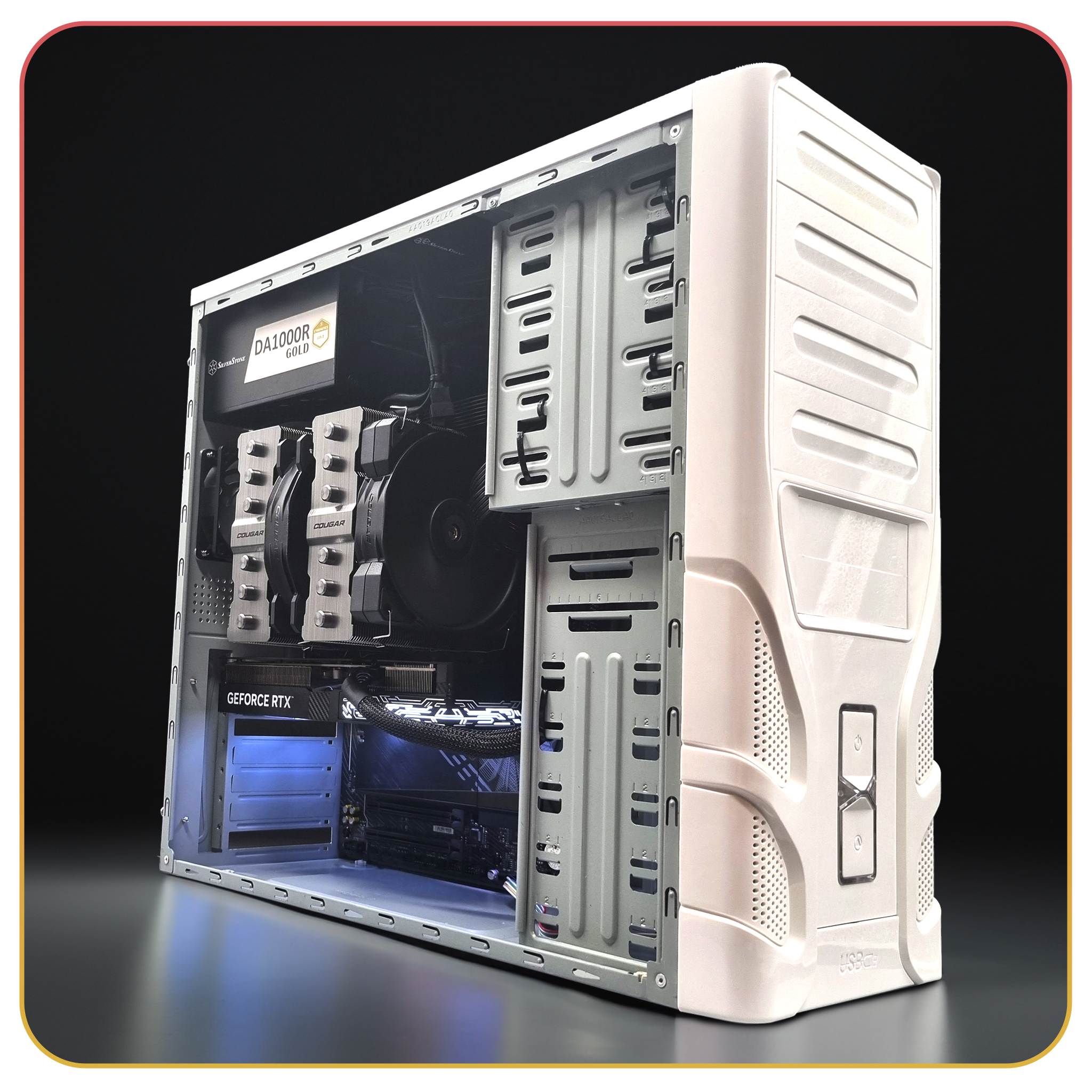
Hibernator WINNER ๐Ÿ‘‰ Zapoo0026

Congratulations Zapoo0026 on winning our BONUS reward, the Hibernator! - UPDATE - This was not claimed by Zapoo and was given to CatDad.

The Hibernator was not claimed by a previous member a few months ago, after trying to contact the member several times from different emails over multiple months, we decided to reroll this one as a bonus reward on top of our new big reward and supplement reward!

Watch the spin LIVE here


Check out the show case for the hibernatorย 

Check out the build time lapseย 

ย 

ย 

And the full walk through

Specifications are outlined here

ย 

Have fun in the next PC giveaway!

We'll be doing more bonus computer giveaways every couple months, next one is in December for the Lilith PC based on our concept short.

ย 

Here's a sneak peak of one of the panels we modelled and are currently building out!ย 

0 Comments

Recommended Comments

There are no comments to display.

Guest
Add a comment...

Account

Navigation

Search

Search

Configure browser push notifications

Chrome (Android)
  1. Tap the lock icon next to the address bar.
  2. Tap Permissions โ†’ Notifications.
  3. Adjust your preference.
Chrome (Desktop)
  1. Click the padlock icon in the address bar.
  2. Select Site settings.
  3. Find Notifications and adjust your preference.

