Skip to content
View in the app

A better way to browse. Learn more.

The Crimson Market

A full-screen app on your home screen with push notifications, badges and more.

To install this app on iOS and iPadOS
  1. Tap the Share icon in Safari
  2. Scroll the menu and tap Add to Home Screen.
  3. Tap Add in the top-right corner.
To install this app on Android
  1. Tap the 3-dot menu (⋮) in the top-right corner of the browser.
  2. Tap Add to Home screen or Install app.
  3. Confirm by tapping Install.

News

A club blog for PC Giveaway Community
  • Entries

    36
  • Comments

    33
  • Views

    69376

About this blog

Information about the current rewards progress, what's happening regarding the club & more.

Entries in this blog

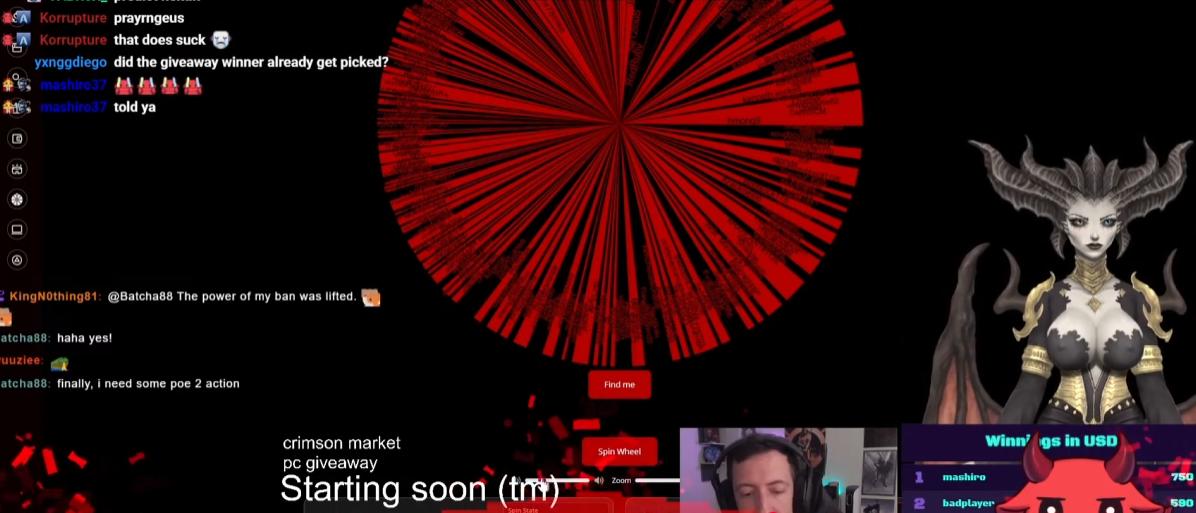
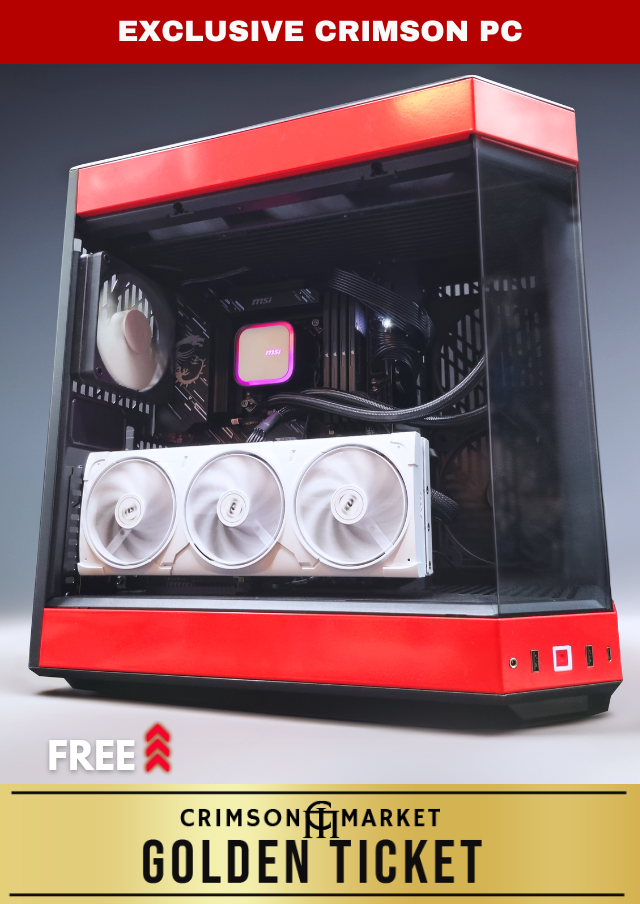
Congratulations Tmac86! Thank you for supporting us! Your name came up on Raxx's stream and then the Crimson PC slice came up right after! Absolutely insane that the first time we do this we hit the 10k PC! I can't wait to hear what you want to build with it, this PC is going to be absolutely insane! If you want to split it as well we can put whatever part into the PC and the rest into anything else like cash or peripherals! Up to you man. Watch this live next time on https:/
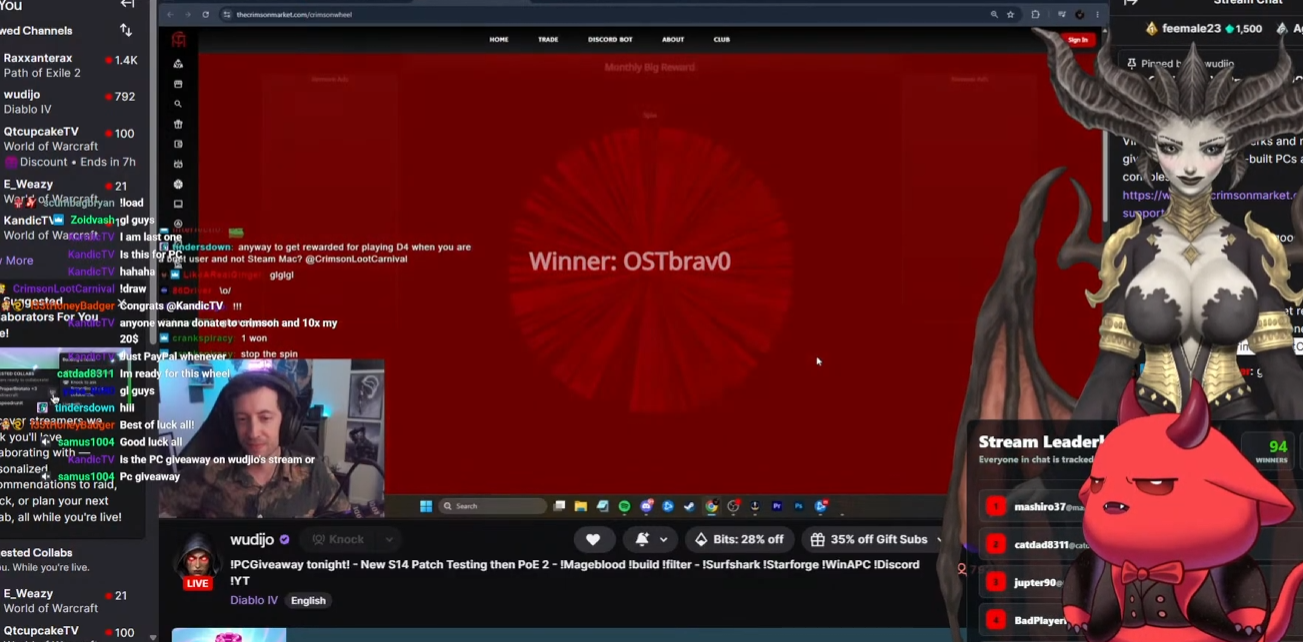
The LP will now be halved for this member. Check our the recap here :  Thank you so much for being a member and supporting us! You won the COOKED PC! The delivery management system will reach out every 2 days to facilitate the delivery through DHL!  OSTbrav0 Congratulations! Guys please congratulation our winning member of the community ❤️ 
Thank you so much for your long term support! Super exciting when a member like this wins as we have had so many people unfortunately fall off, (over 5k life time members and we are at around 600 atm). -- LP will be halved! Thanks for sticking around. The delivery system will email you every 2 days!  Here is the RECAP  https://www.twitch.tv/videos/2763029599 The PC he won     
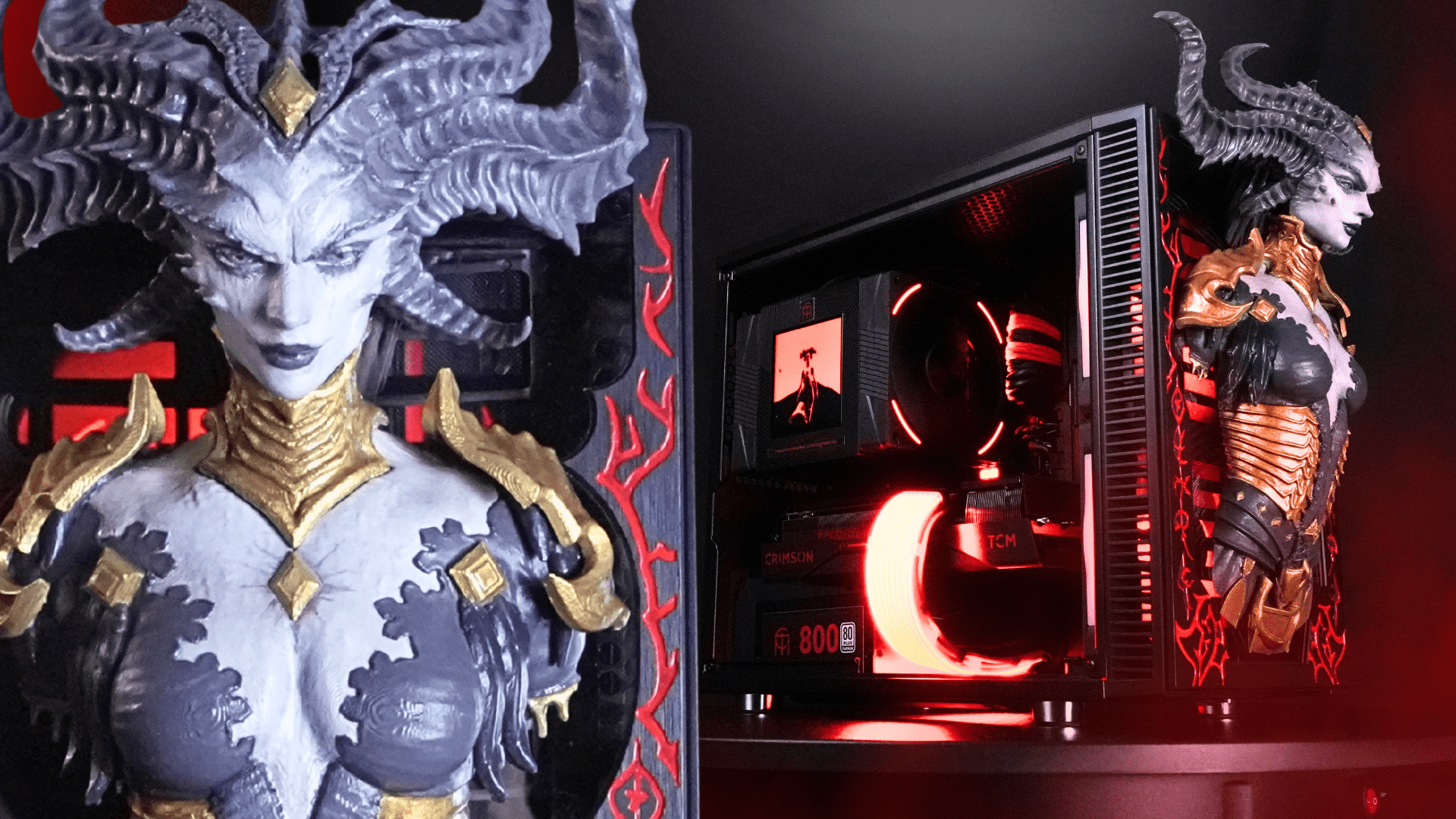
I'd like to take this time to thank all of our members for the support, we're really happy when someone with a lot of points wins! We're already working on packaging this bad boy up for EchoT! The next PC is the Last Epoch PC We've made a couple posts about it.   https://www.facebook.com/share/v/16RttMPgeo/  The reddit post is getting heaps of recognition! Pop in and drop a comment, or leave one here to let us know how you feel about this one. We're doi
The Last Epoch PC Giveaway was won by Connort!  Thanks a lot for your ongoing support! And the PS5 Pro was won by Zumi who had 14 loyalty points! - Golden Ticket is awesome?! Congratulations guys! You would have received a delivery form to fill out from [email protected] and a message directly from me at [email protected]. Let's get these rewards to your door step! We have the illusionator PC up next, keep an eye out on our youtube https://w
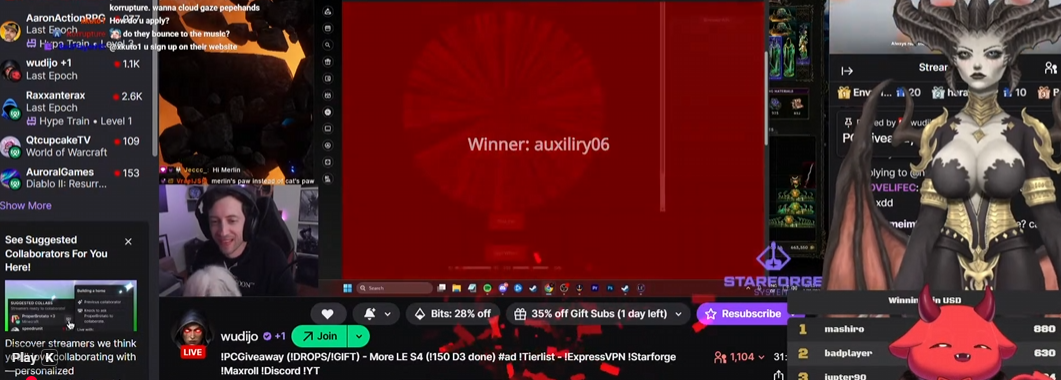
Always happy to give it to a long term member, thank your for supporting us for so long!! ❤️ @auxiliry06 Our automatic delivery system will now send an email every 2 days to notify you about the win for 2 weeks so you can claim it in the delivery management dashboard!  Thank you 🙂 If you missed it, watch it here!  
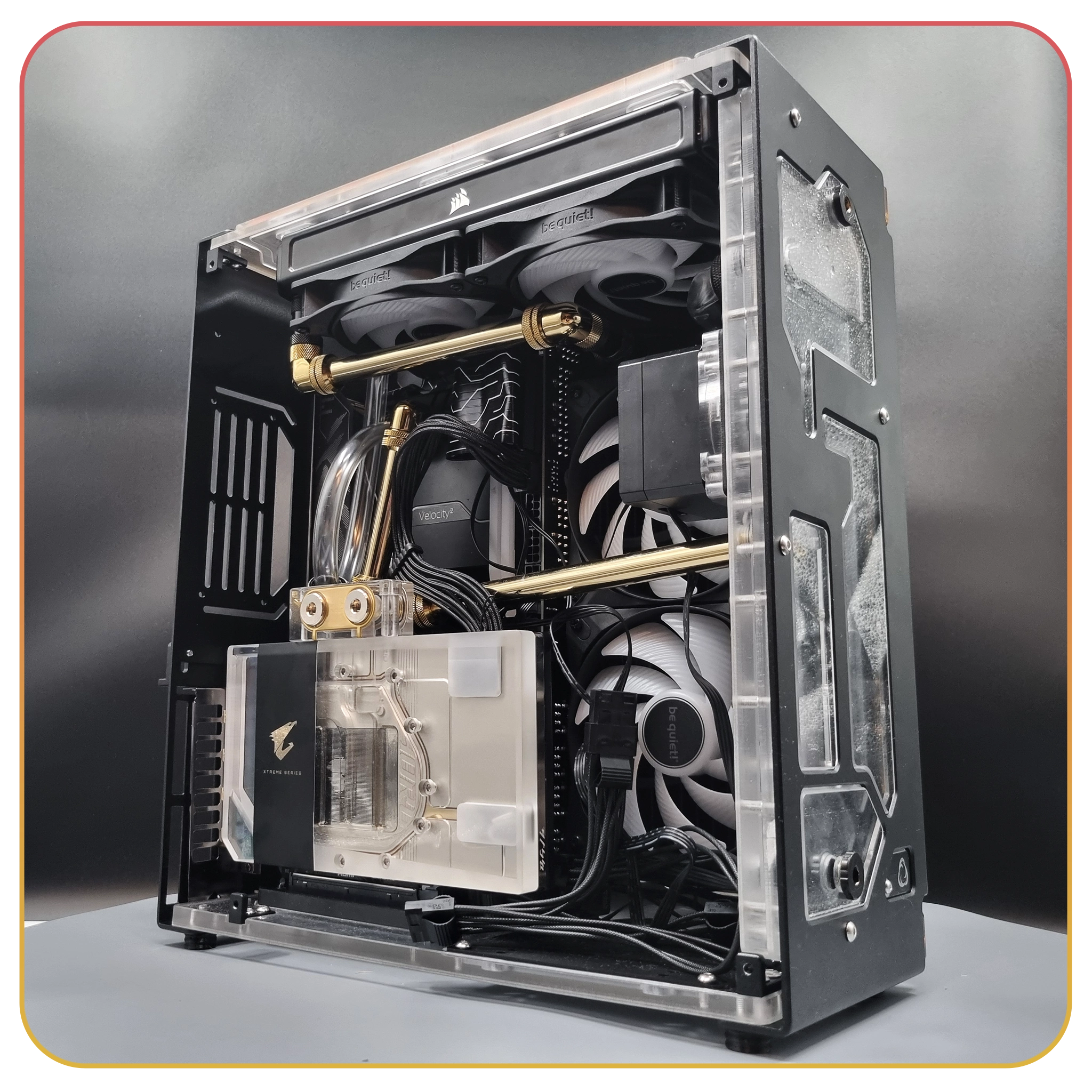
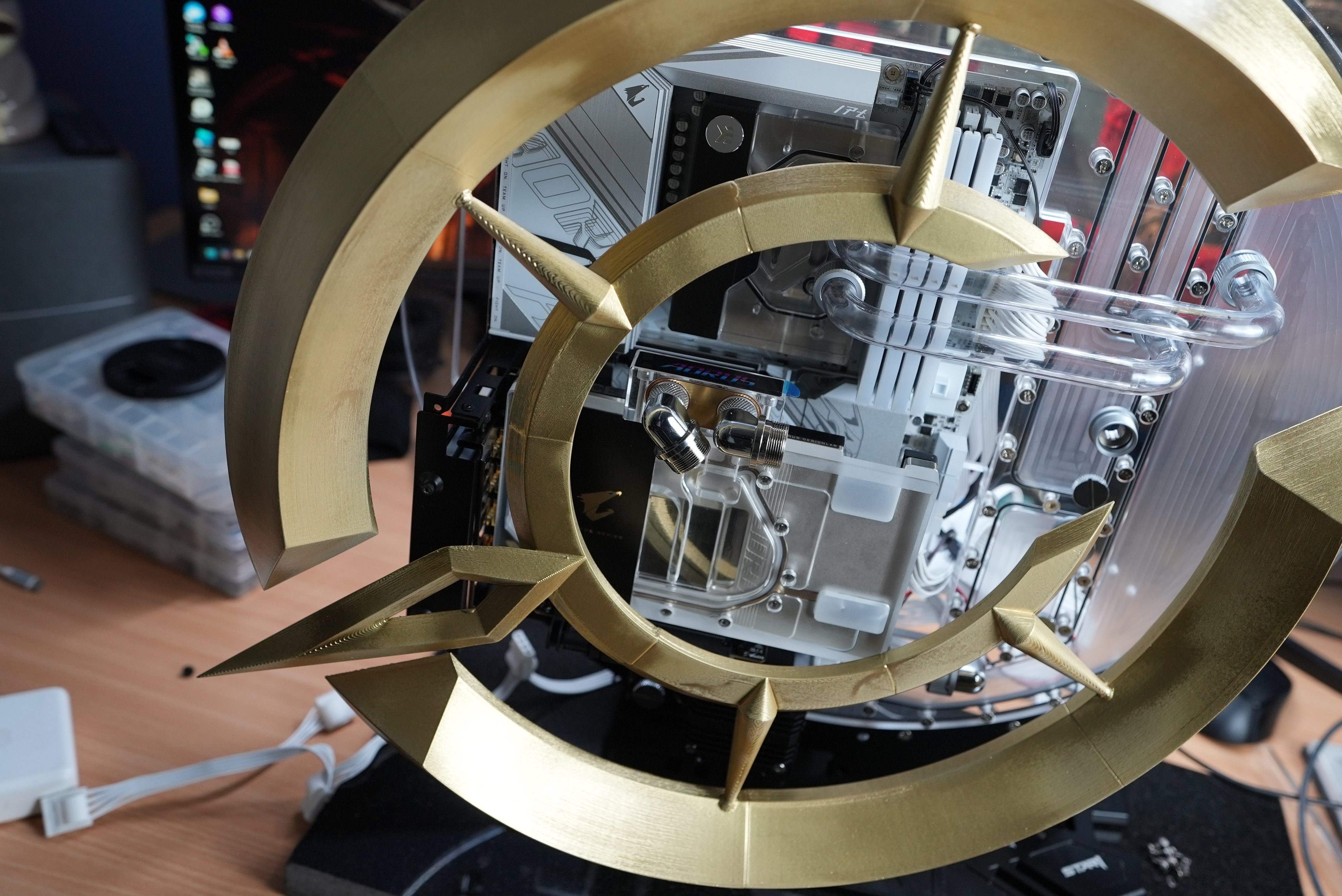
We thought, well, we knew it would be a good idea to give people updates about what is going on in the club since people might be wondering about the progress of the current build, their own reward deliveries, what the next builds might be and overall how the club is going. This is the beginning of that. Let's start with the current build, The Last Epoch PC. This is an extremely difficult build with a very intricate water cooling system and a details case mod which we had to 3D
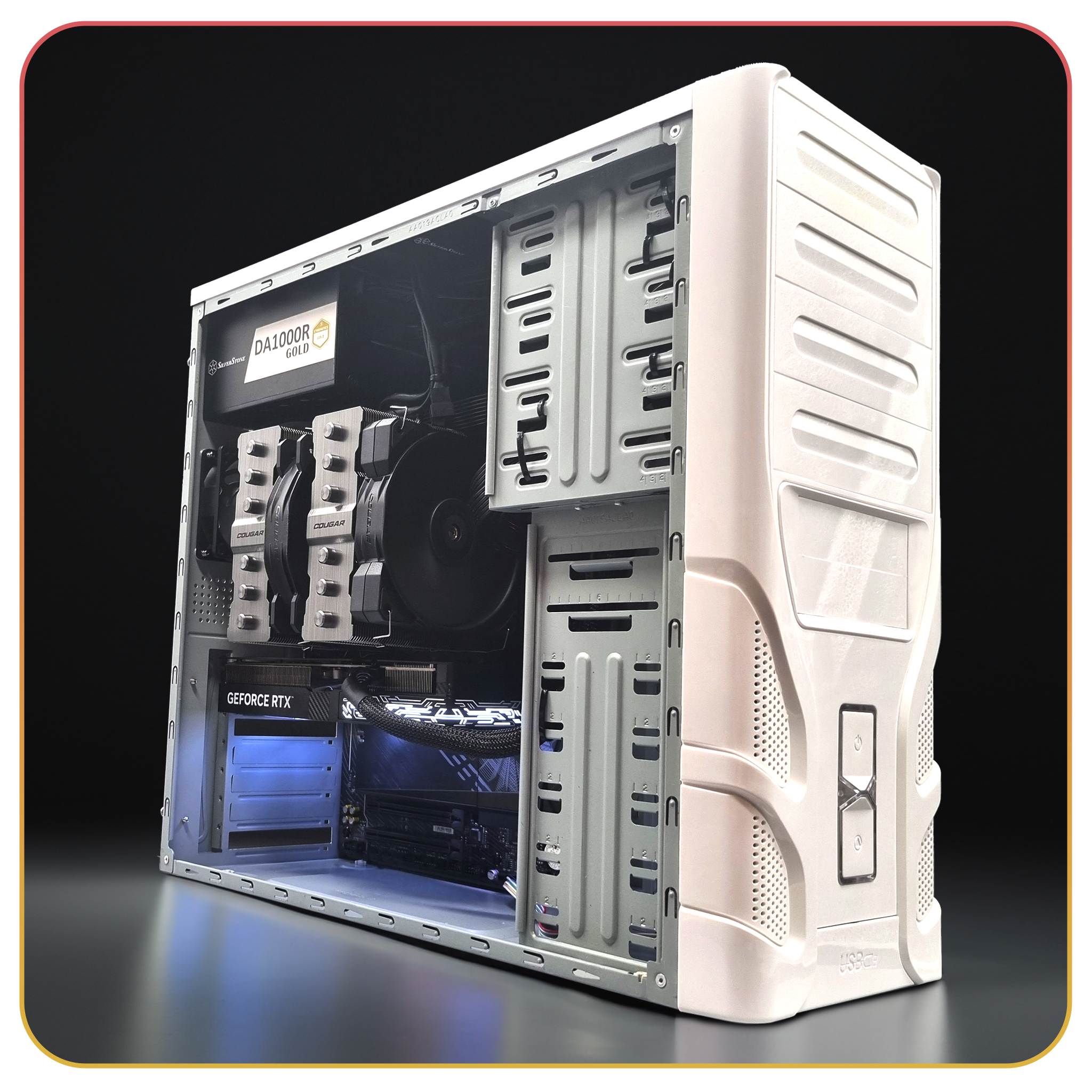
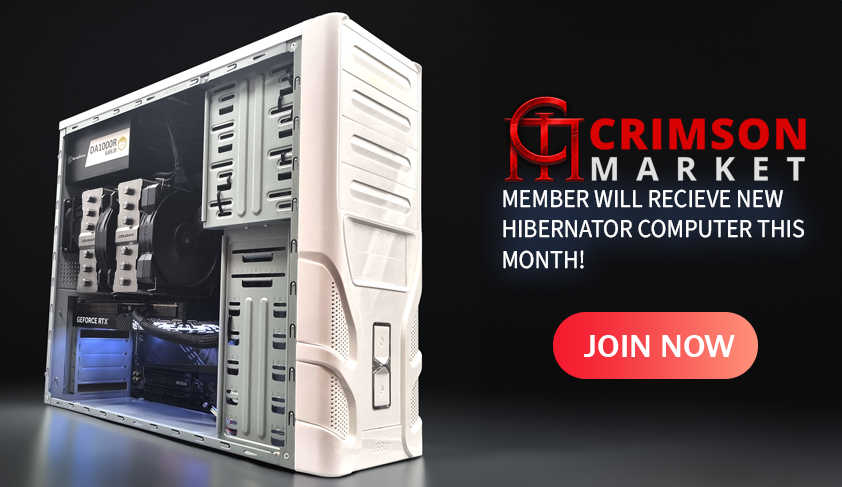
We saw the Hibernator Sleeper PC go out.     CPU: AMD Ryzen 7 9800X3D (AM5, 8 Core) Cooler: Cougar FORZA 135 Premium Dual Tower Air Cooler Motherboard: Gigabyte B850 AORUS ELITE WIFI7 DDR5 ATX RAM: 64GB Corsair Vengeance DDR5 6400MT/s Storage: 4TB Crucial P3 M.2 NVMe PCIe SSD GPU: GALAX RTX 5070 12GB GDDR7 1-Click OC PSU: 1000W SilverStone Gold Modular Gen5 PSU Cooling: Dual 80mm Deepcool Fans, Silverstone PWM Hub Congratulations to the winner adgisme - H

Account

Navigation

Search

Search

Configure browser push notifications

Chrome (Android)
  1. Tap the lock icon next to the address bar.
  2. Tap Permissions → Notifications.
  3. Adjust your preference.
Chrome (Desktop)
  1. Click the padlock icon in the address bar.
  2. Select Site settings.
  3. Find Notifications and adjust your preference.