.cropped.png.cb7ab81d512ea761a6e3e7ed551ad4a4.png)
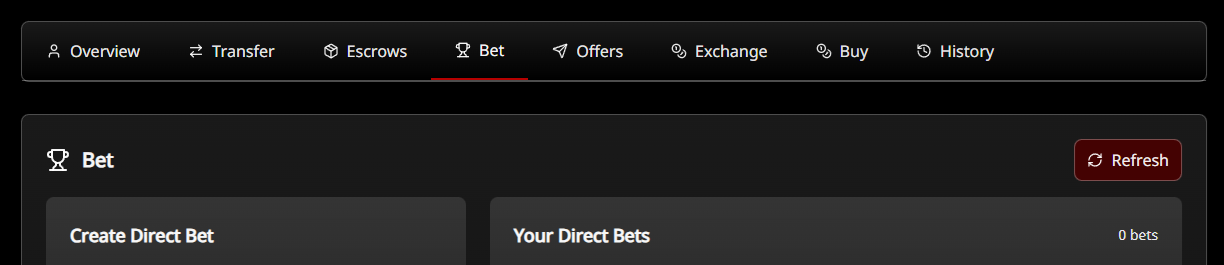
New eSports betting system

By Macsusc in System Update
· 314 views
For those that were in the Crimson Loot Carnival today at https://twitch.tv/crimsonlootcarnival - thank you for piloting our new wager & betting system.
This system allows for a few things, you can create a direct 1v1 bet with one other person for things like duels.
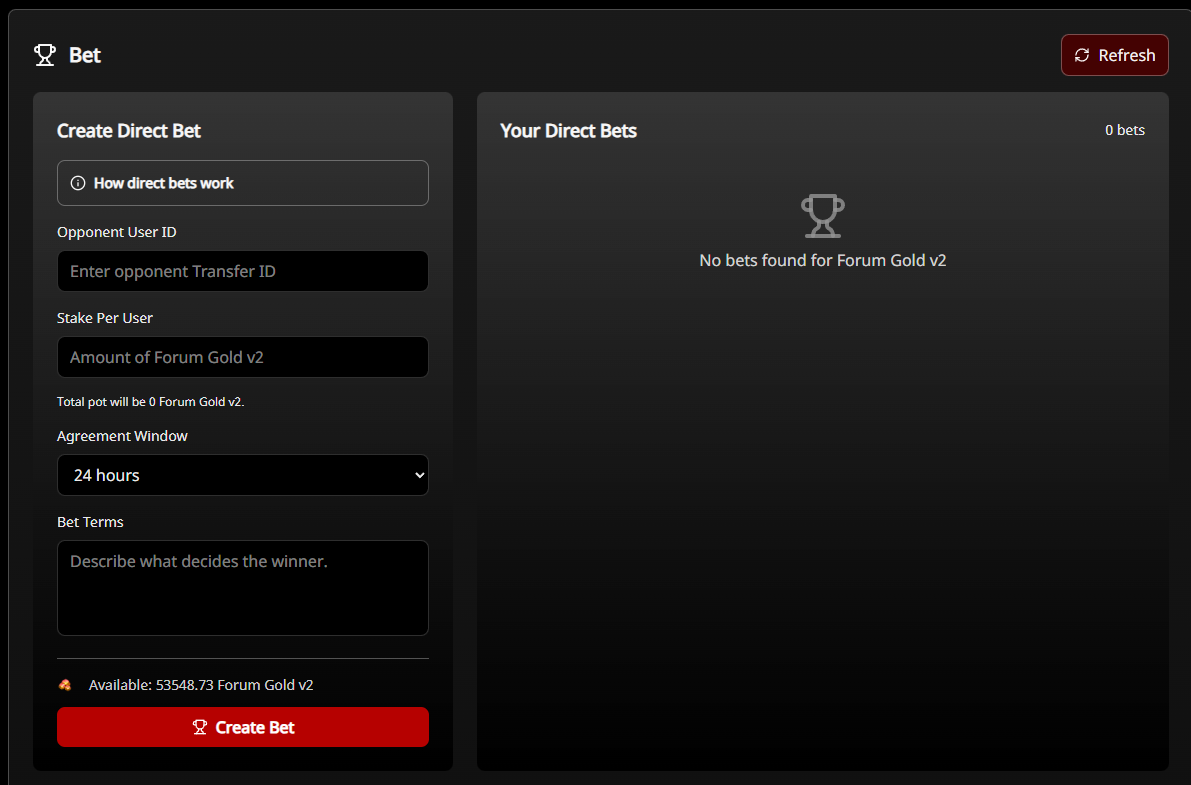
And you can create a pool with as many different out comes as you want, the winners get the whole pool split for them based on their relative size of bet.
We can use Forum Gold v2 and other currencies like Charades Coin in this system.
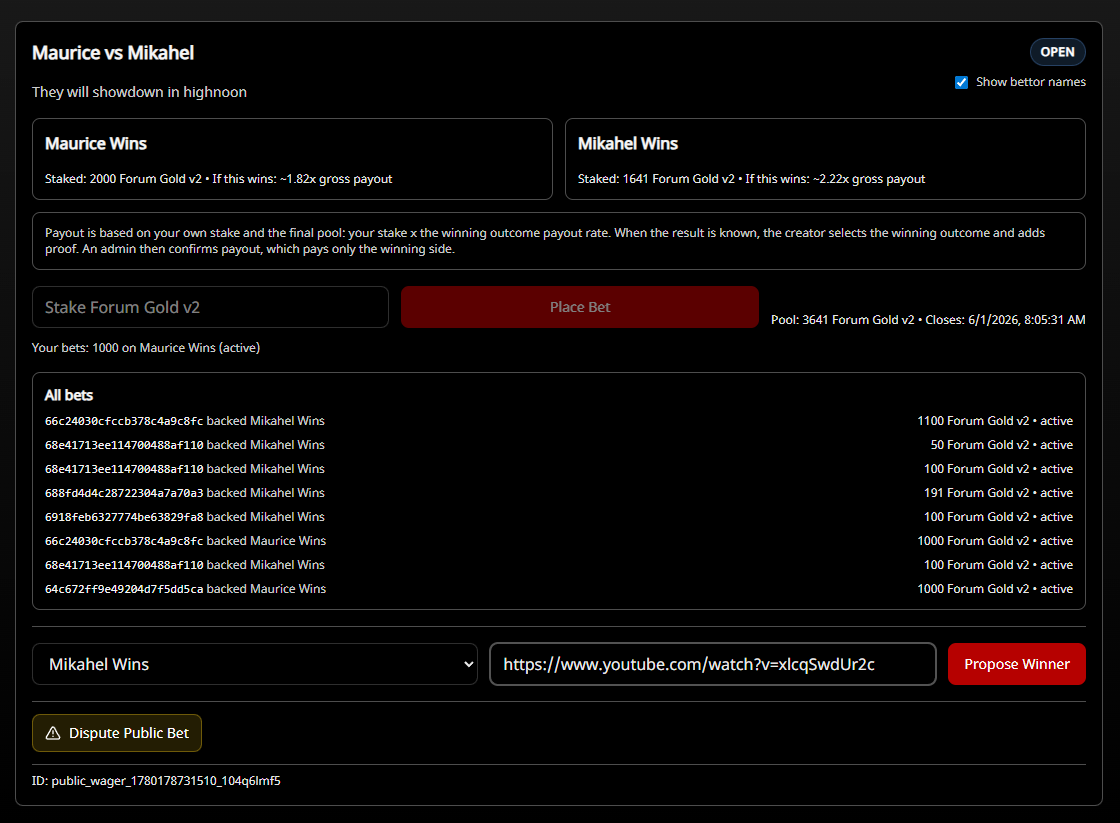
After the event is over, there is a proposed winner and link for proof added, then an admin needs to go and confirm it, if you set admin confirmation (this depends on whether the participants trust the creator or the creator & participants want to put the trust on TCM as an escrow for additional security.
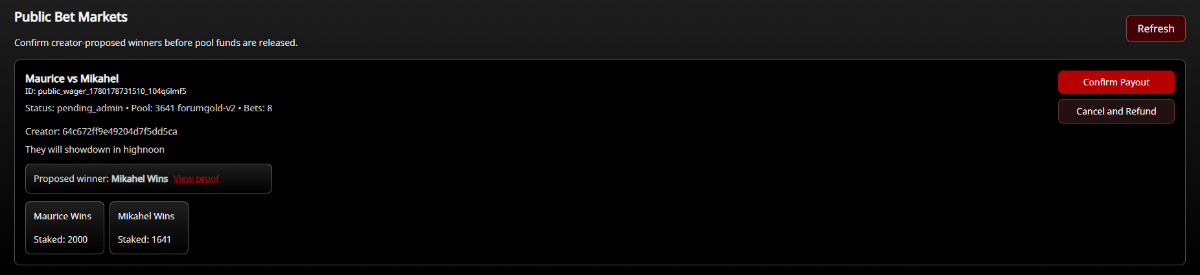
Here from the admin view they are able to confirm the payout or cancel and refund everyone.

In this case it got confirmed & resolved, the winners got all of their forum gold earnings! Well done!
If you go to https://www.thecrimsonmarket.com/forumgold you will see that we are betting with an ingame digital currency which cannot be bought or sold as we are just doing this for fun! Cheers.

Recommended Comments