Skip to content
View in the app

A better way to browse. Learn more.

The Crimson Market

A full-screen app on your home screen with push notifications, badges and more.

To install this app on iOS and iPadOS
  1. Tap the Share icon in Safari
  2. Scroll the menu and tap Add to Home Screen.
  3. Tap Add in the top-right corner.
To install this app on Android
  1. Tap the 3-dot menu (⋮) in the top-right corner of the browser.
  2. Tap Add to Home screen or Install app.
  3. Confirm by tapping Install.

News

A club blog for Feedback & Updates
  • Entries

    8
  • Comments

    8
  • Views

    3041

About this blog

Entries in this blog

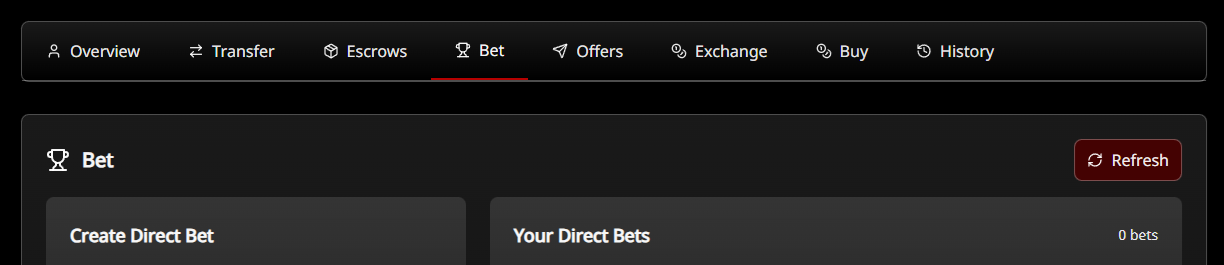
For those that were in the Crimson Loot Carnival today at https://twitch.tv/crimsonlootcarnival - thank you for piloting our new wager & betting system. This system allows for a few things, you can create a direct 1v1 bet with one other person for things like duels. And you can create a pool with as many different out comes as you want, the winners get the whole pool split for them based on their relative size of bet. We can use Forum Gold v2 and other currencies like Ch

Account

Navigation

Search

Search

Configure browser push notifications

Chrome (Android)
  1. Tap the lock icon next to the address bar.
  2. Tap Permissions → Notifications.
  3. Adjust your preference.
Chrome (Desktop)
  1. Click the padlock icon in the address bar.
  2. Select Site settings.
  3. Find Notifications and adjust your preference.