
Skip to content
View in the app

A better way to browse. Learn more.

The Crimson Market

A full-screen app on your home screen with push notifications, badges and more.

To install this app on iOS and iPadOS
  1. Tap the Share icon in Safari
  2. Scroll the menu and tap Add to Home Screen.
  3. Tap Add in the top-right corner.
To install this app on Android
  1. Tap the 3-dot menu (⋮) in the top-right corner of the browser.
  2. Tap Add to Home screen or Install app.
  3. Confirm by tapping Install.

News

A club blog for PC Giveaway Community
  • Entries

    33
  • Comments

    33
  • Views

    67230

About this blog

Information about the current rewards progress, what's happening regarding the club & more.

Entries in this blog

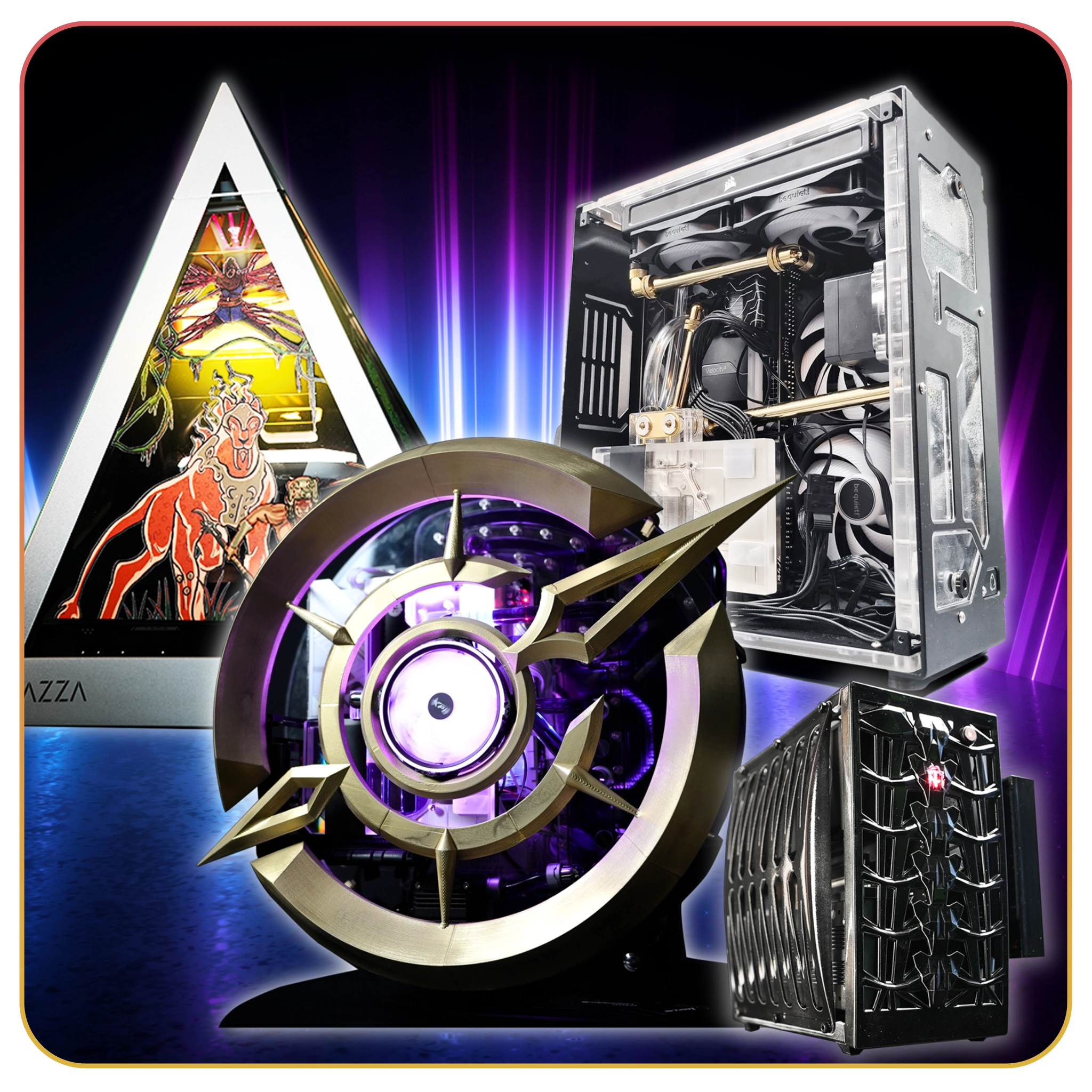
Congratulations Tmac86! Thank you for supporting us! Your name came up on Raxx's stream and then the Crimson PC slice came up right after! Absolutely insane that the first time we do this we hit the 10k PC! I can't wait to hear what you want to build with it, this PC is going to be absolutely insane! If you want to split it as well we can put whatever part into the PC and the rest into anything else like cash or peripherals! Up to you man. Watch this live next time on https:/

Account

Navigation

Search

Search

Configure browser push notifications

Chrome (Android)
  1. Tap the lock icon next to the address bar.
  2. Tap Permissions → Notifications.
  3. Adjust your preference.
Chrome (Desktop)
  1. Click the padlock icon in the address bar.
  2. Select Site settings.
  3. Find Notifications and adjust your preference.
