
Razboss
Members
-
Joined
-
Last visited
-
-
Something new I want to learn is life.
-
something new i want to learn is lif
-
1st world problems
-
-
or slot machine
-
what is all this? i know i been away a minute but im so confused on this new freeble thing
-
https://klipy.com/gifs/head-ache-5
-
Attachments: https://cdn.discordapp.com/attachments/1117418686907678751/1546507212497879151/image0.gif?ex=6aa00894&is=6a9eb714&hm=b5138e20d5139d53620edc71a8fc07fd0927b2197754b6f77cec89e286f17505&
-
you know what does suck with a corpse scanner....when your playing a freeze build and no corpses are left behind...lol
-
elegoo has a really good one for pretty cheap comparativvely
-
whats goin on it?
-
i didnt think poe2 has private leagues yet like poe1
-
Thanks so much Mac! This has been so hopeful you don't even know! You are doing great things with TCM and can't wait to see what is in store for all us! Keep up the grind brother!
-
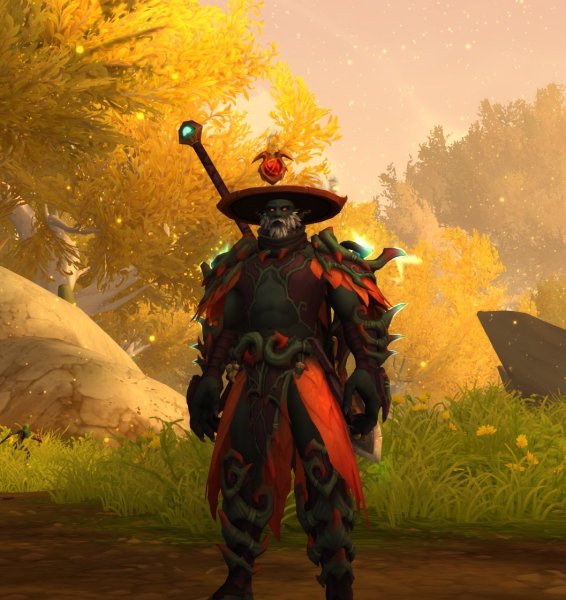 yeah i used a race change that i had sittin there on my alliance druid so i can get a haranir druid. those forms are pretty cool lookin

