
- Open Club
- 38 members
- Free
Transmog Giveaway
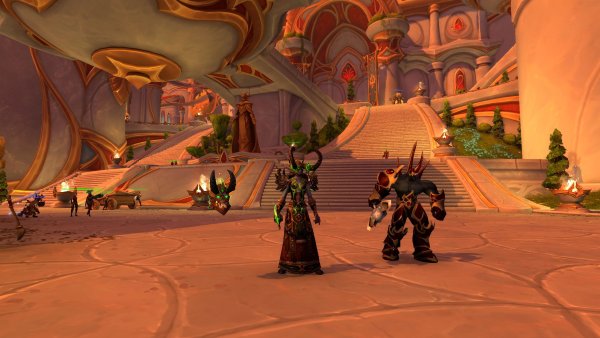
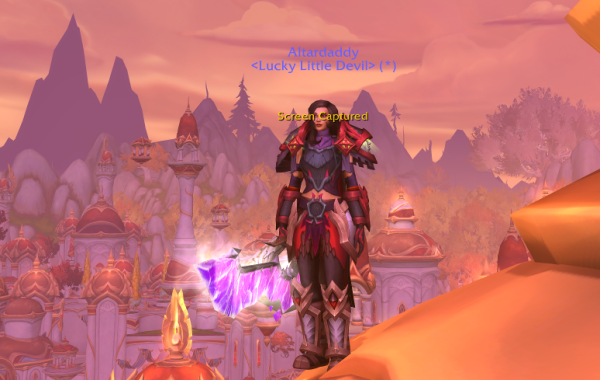
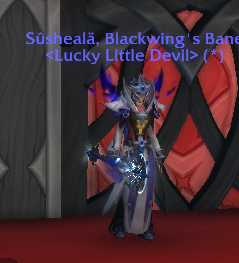
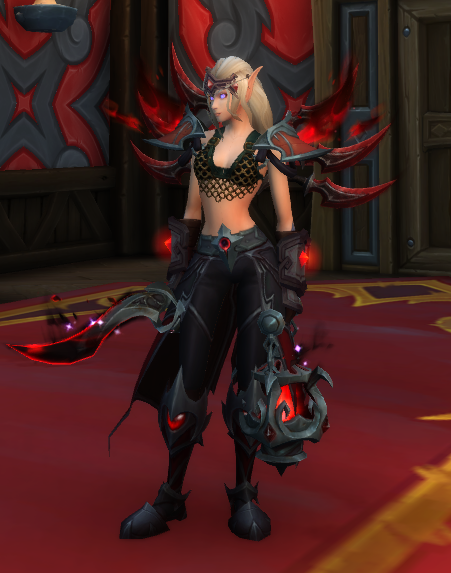
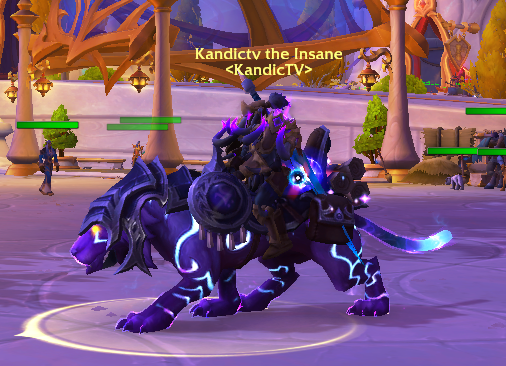
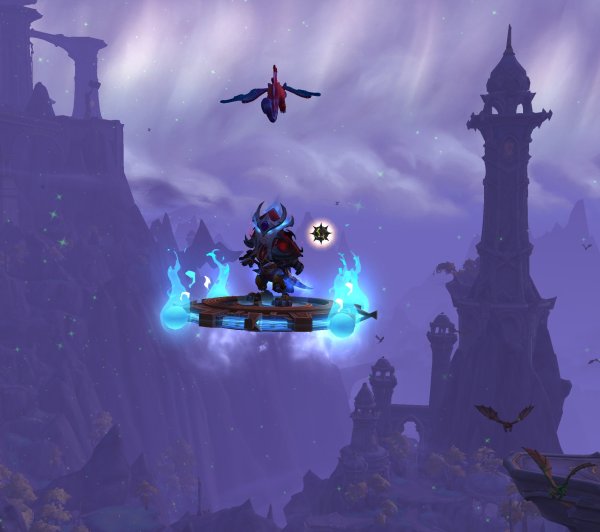
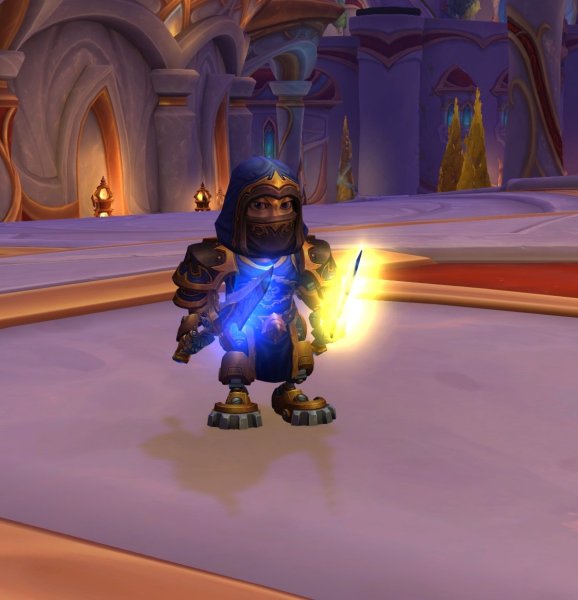
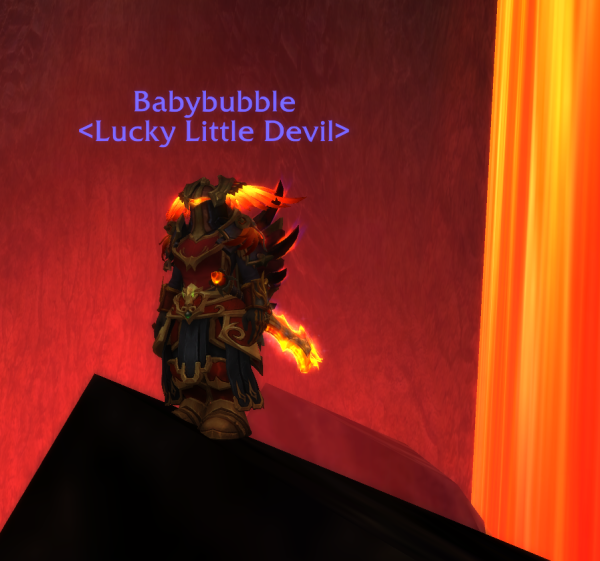
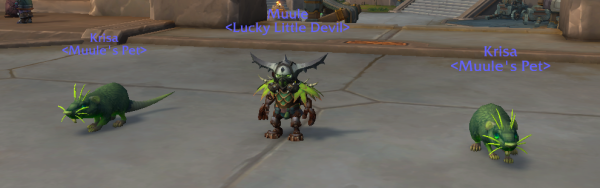
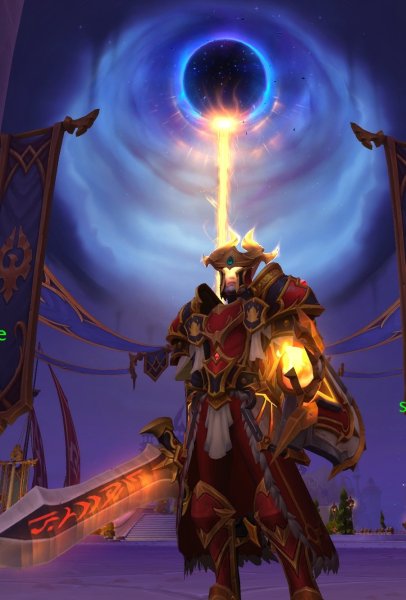
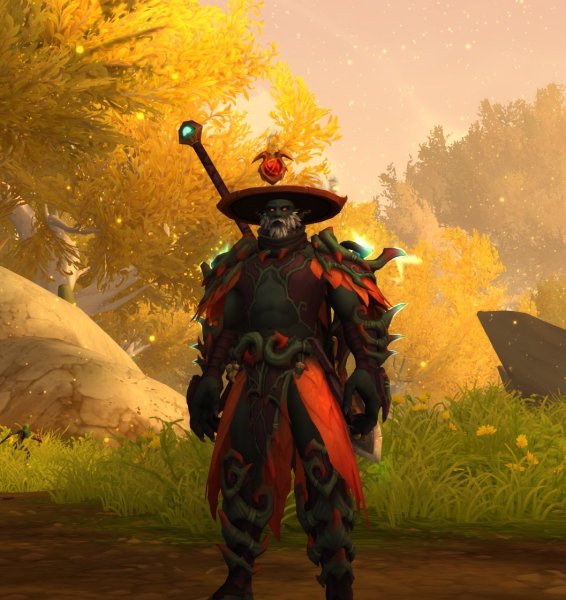
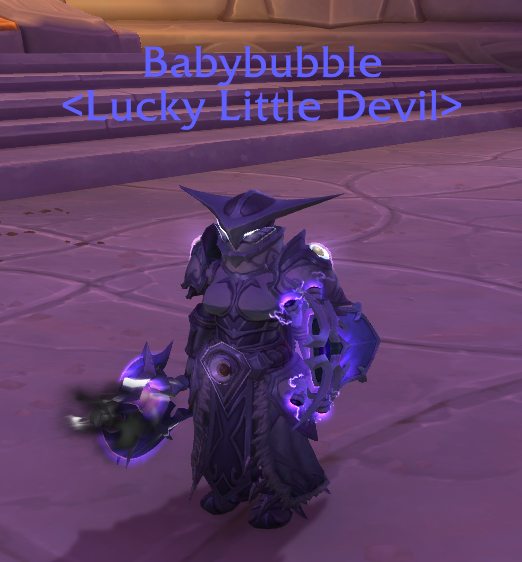
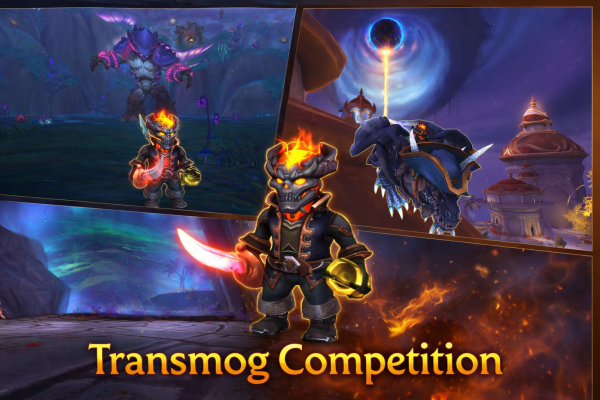
Show off your style! - Screenshot with the most up votes wins $100 every 31 days.
We will check the date from the last $100 winner and do the next one exactly 31 days later.
To upvote, click into the xmog you like best and click the like (love heart) / thanks emoji on the bottom right under the image!
You must vote on at least one other persons xmog to be eligible.
------------------------------------------------------------------------------------------------------
No Theme | Winner #1 - Kittrix - $100
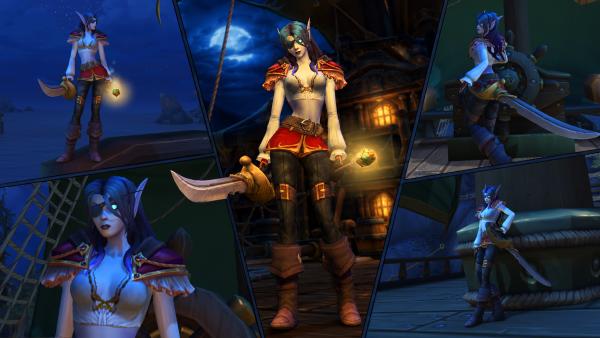
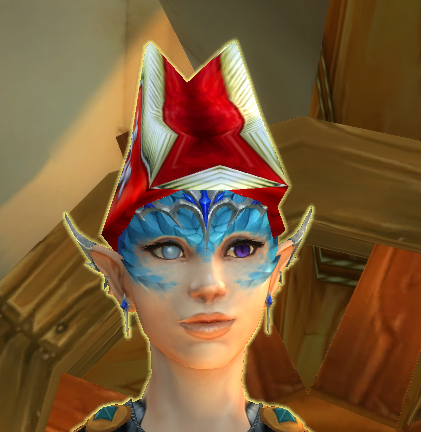
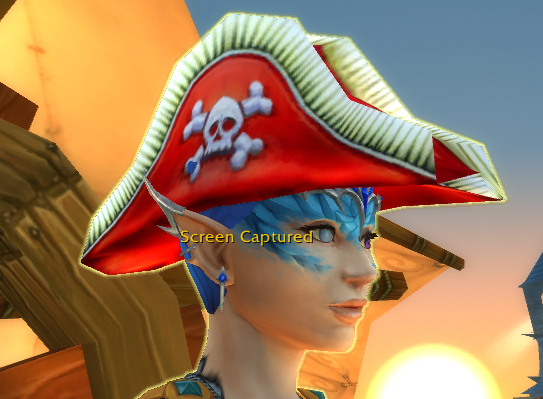
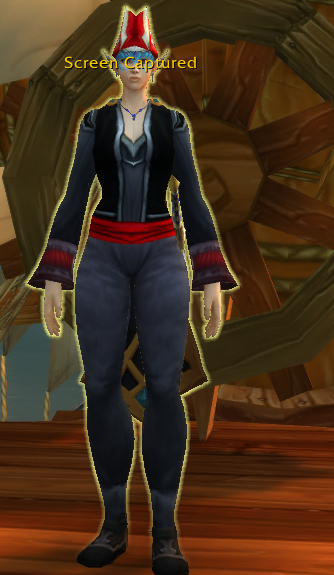
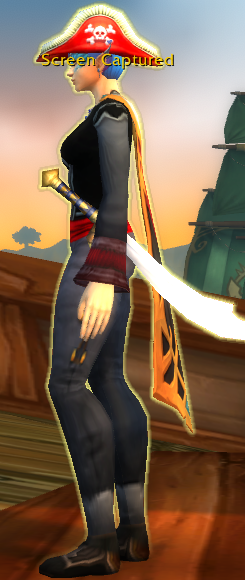
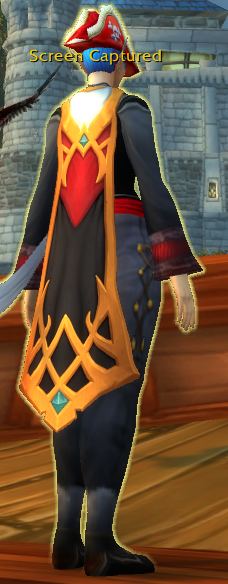
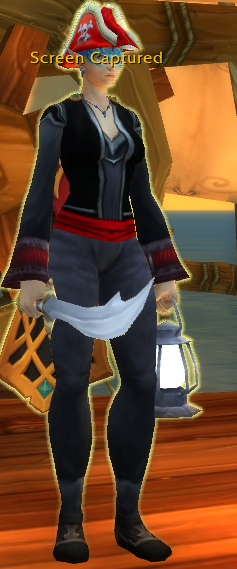
Current Theme | PIRATES! - $100
28 images
-
By AltarDaddy
-
By AltarDaddy
-
By Kittrix
-
By mashiro37 · 1 comment
-
By gandelin · 1 comment
-
By Cat_Dad8311
-
By Cat_Dad8311
-
By Cat_Dad8311
-
By Cat_Dad8311
-
By Cat_Dad8311
-
By Cat_Dad8311
-
By Macsusc
-
By JAC
-
By AltarDaddy
-
-
By Katastophik#1903 · 1 comment
-
By Kittrix · 1 comment
-
By KandicTV#2912 · 2 comments
-
By gandelin · 2 comments
-
By gandelin · 1 comment
-
By Bouncingdan · 1 comment
-
By Macsusc · 1 comment
-
By Razboss
-
By mashiro37 · 1 comment
-
By Vidarious · 2 comments
-
By Bouncingdan · 1 comment
-
By Elisian · 1 comment
-
By Macsusc



.png.2bf46cacf7b04567ad7fea7bb2b50669.png)