

Skip to content
View in the app

A better way to browse. Learn more.

The Crimson Market

A full-screen app on your home screen with push notifications, badges and more.

To install this app on iOS and iPadOS
  1. Tap the Share icon in Safari
  2. Scroll the menu and tap Add to Home Screen.
  3. Tap Add in the top-right corner.
To install this app on Android
  1. Tap the 3-dot menu (⋮) in the top-right corner of the browser.
  2. Tap Add to Home screen or Install app.
  3. Confirm by tapping Install.

News

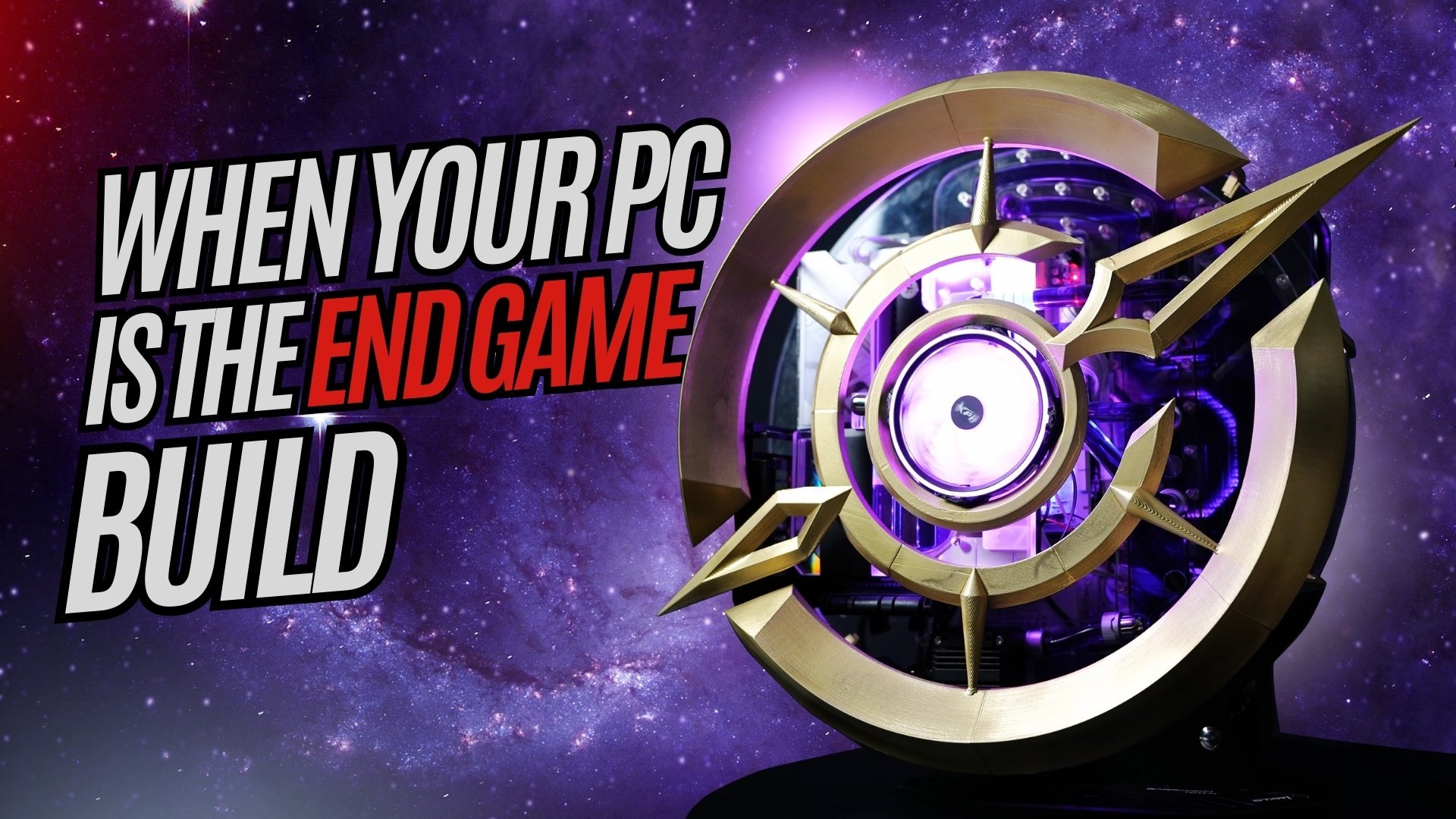
Congratulations Connort! You won the Last Epoch PC - Zumi won the PS5 Pro

The Last Epoch PC Giveaway was won by Connort! 
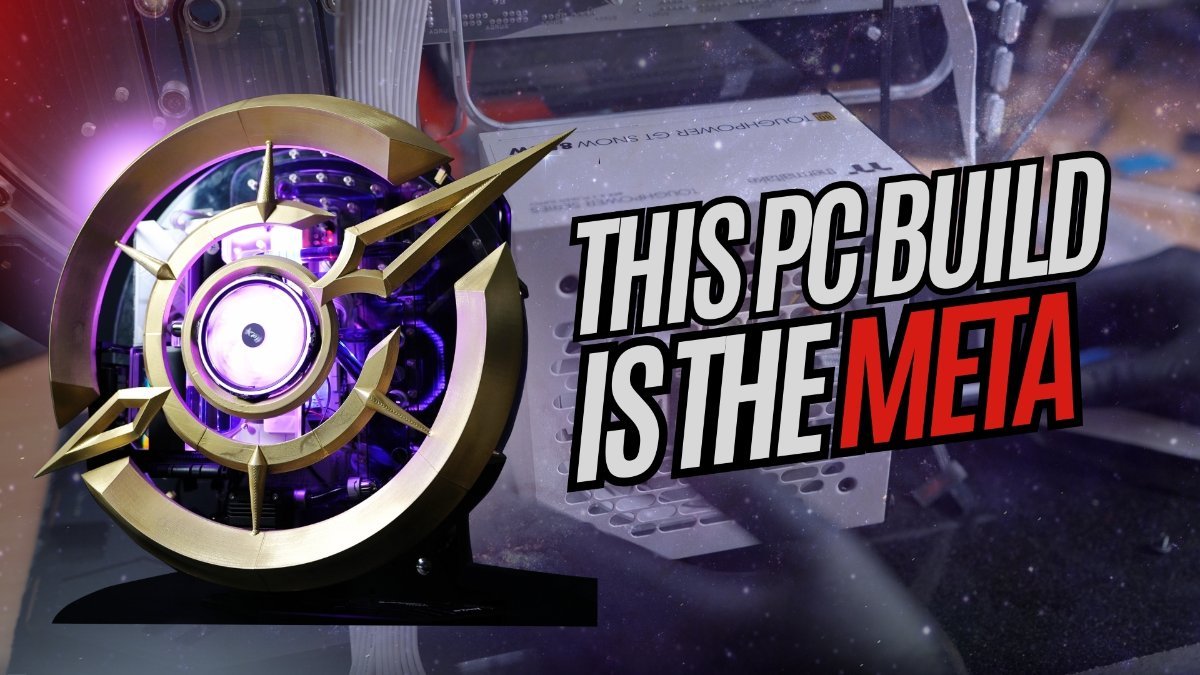
image.thumb.jpeg.afa19049b1adb3e5903e98ba0a61e7fb.jpeg

Thanks a lot for your ongoing support!

And the PS5 Pro was won by Zumi who had 14 loyalty points! - Golden Ticket is awesome?!

51CDdpVqE+L._AC_SL1500_.jpg

Congratulations guys!

You would have received a delivery form to fill out from [email protected] and a message directly from me at [email protected].

Let's get these rewards to your door step!

We have the illusionator PC up next, keep an eye out on our youtube https://www.youtube.com/@CrimsonComputerClub for more updates on it!
I can't believe how trippy it turned out to be!
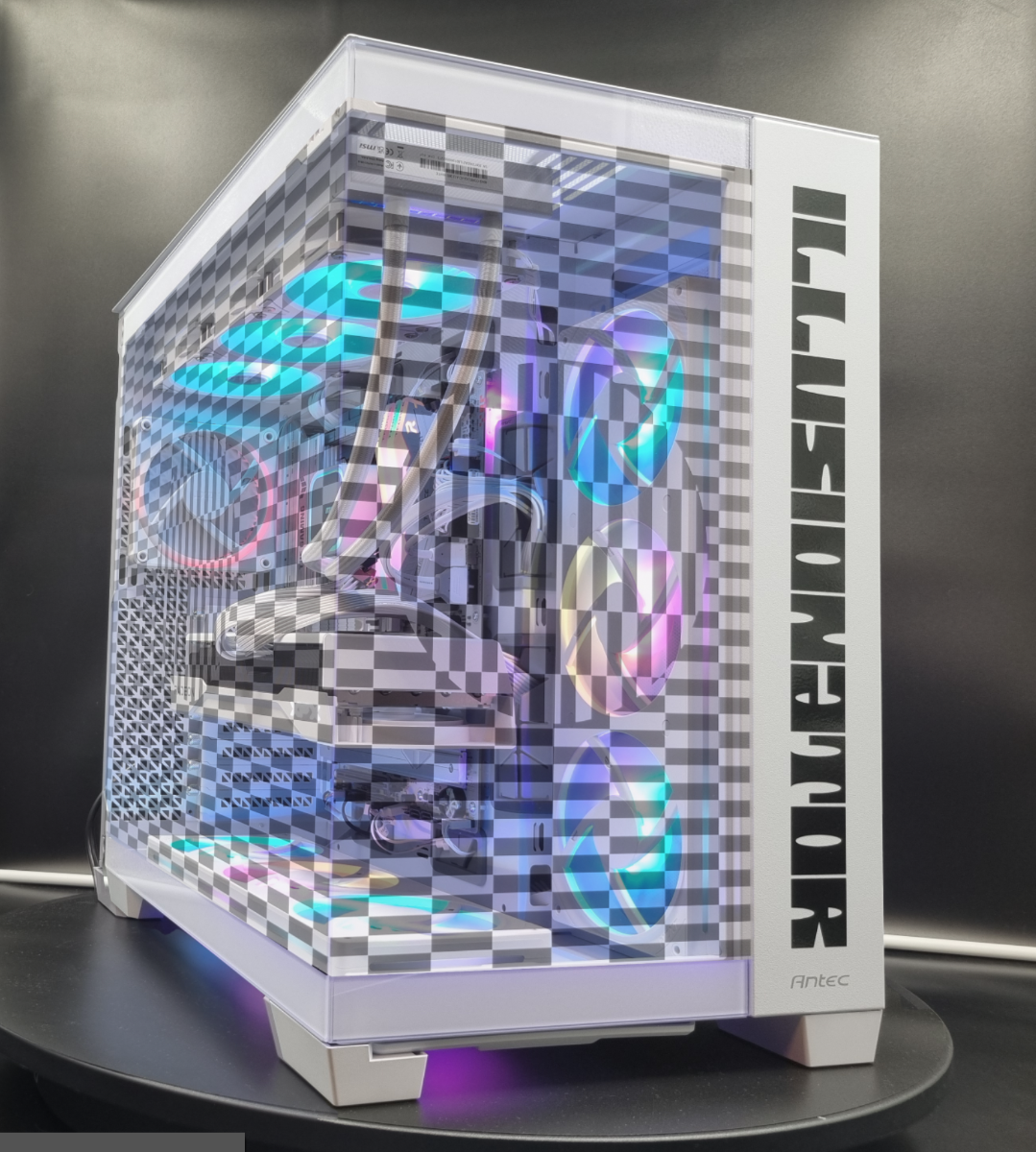
image.thumb.png.6e252daf1627909d64d0f4daae335c86.png

1 Comment

Recommended Comments

BloodRaveen

Members

(edited)

Insane look for the illusionator! I like it 😄.

Edited by BloodRaveen

Guest
Add a comment...

Account

Navigation

Search

Search

Configure browser push notifications

Chrome (Android)
  1. Tap the lock icon next to the address bar.
  2. Tap Permissions → Notifications.
  3. Adjust your preference.
Chrome (Desktop)
  1. Click the padlock icon in the address bar.
  2. Select Site settings.
  3. Find Notifications and adjust your preference.