
Skip to content
View in the app

A better way to browse. Learn more.

The Crimson Market

A full-screen app on your home screen with push notifications, badges and more.

To install this app on iOS and iPadOS
  1. Tap the Share icon in Safari
  2. Scroll the menu and tap Add to Home Screen.
  3. Tap Add in the top-right corner.
To install this app on Android
  1. Tap the 3-dot menu (⋮) in the top-right corner of the browser.
  2. Tap Add to Home screen or Install app.
  3. Confirm by tapping Install.

News

A club blog for World of Warcraft
  • Entries

    3
  • Comments

    2
  • Views

    1295

About this blog

Entries in this blog

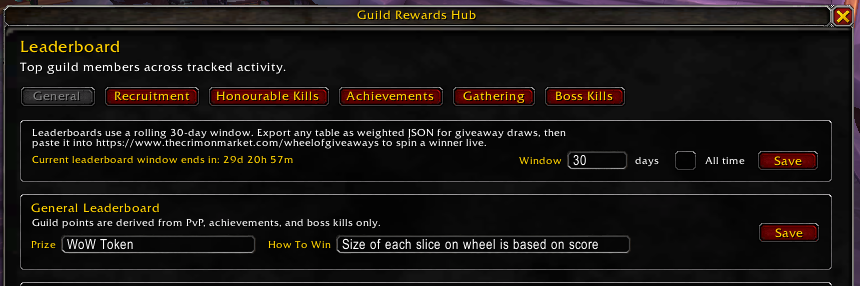
Hi everyone, I had to rebuild the addon, the way data syncs in WoW with addons made it unfeasible to create what I first imagined. However, I think this will be much easier to understand and I have built something even better for us. The addon has a new update so please install it through CurseForge and check it out. We will now handle all giveaways through the leaderboard and milestone system.

Account

Navigation

Search

Search

Configure browser push notifications

Chrome (Android)
  1. Tap the lock icon next to the address bar.
  2. Tap Permissions → Notifications.
  3. Adjust your preference.
Chrome (Desktop)
  1. Click the padlock icon in the address bar.
  2. Select Site settings.
  3. Find Notifications and adjust your preference.