
Skip to content
View in the app

A better way to browse. Learn more.

The Crimson Market

A full-screen app on your home screen with push notifications, badges and more.

To install this app on iOS and iPadOS
  1. Tap the Share icon in Safari
  2. Scroll the menu and tap Add to Home Screen.
  3. Tap Add in the top-right corner.
To install this app on Android
  1. Tap the 3-dot menu (⋮) in the top-right corner of the browser.
  2. Tap Add to Home screen or Install app.
  3. Confirm by tapping Install.

News

A club blog for Crimson Loot Carnival
  • Entries

    9
  • Comments

    2
  • Views

    7954

About this blog

All the latest updates for The Crimson Loot Carnival!

Entries in this blog

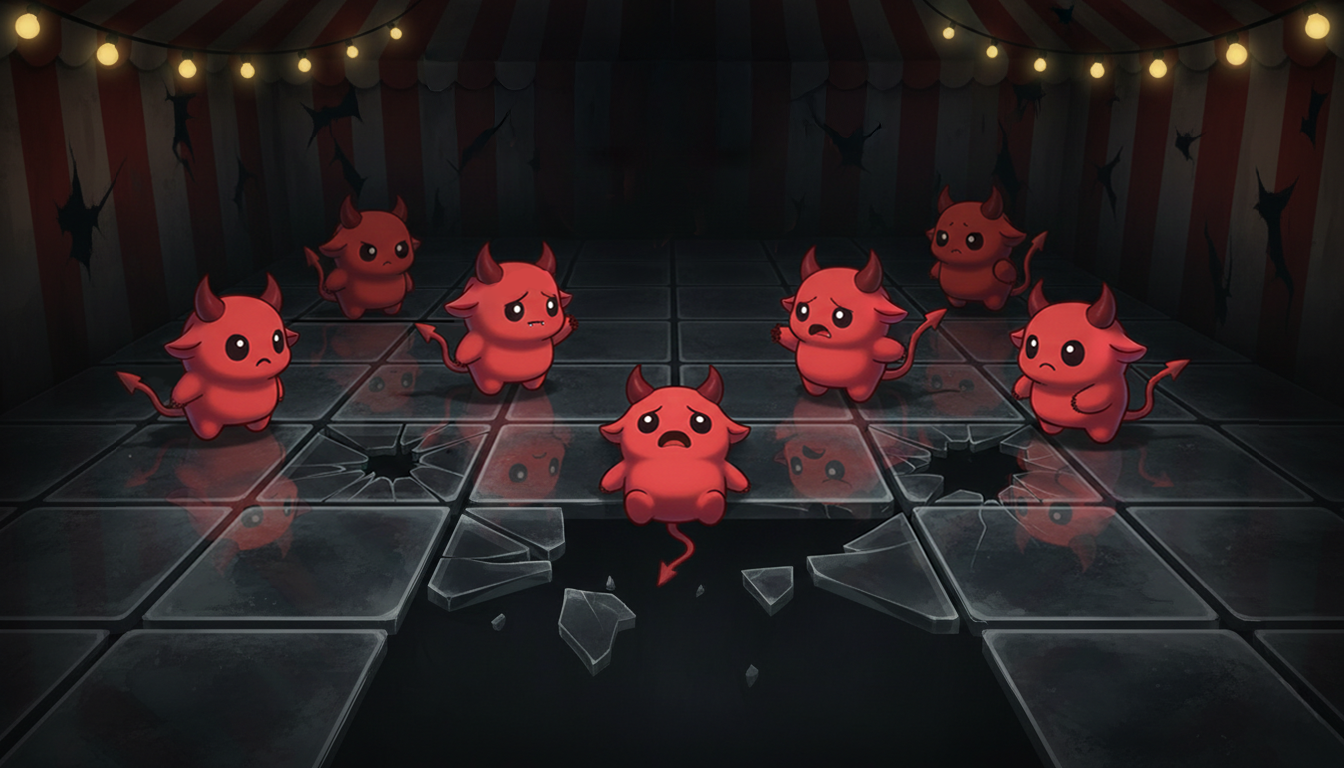
Floor is Glass is Giveaway Game where we people can Freeble. Everyone players as a Lucky Little Devil. Anyone can host a game. Once players enter the lobby, they can choose a tile to stand on. Every round, the host can click "Go" which allows players to move up, down, left or right. - Each round, random glass tiles will crack. - After three cracks in the same tile, the glass will break - Any lucky little devil standing on a tile which breaks, gets eliminated. Last
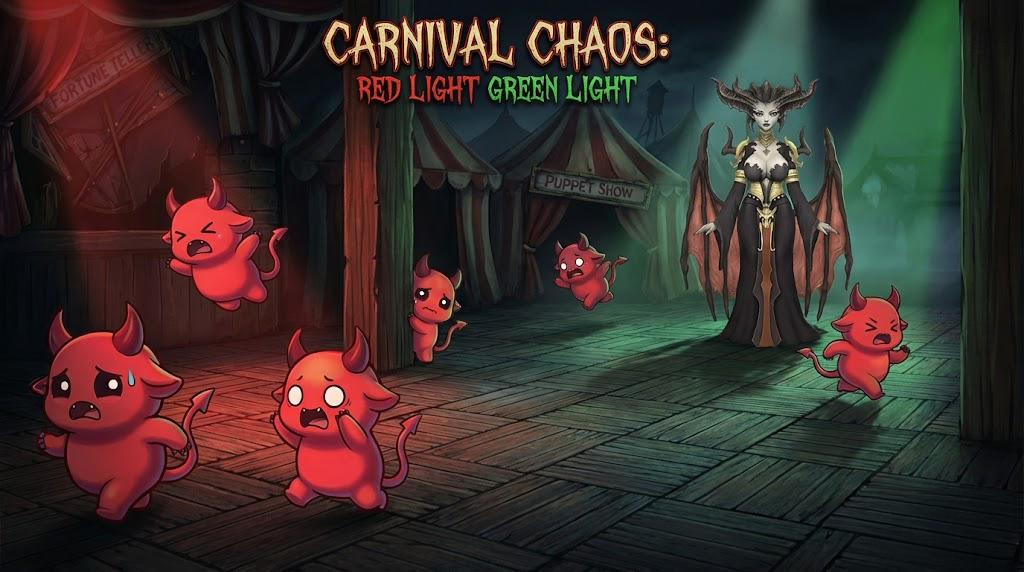
Red Light Green Light Giveaway Game on Twitch Interactive Giveaway Games With Real Prizes This is a Red Light Green Light giveaway game inspired by Squid Game and hosted live on Twitch. It is a turn based giveaway game where players compete in real time to win actual prizes, not random drops or chat based lotteries. If you are searching for giveaway games, Twitch giveaway games, or a Red Light Green Light game with prizes, this experience is designed exactly for that. Inspi

Account

Navigation

Search

Search

Configure browser push notifications

Chrome (Android)
  1. Tap the lock icon next to the address bar.
  2. Tap Permissions → Notifications.
  3. Adjust your preference.
Chrome (Desktop)
  1. Click the padlock icon in the address bar.
  2. Select Site settings.
  3. Find Notifications and adjust your preference.