

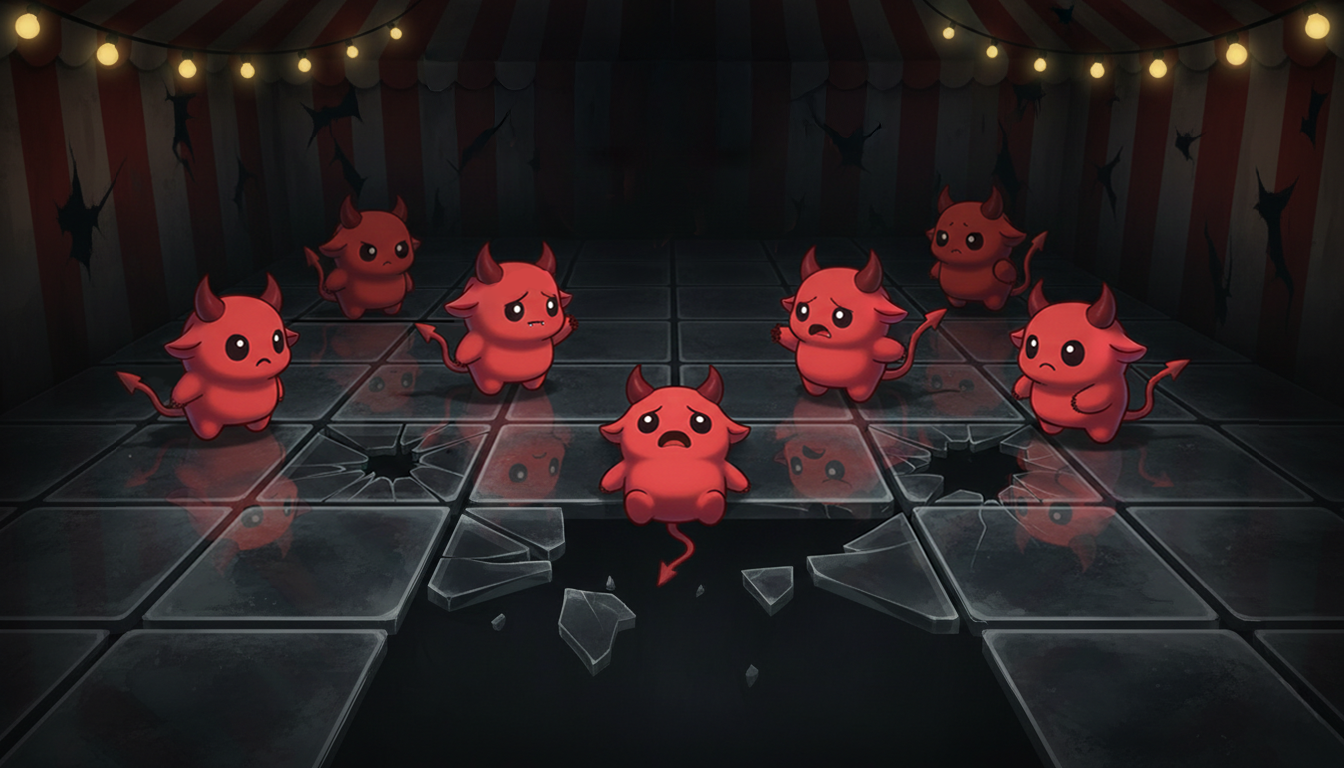
Floor is Glass

Floor is Glass is Giveaway Game where we people can Freeble.
Everyone players as a Lucky Little Devil.
Anyone can host a game.
Once players enter the lobby, they can choose a tile to stand on.
Every round, the host can click "Go" which allows players to move up, down, left or right.
- Each round, random glass tiles will crack.
- After three cracks in the same tile, the glass will break
- Any lucky little devil standing on a tile which breaks, gets eliminated.
Last man standing wins.
Since this is a Freeble game, we want to make sure a giveaway always happens, so if everyone is eliminated together on the last round, the game will choose someone randomly from the final group which is eliminated.
Host a game here -> https://www.thecrimsonmarket.com/giveawaygames
Or come join us on the next Twitch stream (3PM CST Every Saturday) to win some moooooooooney 🙂 (We've given away over $9000 USD in games just like this on our stream so far!)

Recommended Comments