Skip to content
View in the app

A better way to browse. Learn more.

The Crimson Market

A full-screen app on your home screen with push notifications, badges and more.

To install this app on iOS and iPadOS
  1. Tap the Share icon in Safari
  2. Scroll the menu and tap Add to Home Screen.
  3. Tap Add in the top-right corner.
To install this app on Android
  1. Tap the 3-dot menu (⋮) in the top-right corner of the browser.
  2. Tap Add to Home screen or Install app.
  3. Confirm by tapping Install.

News

A club blog for Crimson Loot Carnival
  • Entries

    9
  • Comments

    2
  • Views

    7944

About this blog

All the latest updates for The Crimson Loot Carnival!

Entries in this blog

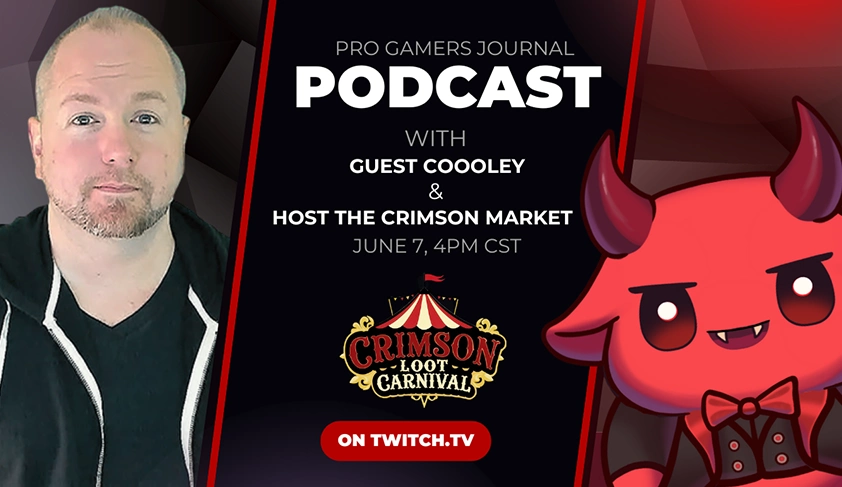
Behind the Scenes with Coooley - Pro Gamers Journal Exclusive What does it take to become one of the most talked-about Diablo 2 Resurrected streamers on Twitch and YouTube? In this exclusive episode of Pro Gamers Journal, we go behind the scenes with Coooley, the creator of the Diablo Fighting Championship and a rising force in the ARPG streaming world. We break down how Coooley became a staple in the PvP community, how he’s navigated the ups and downs of content creation burnout, and

Account

Navigation

Search

Search

Configure browser push notifications

Chrome (Android)
  1. Tap the lock icon next to the address bar.
  2. Tap Permissions → Notifications.
  3. Adjust your preference.
Chrome (Desktop)
  1. Click the padlock icon in the address bar.
  2. Select Site settings.
  3. Find Notifications and adjust your preference.
