

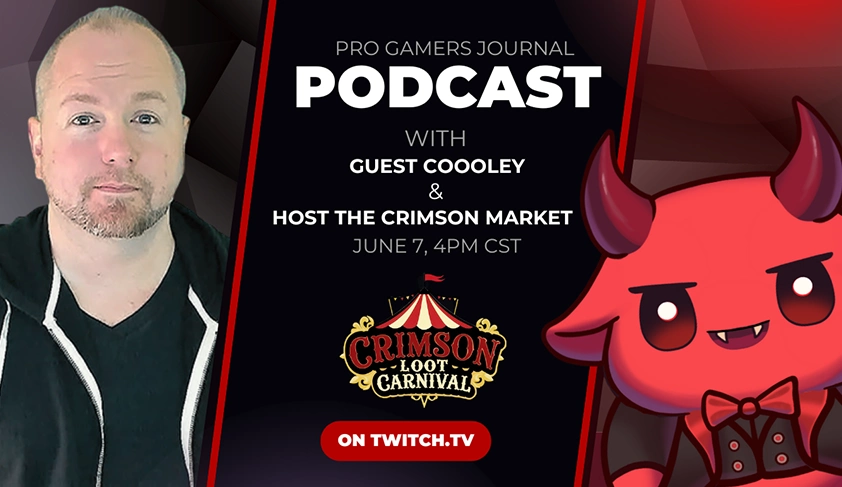
Coooley Interview
- behind the scenes diablo streamer
- coooley diablo strategy
- coooleytv twitch profile
- d2r tournament host
- diablo 2 pvp builds
- diablo 2 pvp streamer
- diablo 2 resurrected monetization
- diablo 2 streamer rankings
- diablo fighting championship creator
- how to grow on twitch arpg
- how to run d2r events
- pro gamers journal coooley
- twitch burnout recovery
- twitch diablo 2 community
- youtube arpg content creator

Behind the Scenes with Coooley - Pro Gamers Journal Exclusive
What does it take to become one of the most talked-about Diablo 2 Resurrected streamers on Twitch and YouTube? In this exclusive episode of Pro Gamers Journal, we go behind the scenes with Coooley, the creator of the Diablo Fighting Championship and a rising force in the ARPG streaming world.
We break down how Coooley became a staple in the PvP community, how he’s navigated the ups and downs of content creation burnout, and what it’s like to balance authenticity with monetization in a space full of hype and pressure. He talks about creator mindset, audience loyalty, and what Blizzard still needs to fix in D2R to truly revive the game.
You’ll get insights into PvP builds, tournament organizing, Twitch growth, YouTube strategy, and a surprise appearance by the show’s chaotic co-host LilithMommy.
Whether you’re looking to master PvP, grow your own ARPG channel, or just find out what makes Coooley tick, this is your inside look at one of the most unique creators in modern gaming.
You can find the podcast here : https://www.twitch.tv/crimsonlootcarnival
The Youtube recaps here : https://www.youtube.com/@ProGamersJournal
Find Coooley
Edited by Merzal#1414

Recommended Comments