
Skip to content
View in the app

A better way to browse. Learn more.

The Crimson Market

A full-screen app on your home screen with push notifications, badges and more.

To install this app on iOS and iPadOS
  1. Tap the Share icon in Safari
  2. Scroll the menu and tap Add to Home Screen.
  3. Tap Add in the top-right corner.
To install this app on Android
  1. Tap the 3-dot menu (⋮) in the top-right corner of the browser.
  2. Tap Add to Home screen or Install app.
  3. Confirm by tapping Install.

News

A club blog for PC Giveaway Community
  • Entries

    33
  • Comments

    33
  • Views

    65809

About this blog

Information about the current rewards progress, what's happening regarding the club & more.

Entries in this blog

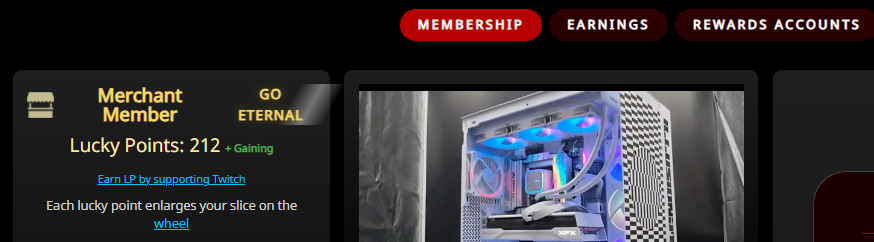
Hi everyone, A quick update, you may have seen some changes in your account related to your Lucky Point count. We have just finalised a migration where every Lucky Point from each subscription was added to your Rewards Account balance. This is in an effort to prepare our system to be easier to verify by a third party which we are considering as we want our trust, verification and transparency to be as well done as possible. Now Lucky Points are all in account balances rather

Account

Navigation

Search

Search

Configure browser push notifications

Chrome (Android)
  1. Tap the lock icon next to the address bar.
  2. Tap Permissions → Notifications.
  3. Adjust your preference.
Chrome (Desktop)
  1. Click the padlock icon in the address bar.
  2. Select Site settings.
  3. Find Notifications and adjust your preference.
