Skip to content
View in the app

A better way to browse. Learn more.

The Crimson Market

A full-screen app on your home screen with push notifications, badges and more.

To install this app on iOS and iPadOS
  1. Tap the Share icon in Safari
  2. Scroll the menu and tap Add to Home Screen.
  3. Tap Add in the top-right corner.
To install this app on Android
  1. Tap the 3-dot menu (⋮) in the top-right corner of the browser.
  2. Tap Add to Home screen or Install app.
  3. Confirm by tapping Install.

News

So excited

Featured Replies

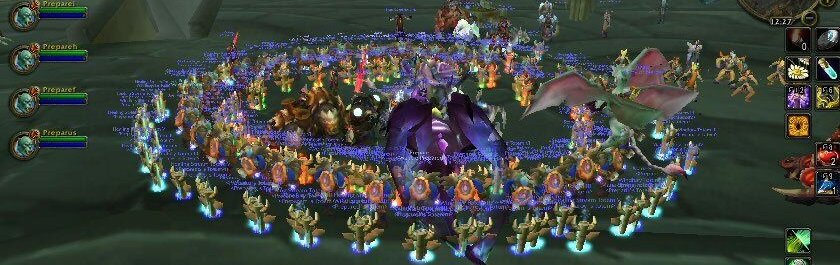
So do you all have the guild started yet. I just made a new warlock alliance and gonna get back into the groove I dont know if things will line up where I can get the expansion but if it does  gonna start with herbalist and alchemist that will help with the potions and flasks for dungeons and raids will also work on fishing fkr food for feasts and things.  I have missed this game alot this is one of those if I could only play one game ever again. I never did do much pvp was always dungeons raids m+ but always willing to learn more 

Perfect! We have started the guild, let me know when you want an invite!

We are doing the first giveaway which is first one to 90 get's $100 🙂 

I'm playing a mechagnome hunter, likely with engineering as a prof 🙂

Account

Navigation

Search

Search

Configure browser push notifications

Chrome (Android)
  1. Tap the lock icon next to the address bar.
  2. Tap Permissions → Notifications.
  3. Adjust your preference.
Chrome (Desktop)
  1. Click the padlock icon in the address bar.
  2. Select Site settings.
  3. Find Notifications and adjust your preference.