Skip to content
View in the app

A better way to browse. Learn more.

The Crimson Market

A full-screen app on your home screen with push notifications, badges and more.

To install this app on iOS and iPadOS
  1. Tap the Share icon in Safari
  2. Scroll the menu and tap Add to Home Screen.
  3. Tap Add in the top-right corner.
To install this app on Android
  1. Tap the 3-dot menu (⋮) in the top-right corner of the browser.
  2. Tap Add to Home screen or Install app.
  3. Confirm by tapping Install.

News

Cat_Dad8311

Members
  • Joined

  • Last visited

About Me

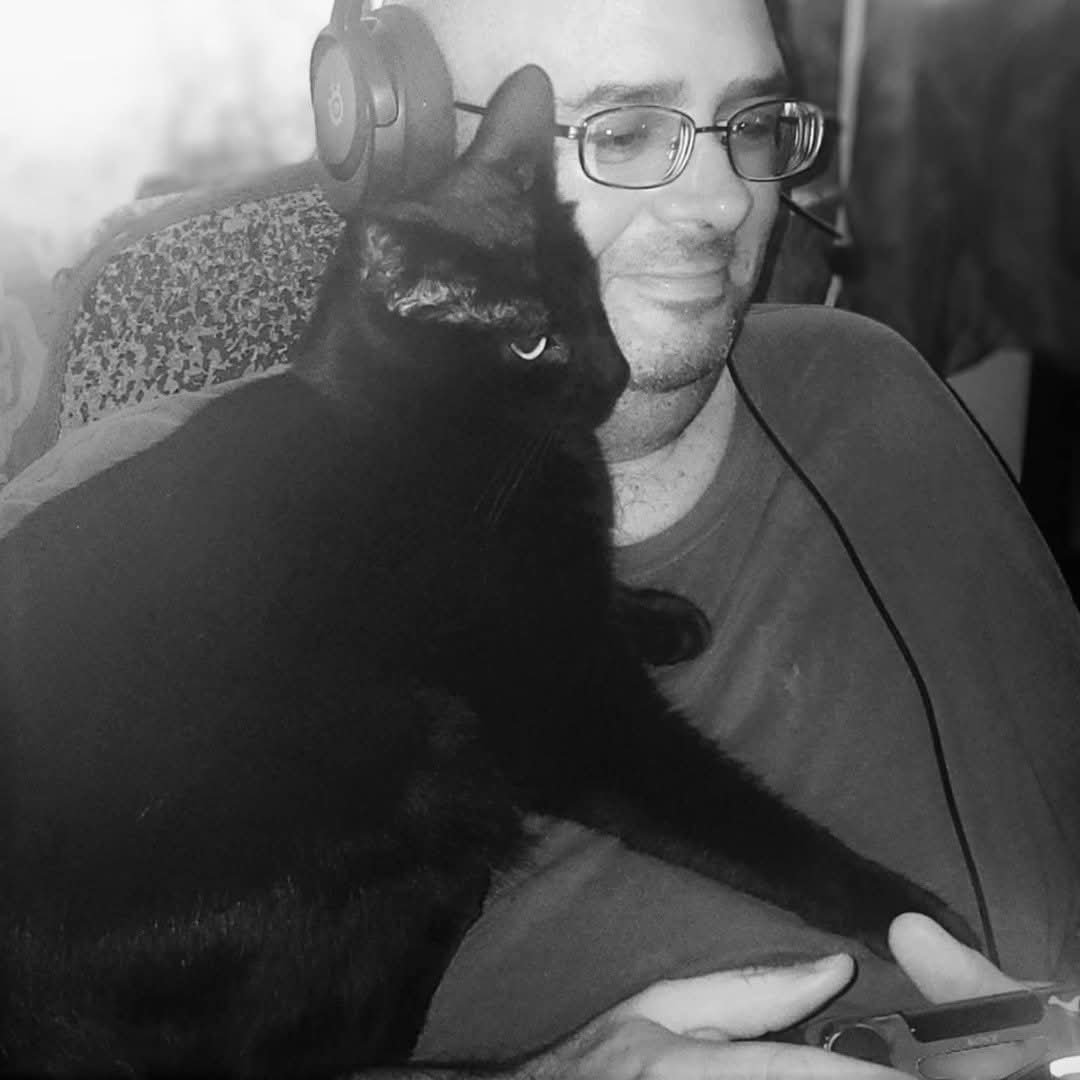
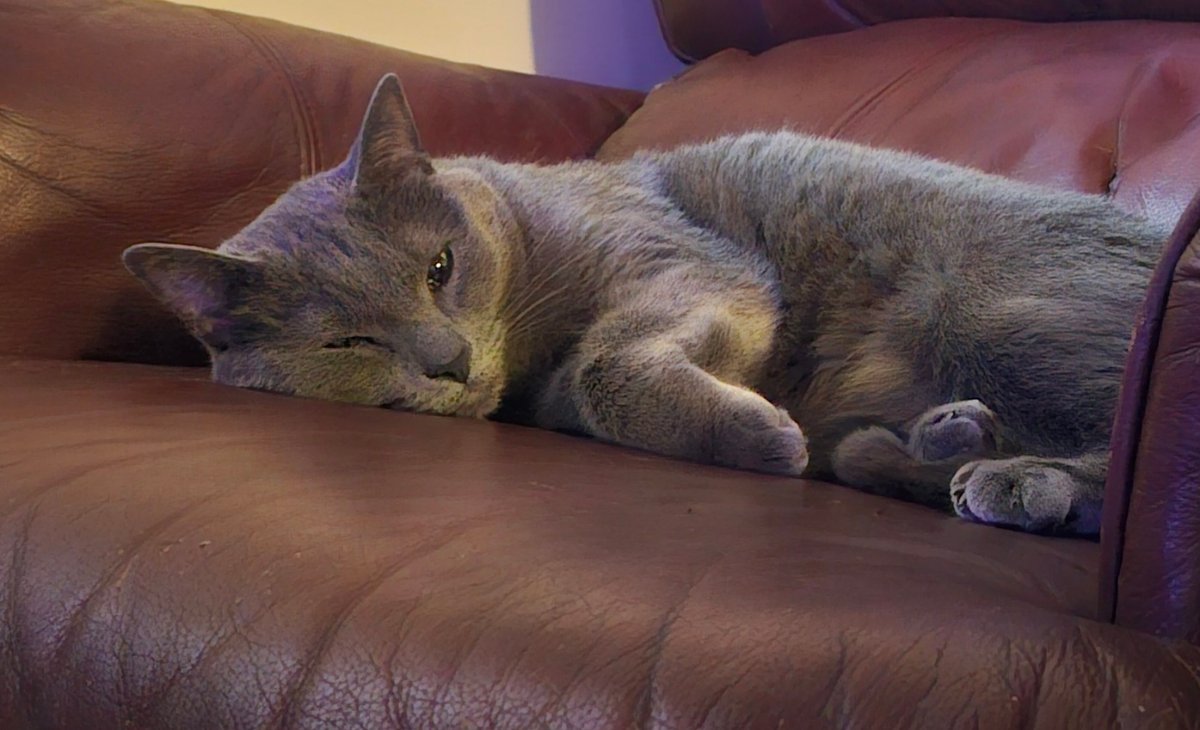
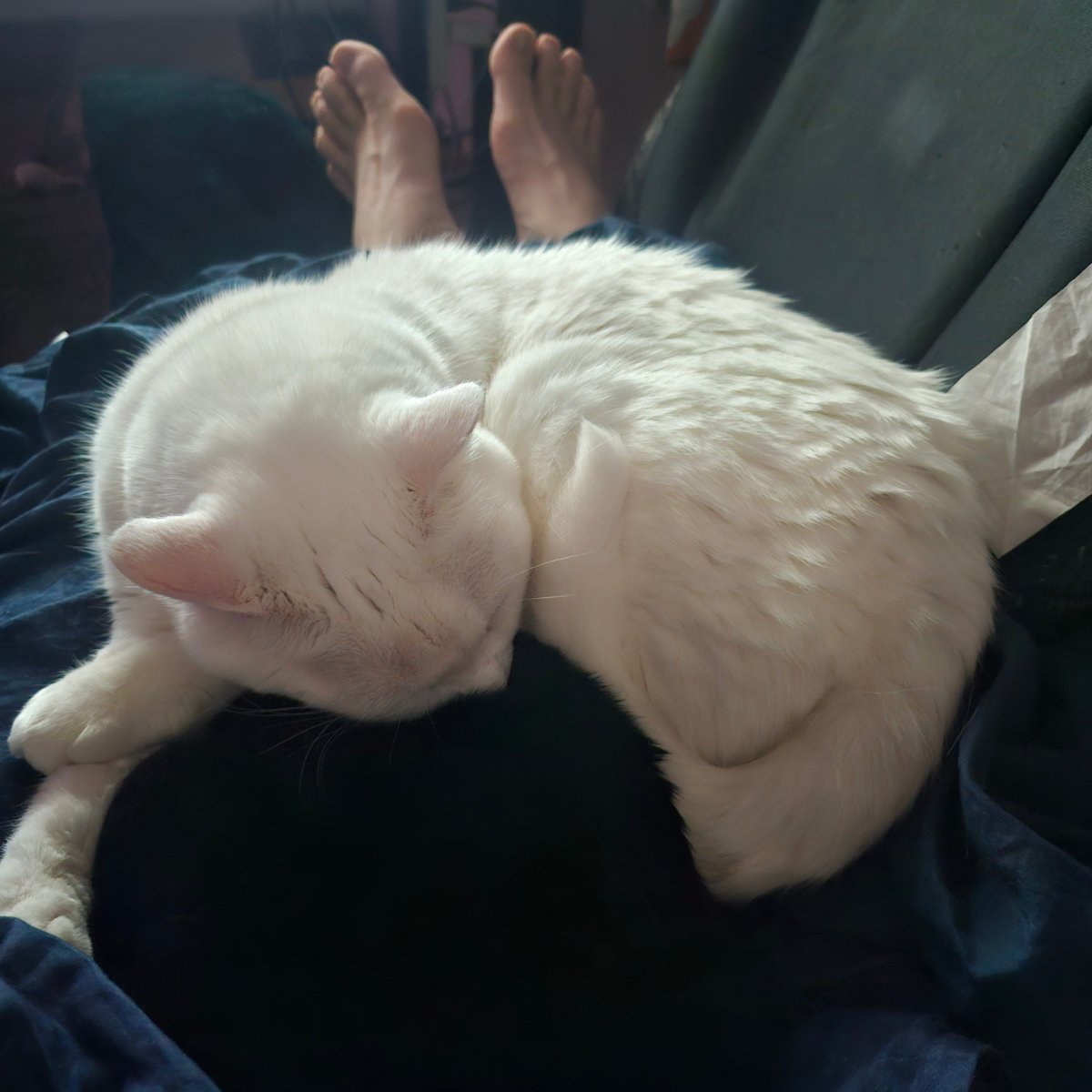
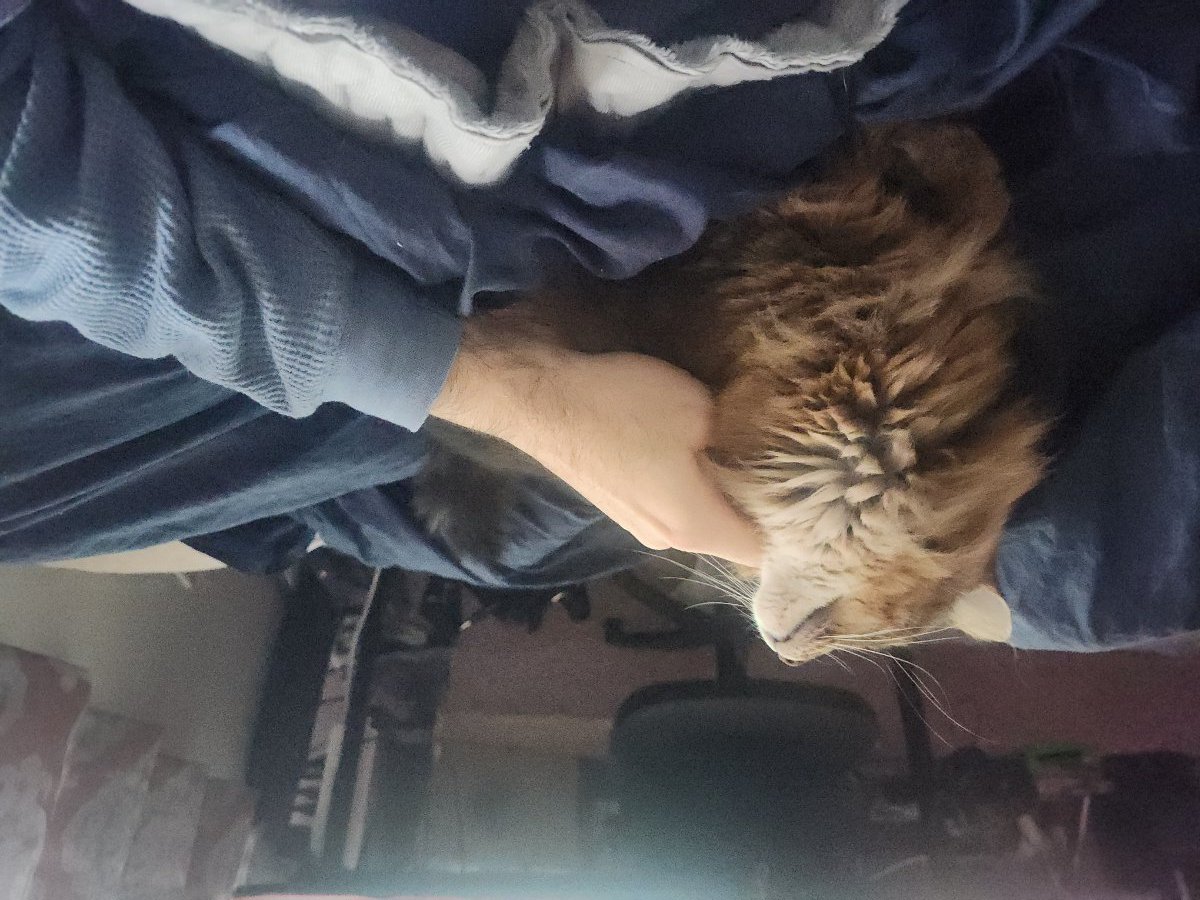
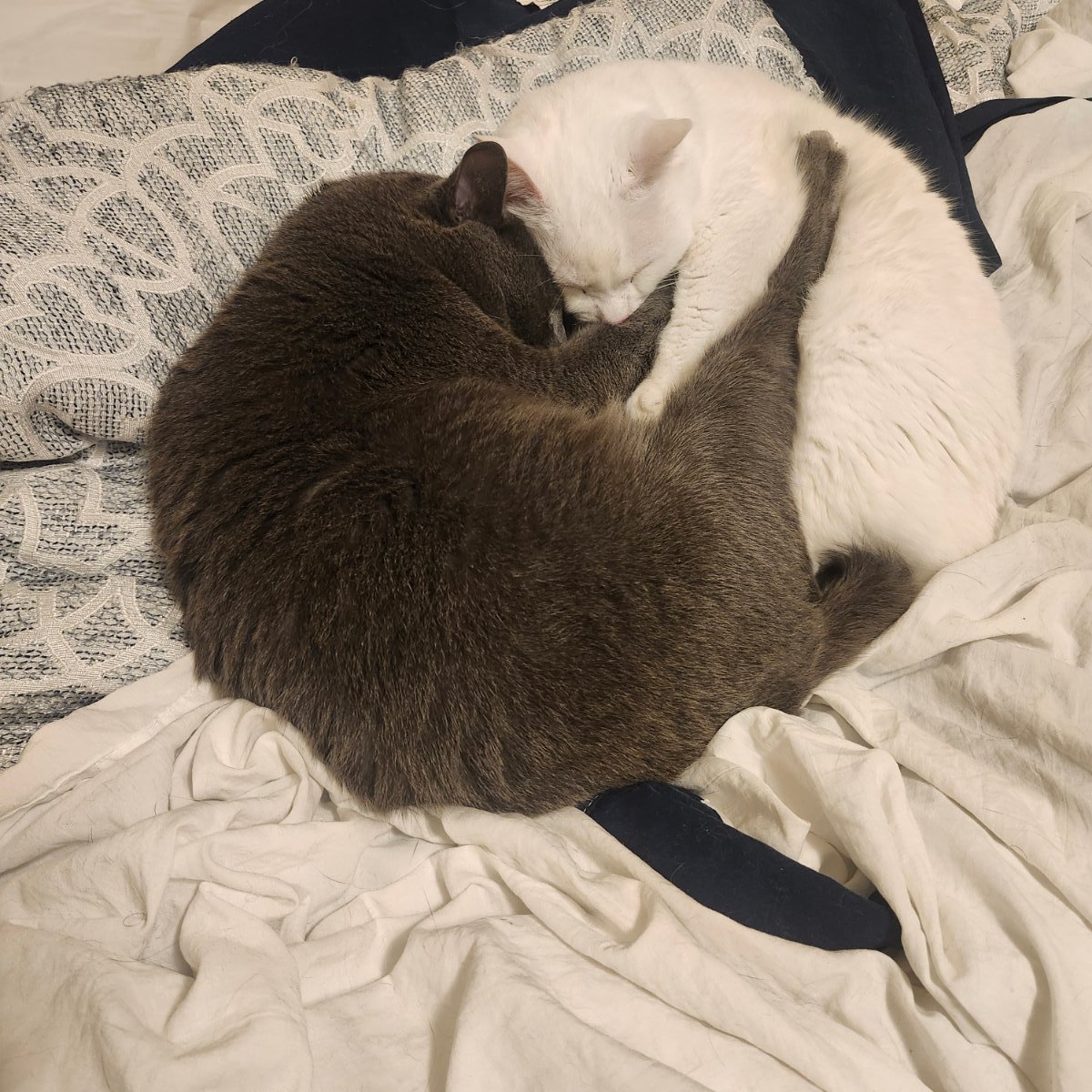
When I am not conquering Azeroth, I am busy building a wonderful life and keeping my five feline rulers happy. Pull up a chair and let's get to the grind!


FB_IMG_1735168849226.jpg

20241220_093336.jpg

20241125_151405.jpg

36c143af-d165-489c-8208-3e185e5aa3f0.jpg

20241104_203526.jpg

Account

Navigation

Search

Search

Configure browser push notifications

Chrome (Android)
  1. Tap the lock icon next to the address bar.
  2. Tap Permissions → Notifications.
  3. Adjust your preference.
Chrome (Desktop)
  1. Click the padlock icon in the address bar.
  2. Select Site settings.
  3. Find Notifications and adjust your preference.