Skip to content
View in the app

A better way to browse. Learn more.

The Crimson Market

A full-screen app on your home screen with push notifications, badges and more.

To install this app on iOS and iPadOS
  1. Tap the Share icon in Safari
  2. Scroll the menu and tap Add to Home Screen.
  3. Tap Add in the top-right corner.
To install this app on Android
  1. Tap the 3-dot menu (⋮) in the top-right corner of the browser.
  2. Tap Add to Home screen or Install app.
  3. Confirm by tapping Install.

News

jane_larry

Members

Everything posted by jane_larry

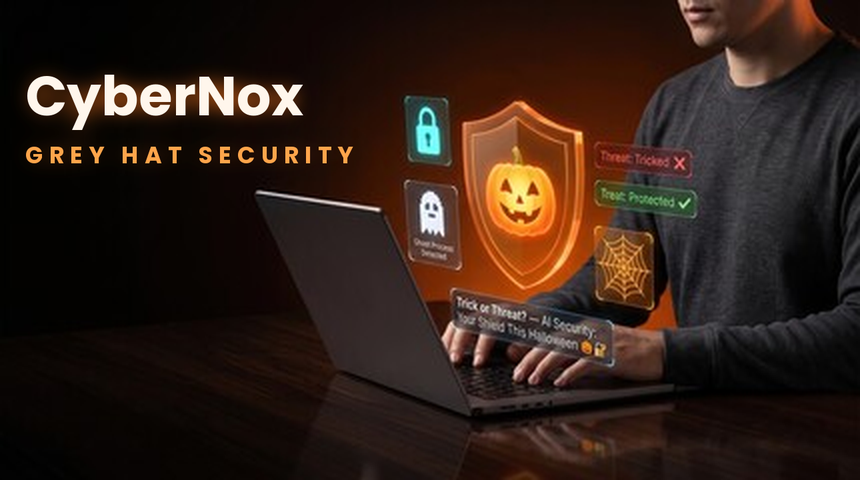
  1. CYBERNOX GREY HAT SECURITY CyberNox Grey Hat Security supports individuals and businesses in staying secure through ethical hacking, vulnerability assessments, penetration testing, security awareness training, and early threat detection. What they do for you: Locate vulnerabilities before attackers get the chance to use them Bolster your digital security Protect your systems, networks, and sensitive information Build a stronger, more resilient online future Trace cryptocurrency and digital assets Learn more: https://cybernoxsecurity.com/ CyberNox Grey Hat Security: Reveal the Gaps. Strengthen the Defenses. Safeguard Your Digital World.

Account

Navigation

Search

Search

Configure browser push notifications

Chrome (Android)
  1. Tap the lock icon next to the address bar.
  2. Tap Permissions → Notifications.
  3. Adjust your preference.
Chrome (Desktop)
  1. Click the padlock icon in the address bar.
  2. Select Site settings.
  3. Find Notifications and adjust your preference.