.thumb.png.041942ccbc421517353baefb42e877b6.png)
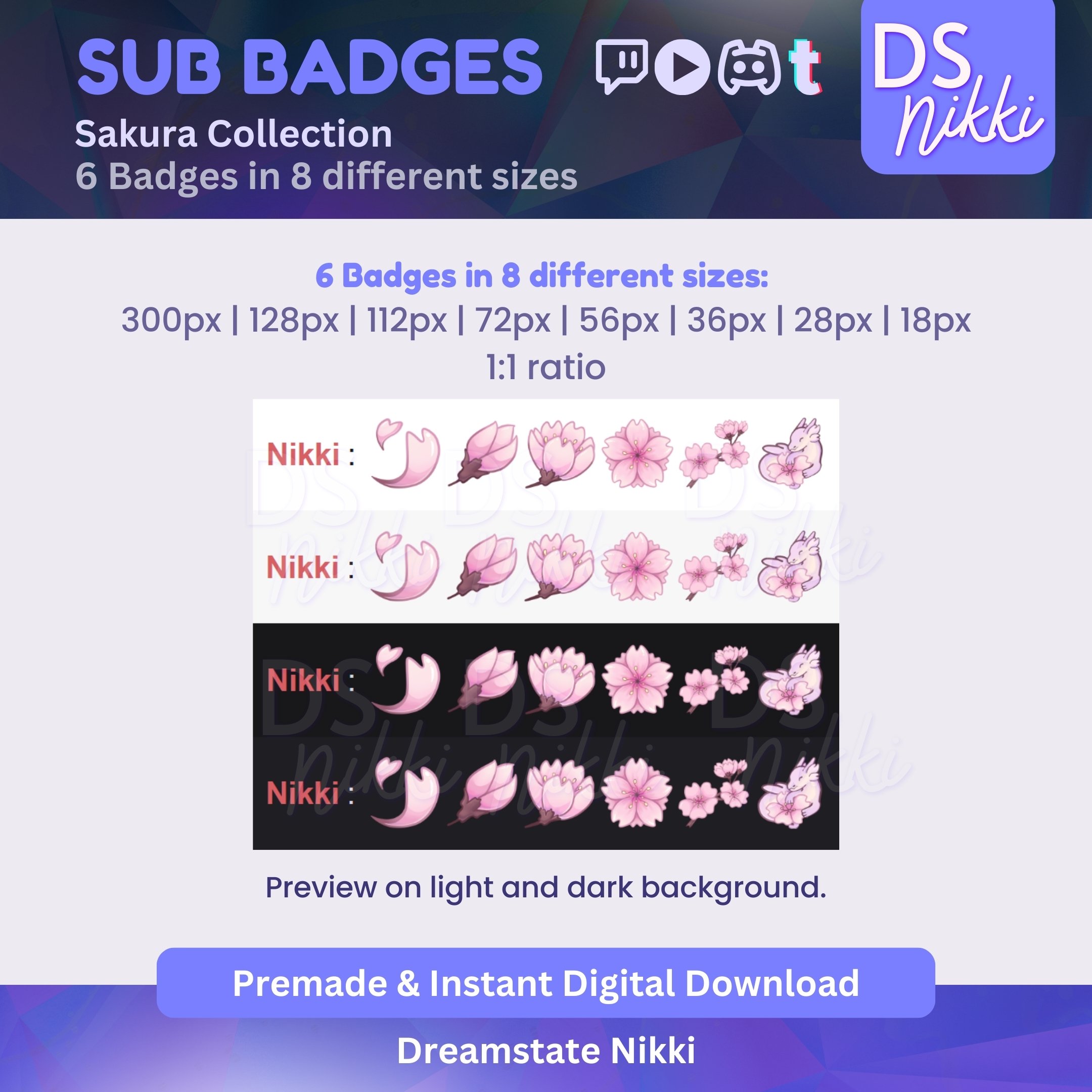
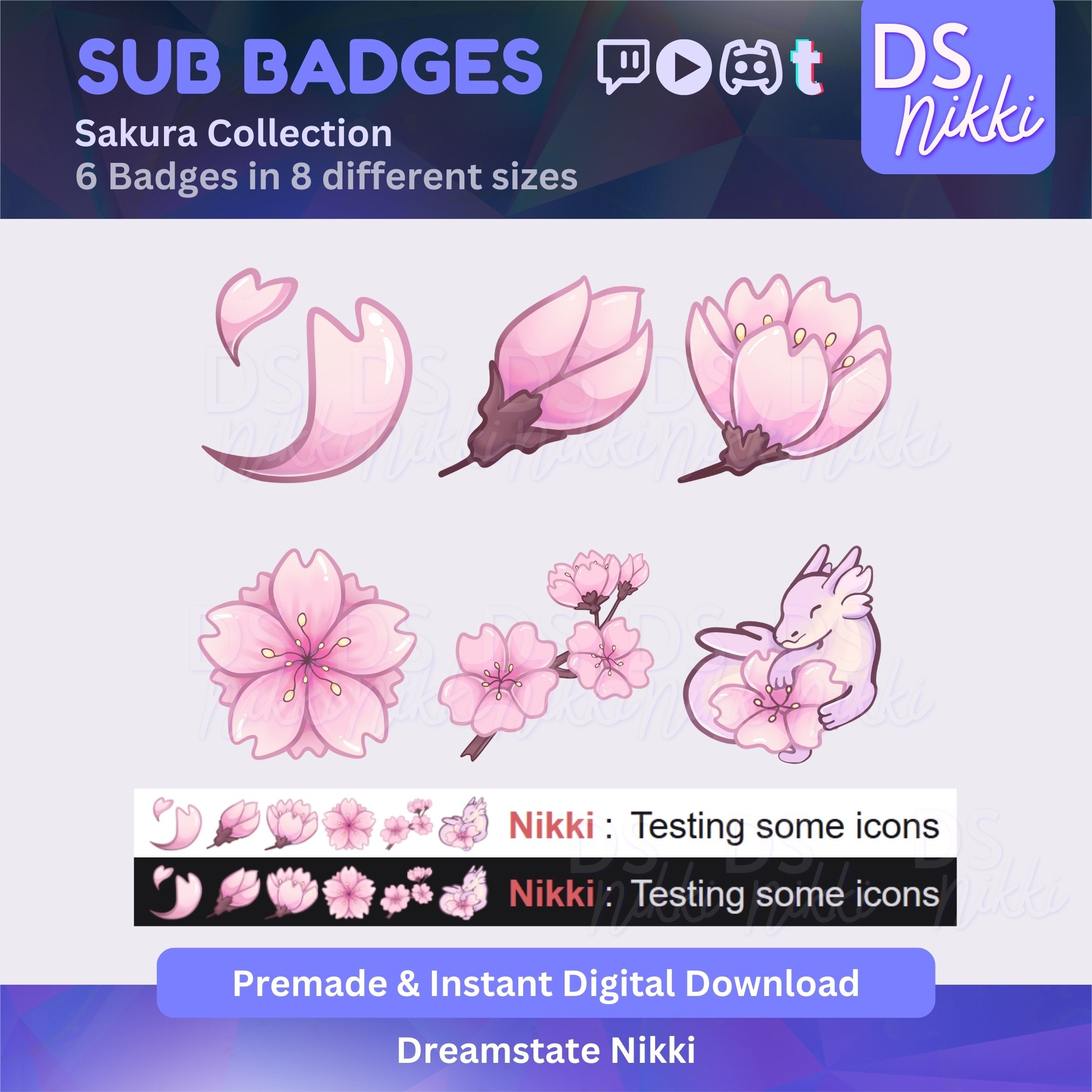
🌸 Cute Twitch Sub Badges – Sakura Anime Flower Bit Emotes ✨
🌸 What’s Included?
✨ 6 Hand-Drawn Sakura -Themed Badges in PNG format
✨ 8 Size Variations for seamless use: 300px, 128px, 112px, 72px, 56px, 36px, 28px, 18px
✨ High-Resolution, Transparent Background
✨ No Watermarks – Instant Download
Each badge is designed to bring cozy, pastel joy to your stream! 🌸✨
🌸 Where Can You Use These?
✅ Twitch Sub Badges, Bit Badges, & Channel Points
✅ YouTube Membership Badges
✅ Discord Roles & Server Icons
✅ TikTok Badges
⚡ Instant Download – No Waiting!
This is a digital product – no physical item will be shipped. Once your purchase is complete, you’ll receive an instant download link.
⚠️ Important Information
🔸 No refunds on digital items, but I’m happy to assist with any issues!
🔸 These badges are for personal use only – resale, redistribution, or modification for sale is not allowed.
🔸 NFTs use are strictly prohibited.
🔸 Ownership & copyrights remain with Dreamstate Nikki.
💌 Have Questions?
If you need any help or have any questions, feel free to message me. I’d love to help! 😊
✨ Thank you for supporting my shop! Happy streaming! 🌙💖
What's New in Version 1.0.0
Released
No changelog available for this version.

You may only provide a review once you have downloaded the file.
There are no reviews to display.