.thumb.png.041942ccbc421517353baefb42e877b6.png)
🐣 Kawaii Easter Spring Twitch Badges | Cute Sub Bit Badges for Twitch YouTube Discord TikTok 🎀
Celebrate spring with this adorable Kawaii Easter Spring-themed badge set! 🐥💐 Perfect for cozy gamers, VTubers, and pastel lovers, these sub & bit badges are a great way to add festive charm and sweet personality to your Twitch, YouTube, Discord, or TikTok streams.
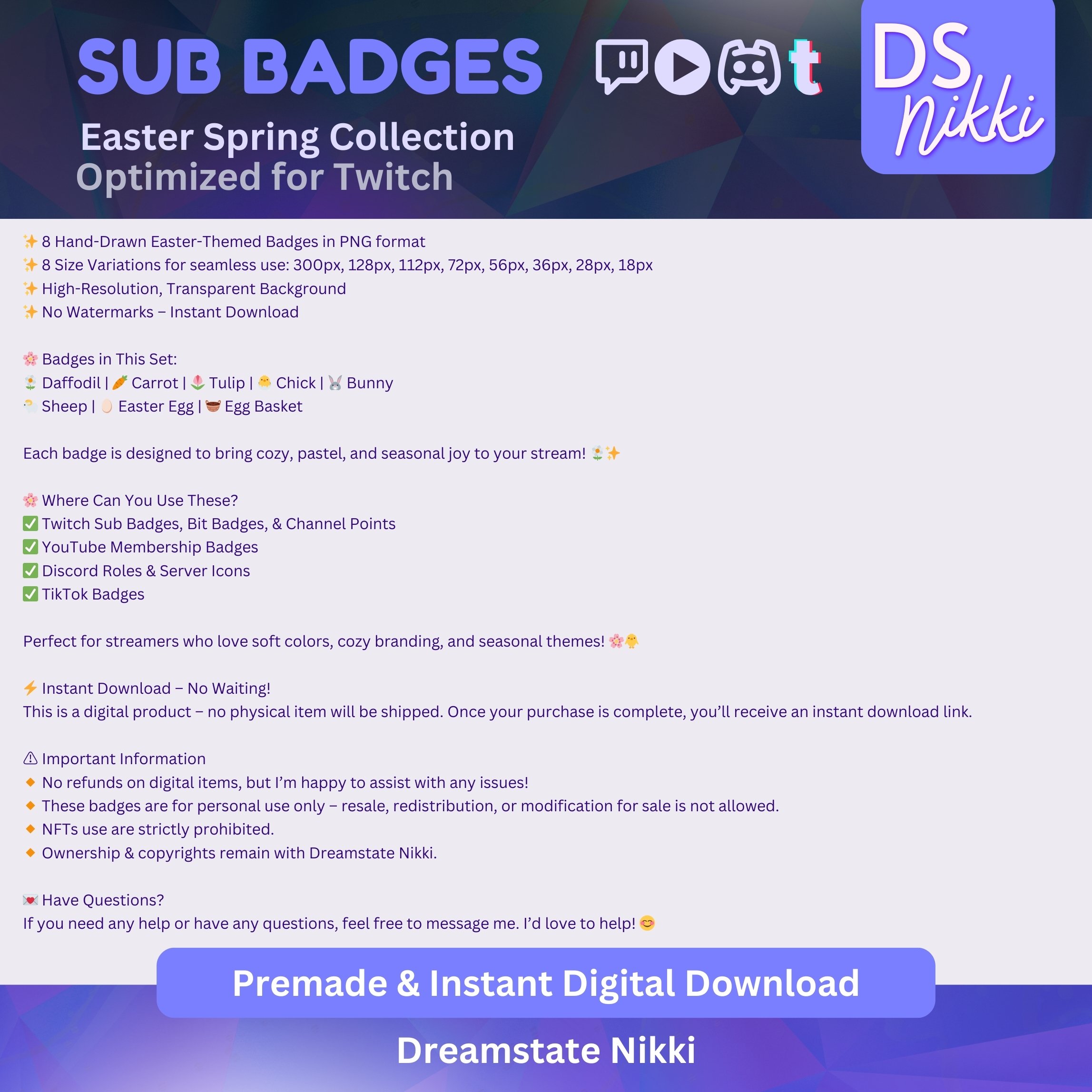
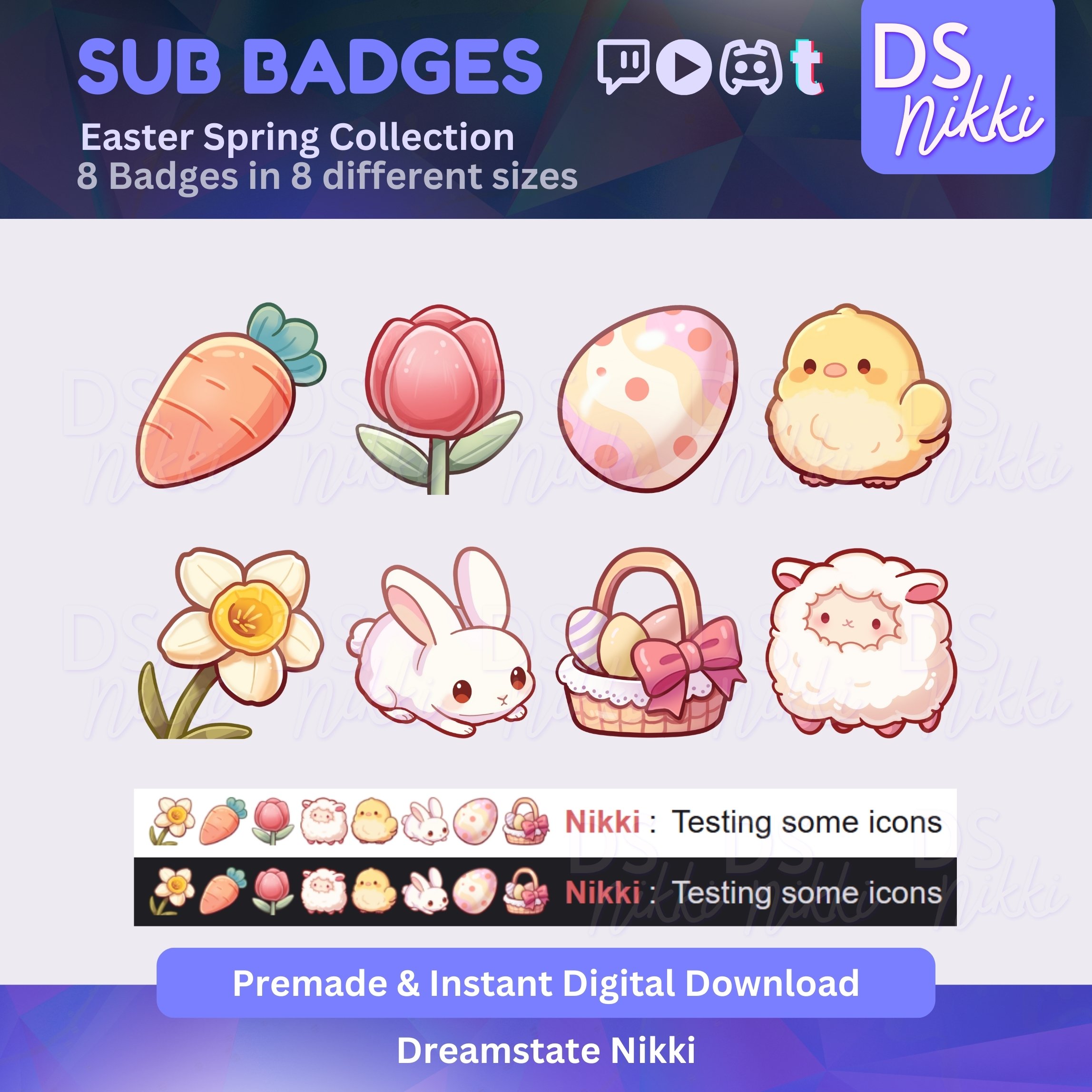
✨ 8 Hand-Drawn Easter-Themed Badges in PNG format
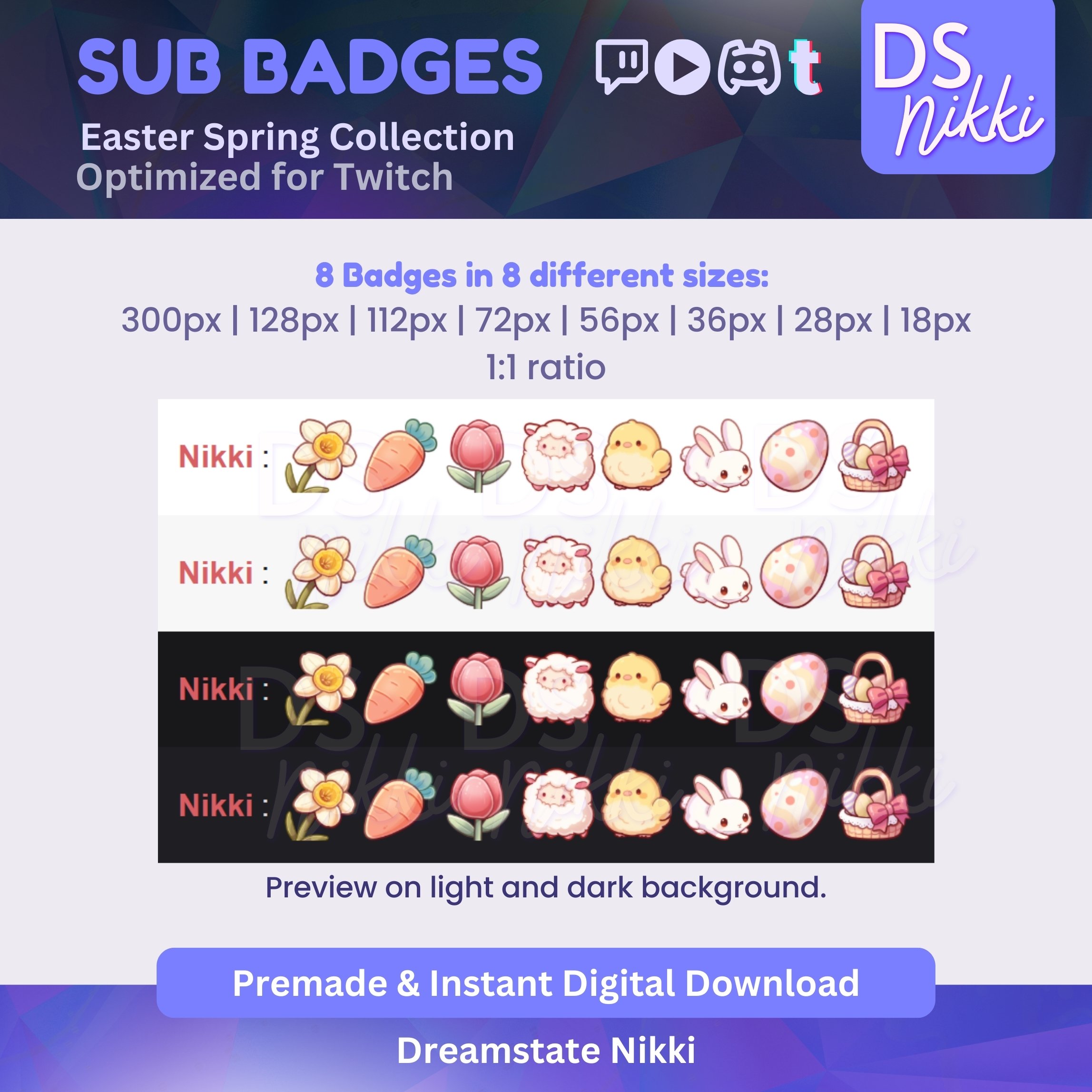
✨ 8 Size Variations for seamless use: 300px, 128px, 112px, 72px, 56px, 36px, 28px, 18px
✨ High-Resolution, Transparent Background
✨ No Watermarks – Instant Download
🌸 Badges in This Set:
🌼 Daffodil | 🥕 Carrot | 🌷 Tulip | 🐣 Chick | 🐰 Bunny
🐑 Sheep | 🥚 Easter Egg | 🧺 Egg Basket
Each badge is designed to bring cozy, pastel, and seasonal joy to your stream! 🌼✨
🌸 Where Can You Use These?
✅ Twitch Sub Badges, Bit Badges, & Channel Points
✅ YouTube Membership Badges
✅ Discord Roles & Server Icons
✅ TikTok Badges
Perfect for streamers who love soft colors, cozy branding, and seasonal themes! 🌸🐥
⚡ Instant Download – No Waiting!
This is a digital product – no physical item will be shipped. Once your purchase is complete, you’ll receive an instant download link.
⚠️ Important Information
🔸 No refunds on digital items, but I’m happy to assist with any issues!
🔸 These badges are for personal use only – resale, redistribution, or modification for sale is not allowed.
🔸 NFTs use are strictly prohibited.
🔸 Ownership & copyrights remain with Dreamstate Nikki.
💌 Have Questions?
If you need any help or have any questions, feel free to message me. I’d love to help! 😊
✨ Thank you for supporting my shop! Happy streaming! 🐰💖

Recommended Comments
Please sign in to comment
You will be able to leave a comment after signing in
Sign In Now