.thumb.png.041942ccbc421517353baefb42e877b6.png)
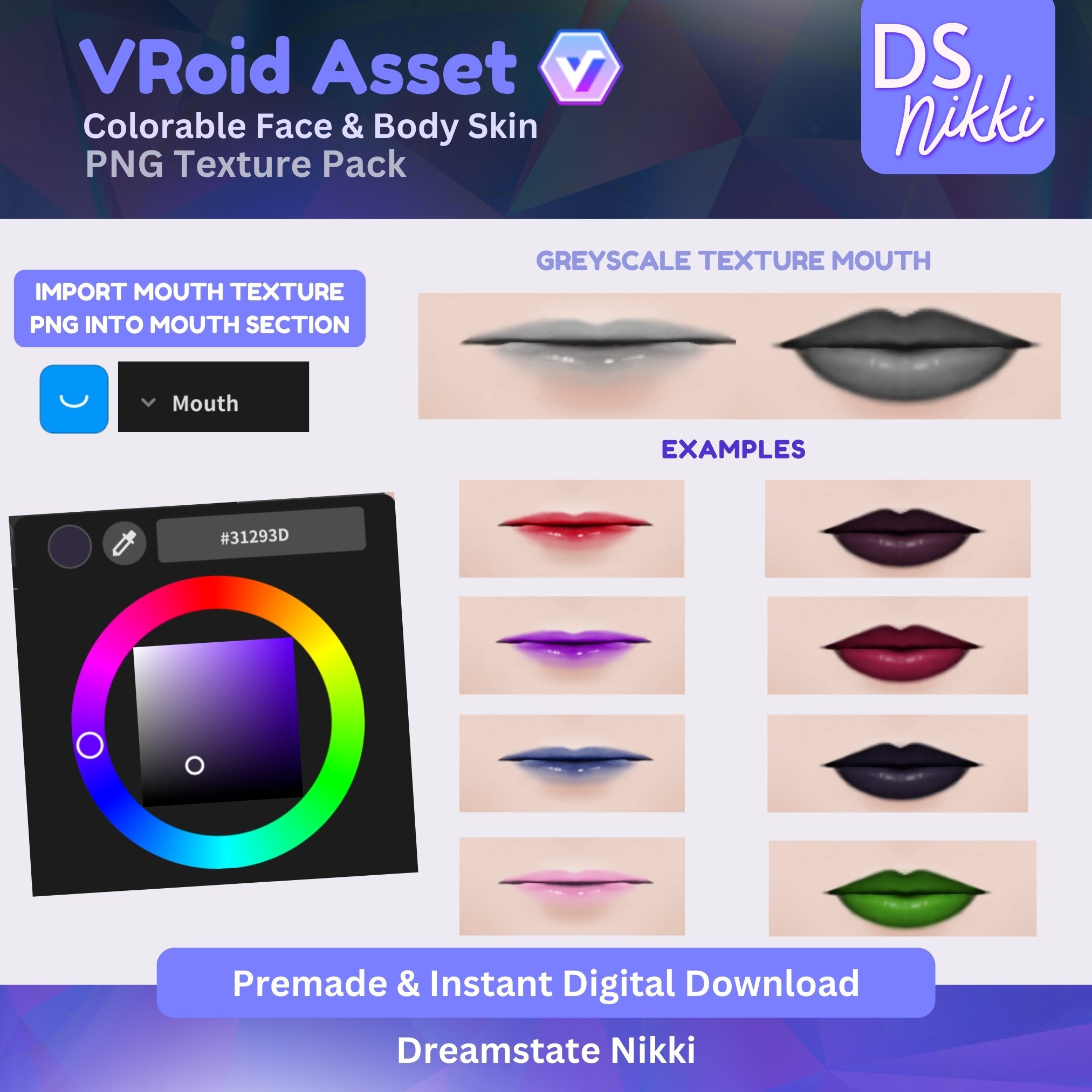
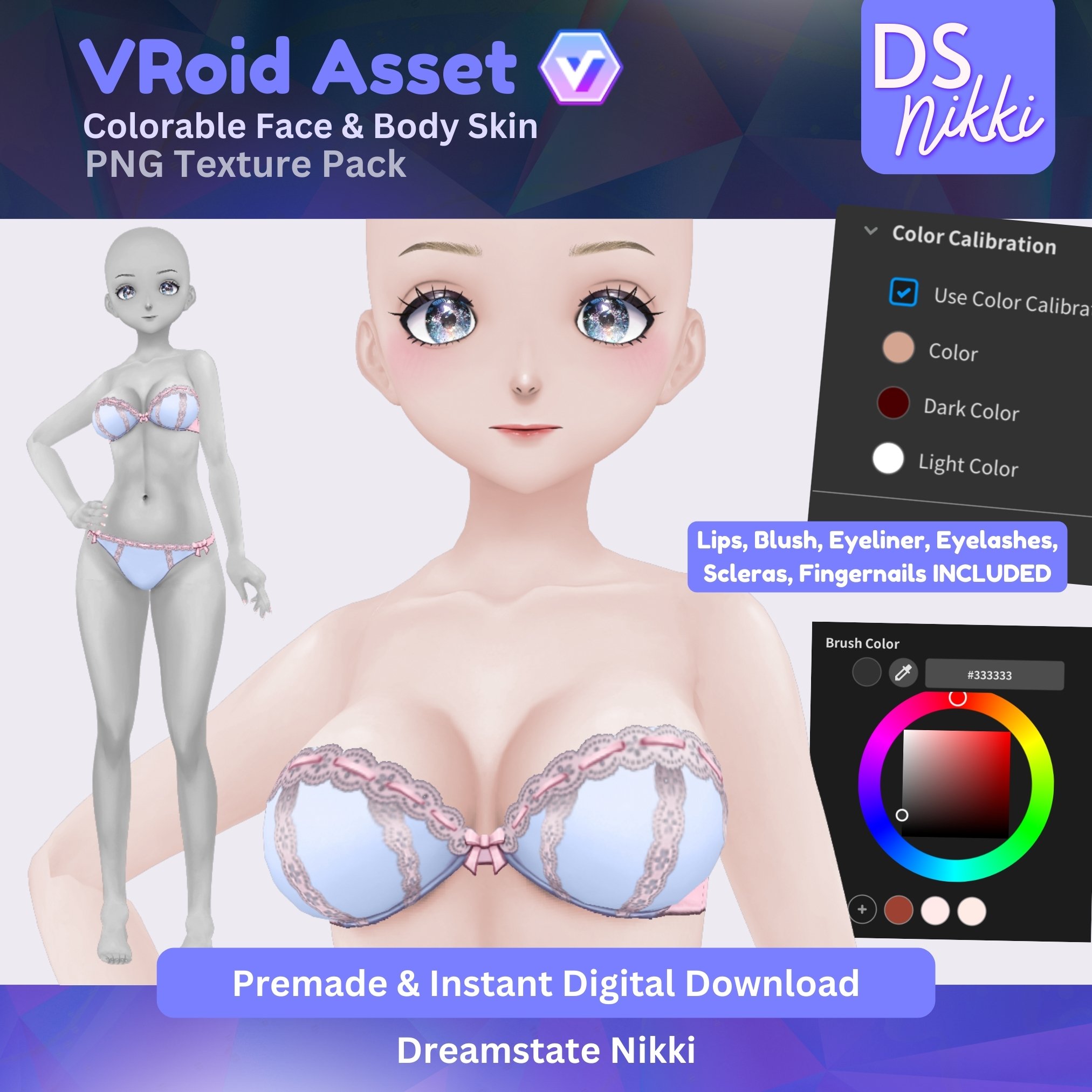
✨ VRoid Skin Texture Pack for Vtubers | Face, Body, Eyelashes, Makeup & More – Custom VRoid Studio Textures for Twitch, YouTube, TikTok Streaming
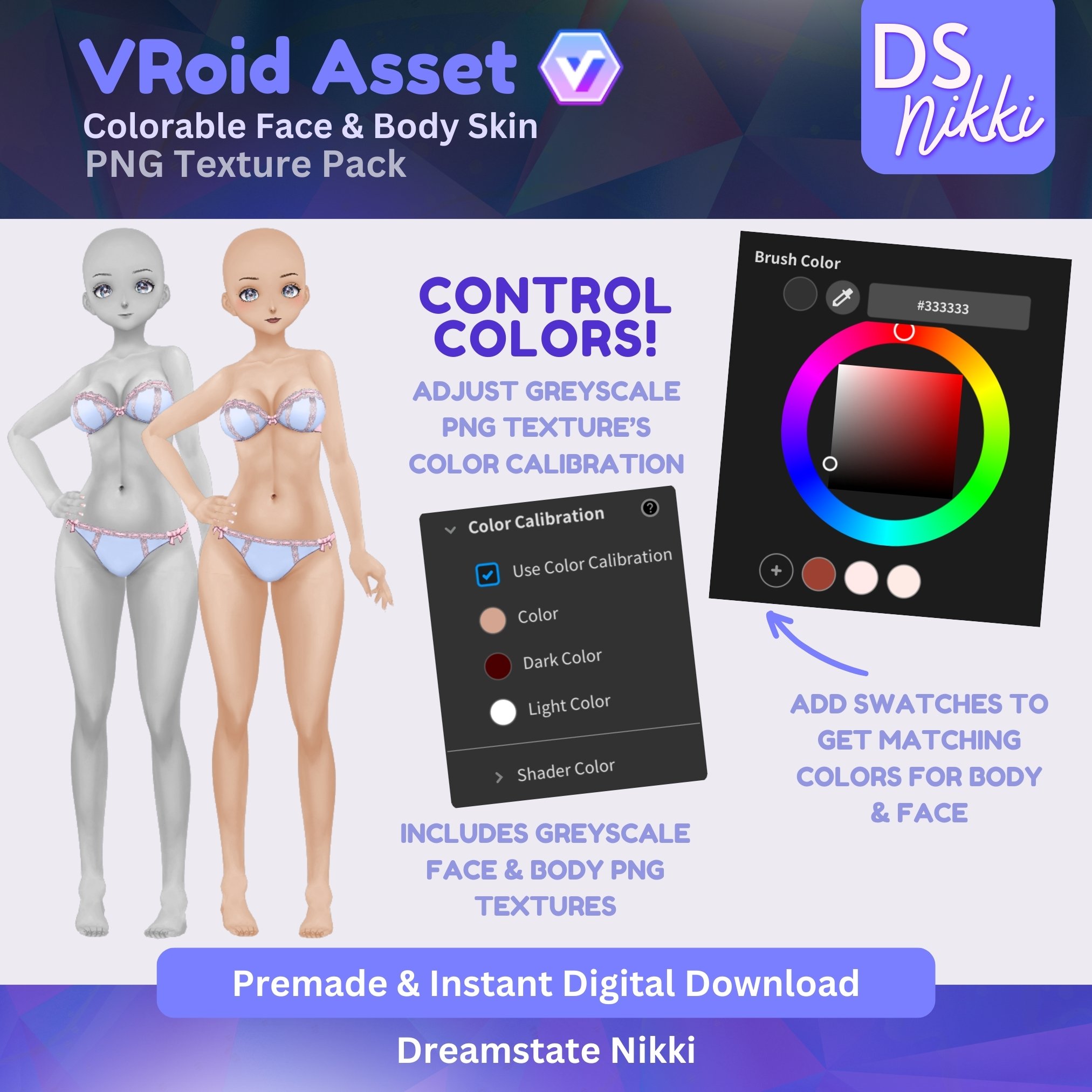
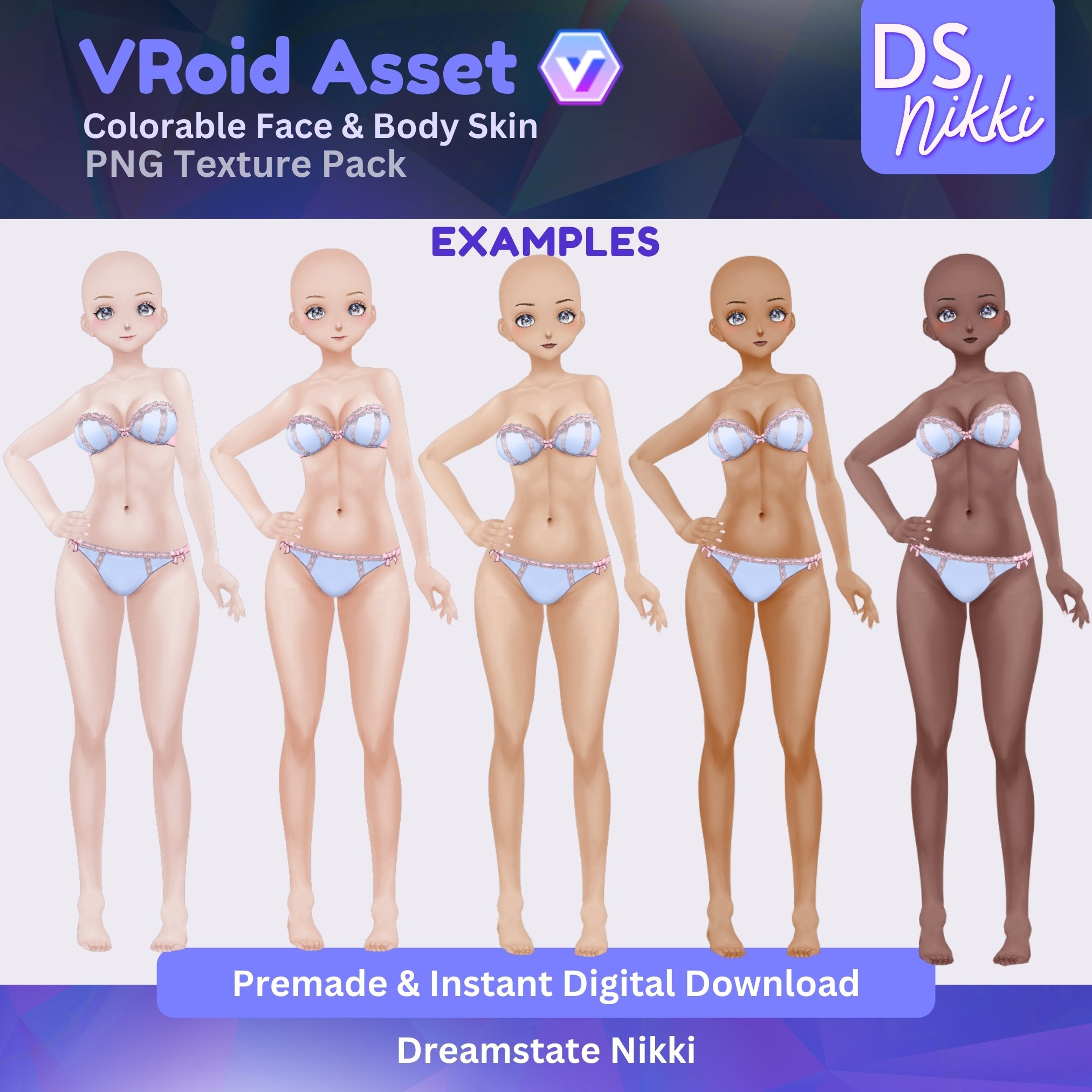
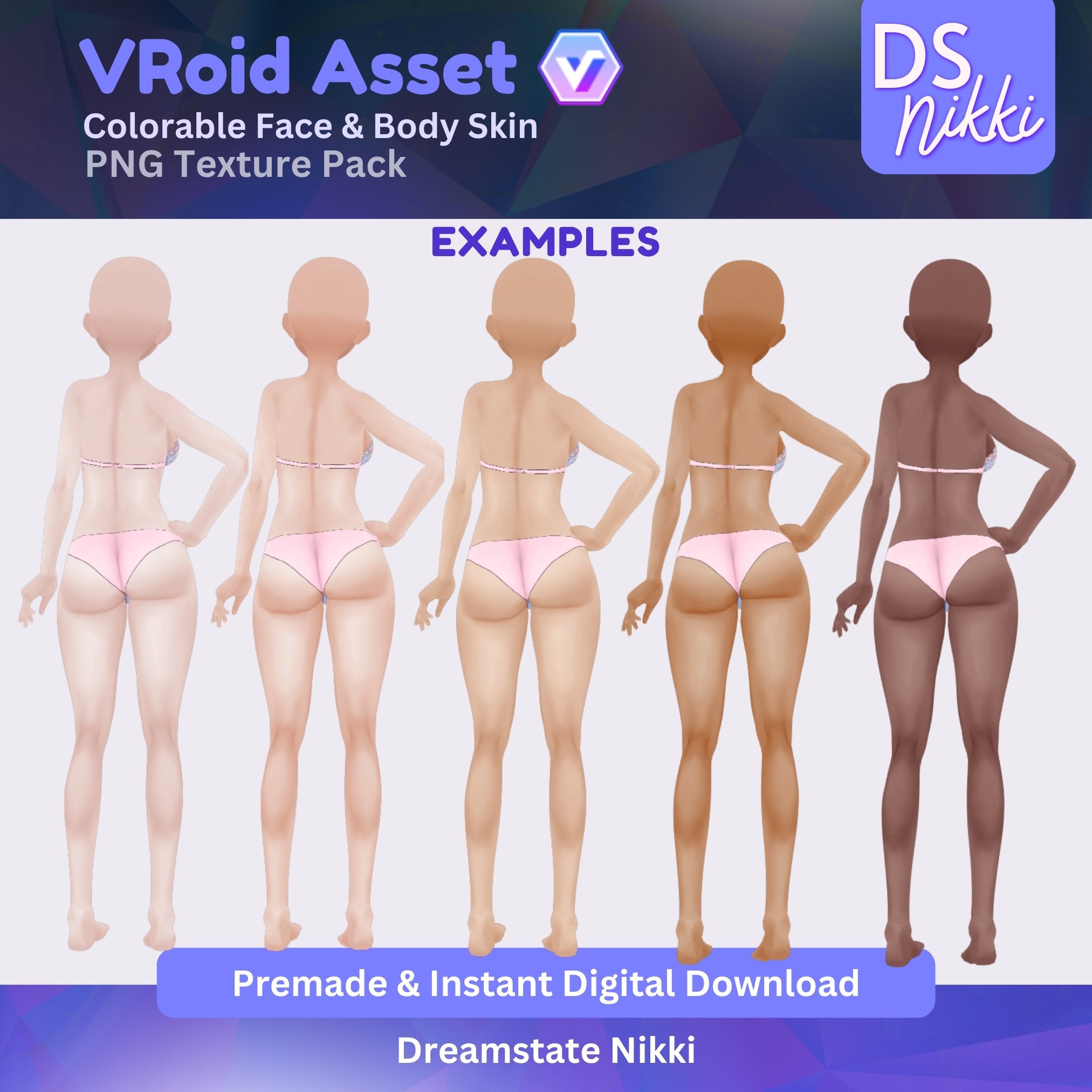
Transform your VRoid avatar with this VRoid Face & Body Skin Texture Pack – perfect for VRoid Avatars who want a high-quality, customized anime-style look! This pack offers full control over face & body skin color, and makeup variations, helping your virtual model stand out in streams, videos, or social media content.
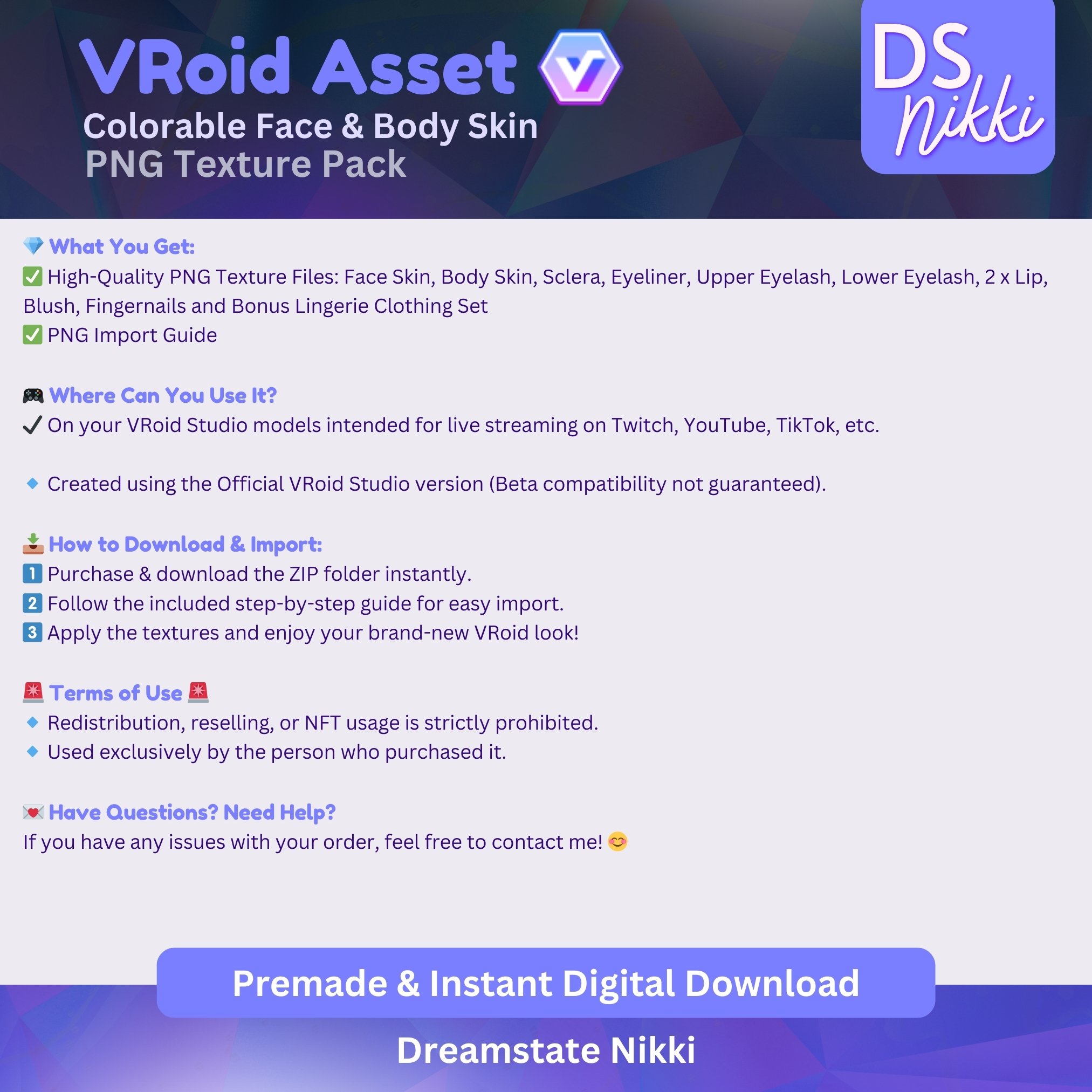
💎 What's Included:
Get high-resolution PNG textures to enhance your VRoid model:
✔️ Face Skin Texture
✔️ Body Skin Texture
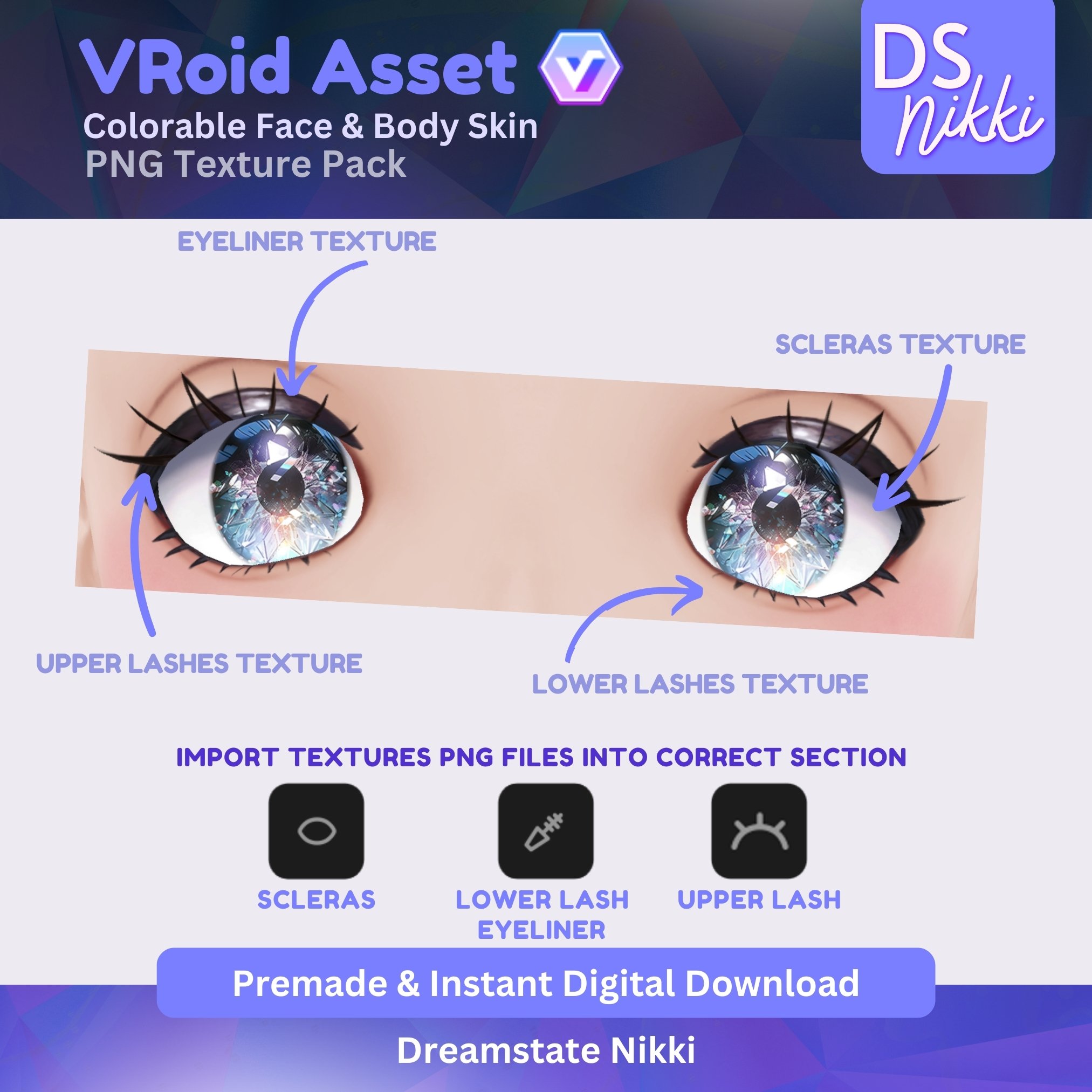
✔️ Sclera (Eye White) Texture
✔️ Eyeliner Texture
✔️ Upper Eyelash Texture
✔️ Lower Eyelash Texture
✔️ 2x Lip Textures
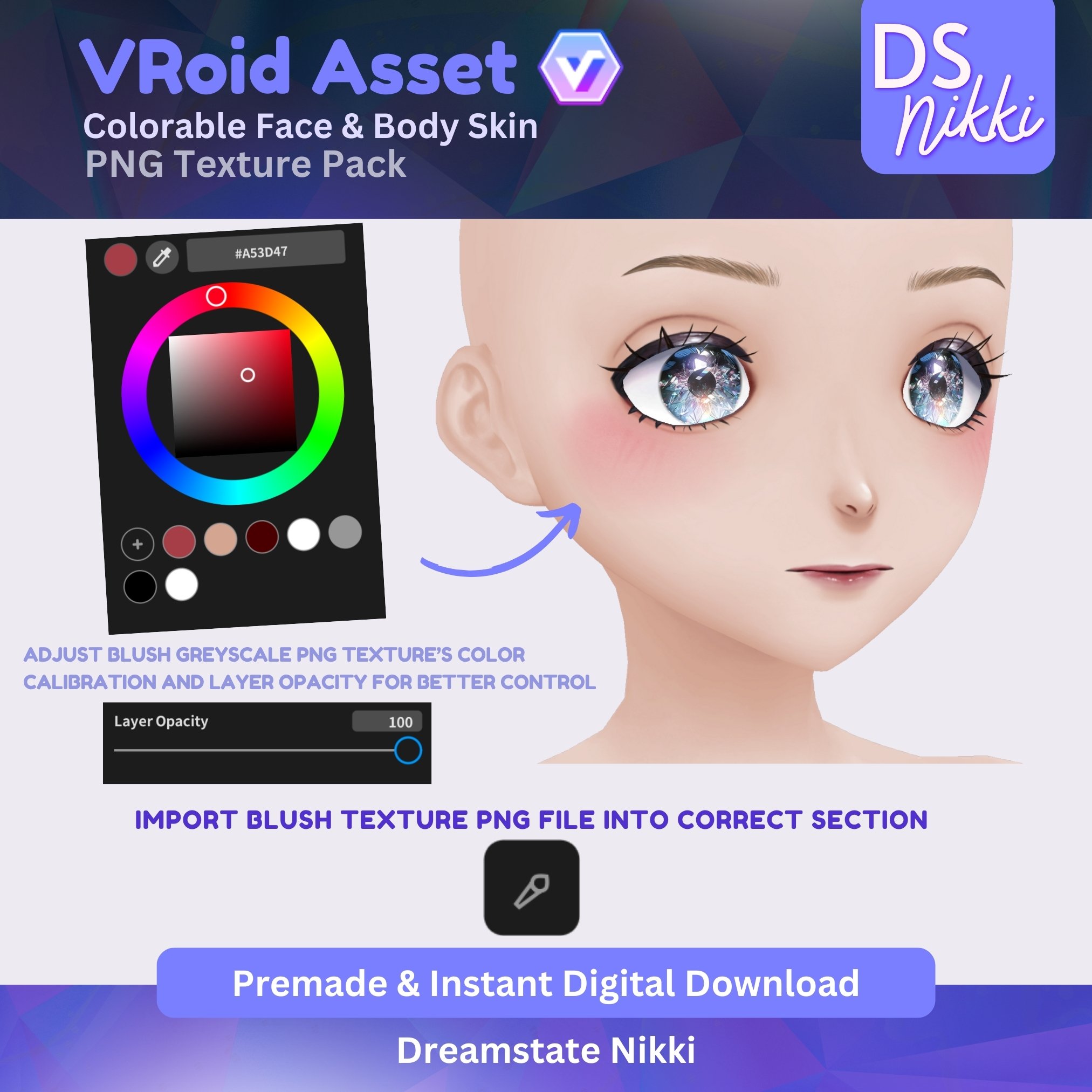
✔️ Blush Texture
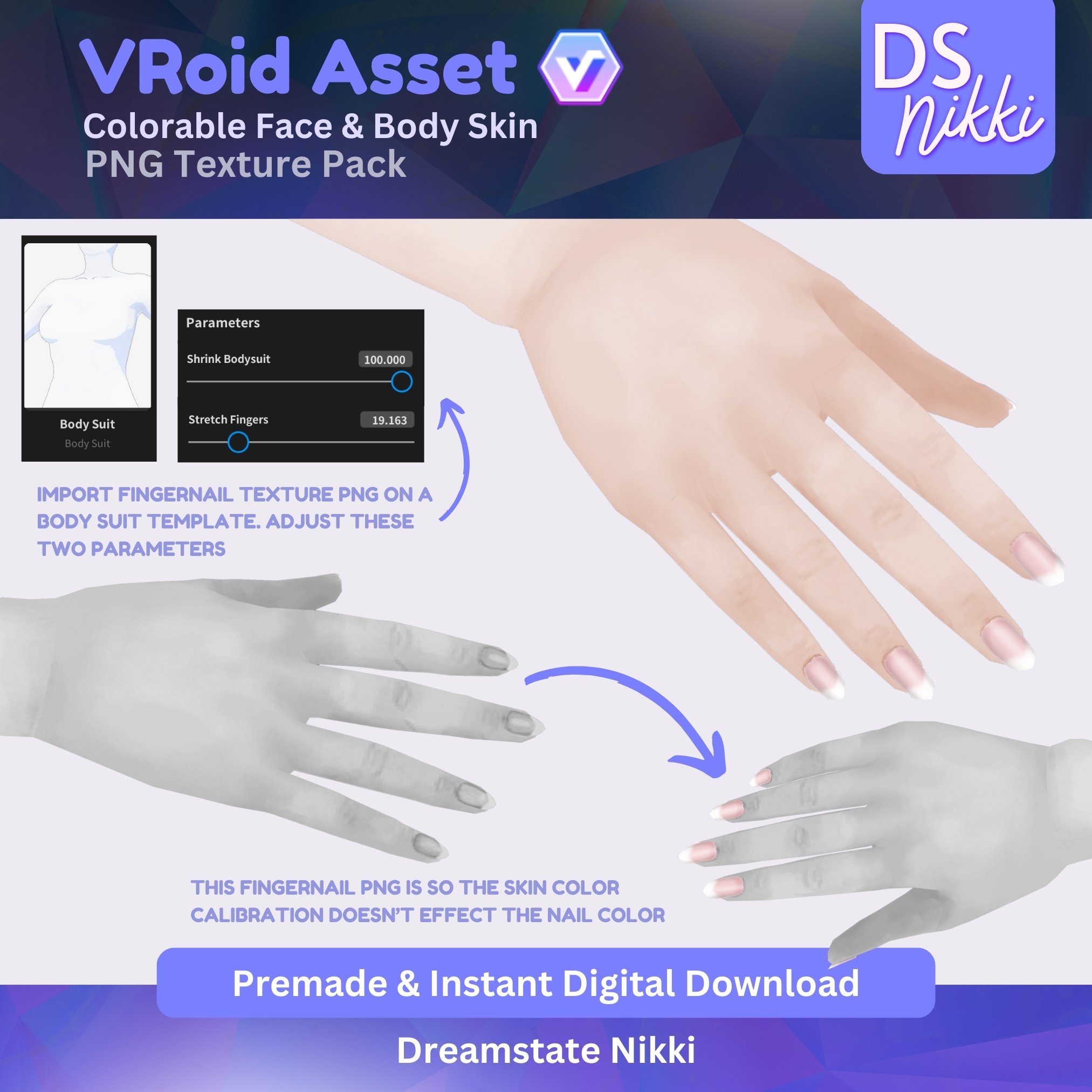
✔️ Fingernail Texture
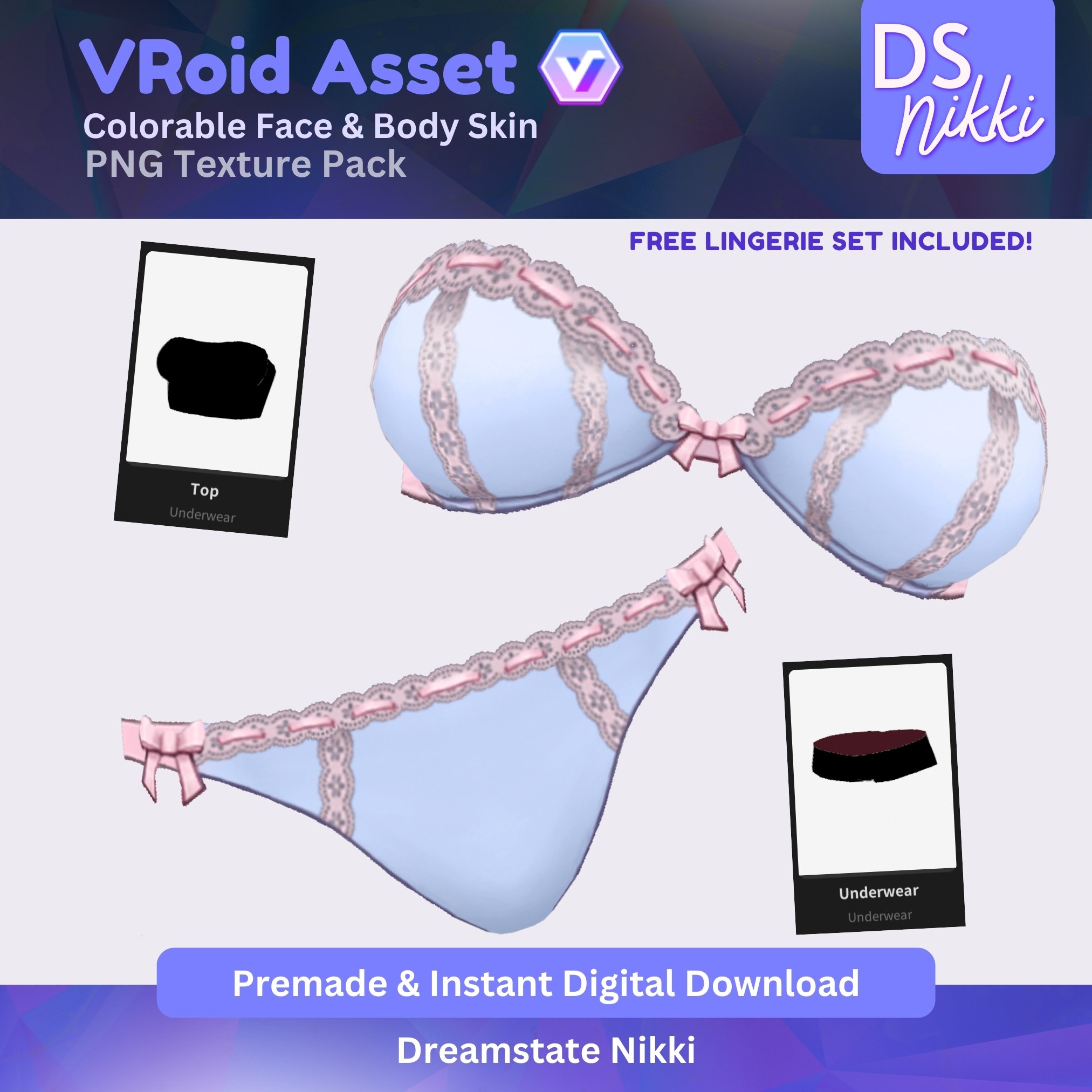
✔️ Bonus Lingerie Texture Set (with template & parameters for easy manual import)
✅ Also includes guide for PNG import.
🔹 Created using the Official VRoid Studio version (Beta compatibility not guaranteed).
📥 How to Download & Import:
1️⃣ Purchase & download the ZIP folder instantly.
2️⃣ Follow the included guide for easy import.
3️⃣ Apply the textures and enjoy your brand-new VRoid look!
🚨 Terms of Use 🚨
🔹 Redistribution, reselling, or NFT usage is strictly prohibited.
🔹 Used exclusively by the person who purchased it.
💌 Have Questions? Need Help?
If you have any issues with your order, feel free to contact me! 😊

Recommended Comments
Please sign in to comment
You will be able to leave a comment after signing in
Sign In Now