Skip to content
View in the app

A better way to browse. Learn more.

The Crimson Market

A full-screen app on your home screen with push notifications, badges and more.

To install this app on iOS and iPadOS
  1. Tap the Share icon in Safari
  2. Scroll the menu and tap Add to Home Screen.
  3. Tap Add in the top-right corner.
To install this app on Android
  1. Tap the 3-dot menu (⋮) in the top-right corner of the browser.
  2. Tap Add to Home screen or Install app.
  3. Confirm by tapping Install.

News

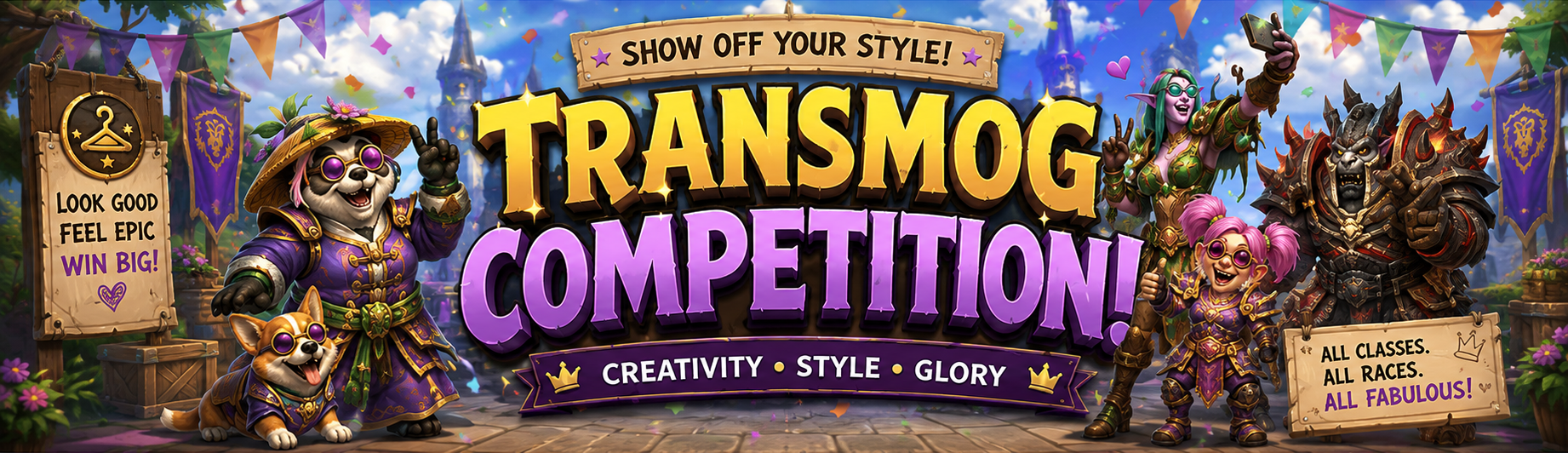
Transmog Competition #2 (Pirates)

Ahoy, ye scallywags and fashion legends! This Transmog Competition theme be Pirates! 

We want to see yer finest pirate-inspired transmogs. So sharpen yer cutlass, and show us what kind of legend ye be!

Enter your best transmog for a chance to win $100 USD every 31 days!


Submit your entry here:
https://www.thecrimsonmarket.com/hub/gallery/category/5-transmog-giveaway/

How it works:
• The more upvotes your transmog gets, the better your chances on the prize wheel
• To vote, open the transmog you like and click the ❤️ / Thanks reaction under the image
• You must vote on at least one other person’s transmog to qualify
• The wheel is spun and a random winner is chosen

 Prize Details:
• $100 winner selected every 31 days

🥇Previous Winners:
Transmog Competition #1 No theme Winner : Kittrix

Recommended Comments

Cat_Dad8311

Members

awesome i may not be a transmoger but love what your doing to get engagment

Account

Navigation

Search

Search

Configure browser push notifications

Chrome (Android)
  1. Tap the lock icon next to the address bar.
  2. Tap Permissions → Notifications.
  3. Adjust your preference.
Chrome (Desktop)
  1. Click the padlock icon in the address bar.
  2. Select Site settings.
  3. Find Notifications and adjust your preference.