
Skip to content
View in the app

A better way to browse. Learn more.

The Crimson Market

A full-screen app on your home screen with push notifications, badges and more.

To install this app on iOS and iPadOS
  1. Tap the Share icon in Safari
  2. Scroll the menu and tap Add to Home Screen.
  3. Tap Add in the top-right corner.
To install this app on Android
  1. Tap the 3-dot menu (⋮) in the top-right corner of the browser.
  2. Tap Add to Home screen or Install app.
  3. Confirm by tapping Install.

News

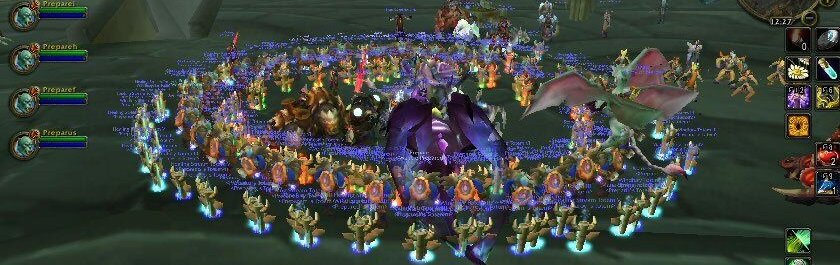
Lucky Little Raid

This event began 03/14/26 and repeats every week forever

RSVP and then reply in comments with your ROLE to solidify your position, there will be a $50 giveaway at the end of the raid where people get put into a wheel where the size of their slice is based on their performance and we will spin to win!

Recommended Comments

Elisian

Members

This is Maurice, I'll be tanking

mashiro37

Members

DPS, Arcane Mage

Bouncingdan

Members

(edited)

Babybubble I will also be tanking


Edited by Bouncingdan

Maxammopro#1150

Members

DPS, mglad disc priest, min pve experience

woozie56k

Members

Wouzu - DPS Warlock. I haven't properly raided since Vanilla/start of TBC!

Cat_Dad8311

Members

Catdad Leeloo Shaman Heals

Account

Navigation

Search

Search

Configure browser push notifications

Chrome (Android)
  1. Tap the lock icon next to the address bar.
  2. Tap Permissions → Notifications.
  3. Adjust your preference.
Chrome (Desktop)
  1. Click the padlock icon in the address bar.
  2. Select Site settings.
  3. Find Notifications and adjust your preference.

