
- 0 Comments
- 193 views
- Open Club
- 38 members
- Free
A club blog for World of Warcraft
-
Entries
11 -
Comments
10 -
Views
2331
About this blog
Raiding
Hello all my name is Josh AKA Catdad. Im going to be helping run the raid im currently gearing my healer. I use to raid lead for years and main tanked healed and ranked in the top 20 in dps as a hunter for years. Im so excited to get to join and play with a new group of friends.
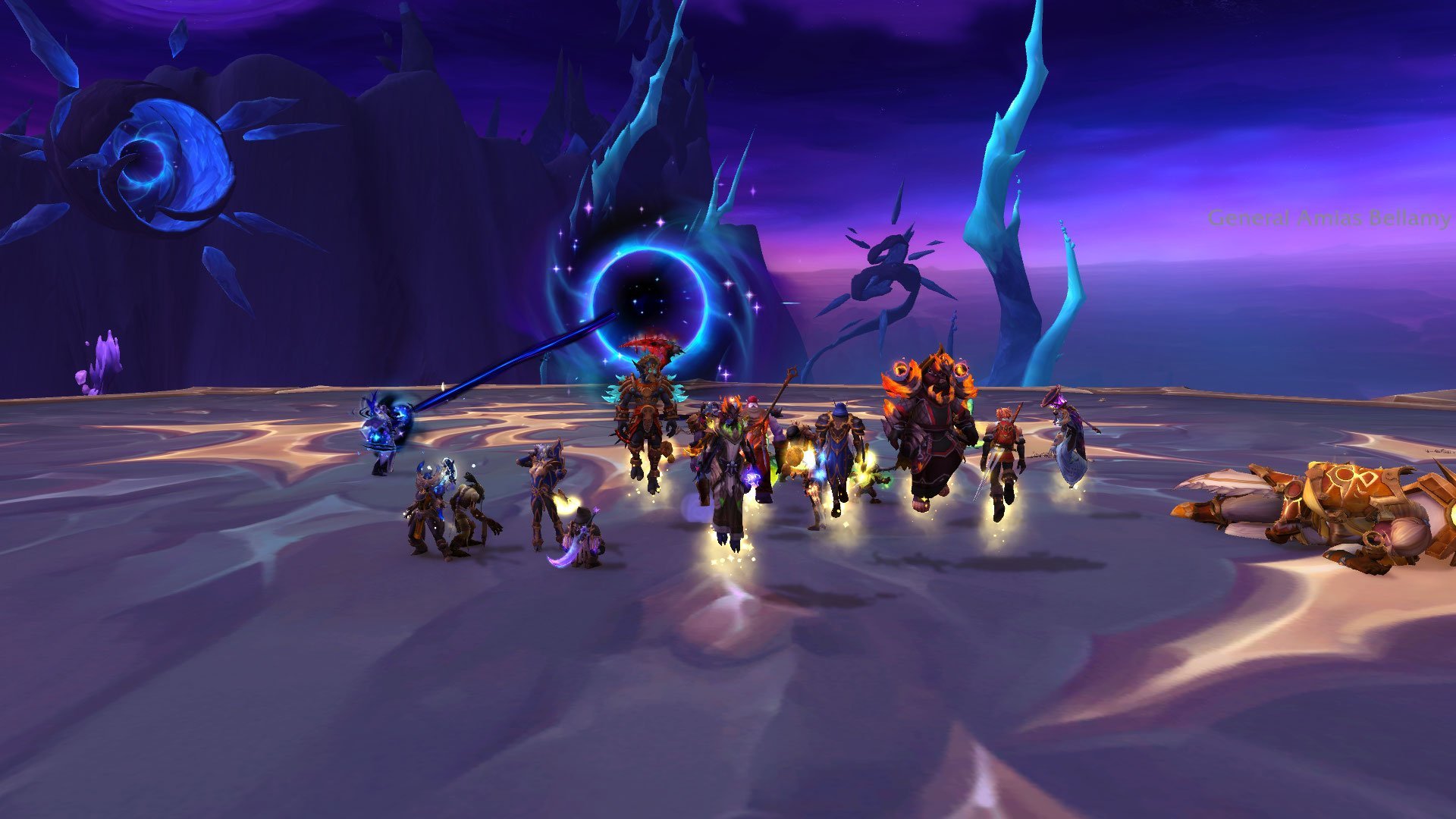
What I need from you is your class and spec you want to play. This will give me the foundation to start building a raiding team and if you saw there first raid they downed 2 bosses already so I hope to see you all soon. We will be looking to continue the raids on saturday at 5pm the same time as last raid!

-
- Categories (Show All)
- Raiding
- Raiding
- Raid Recap
- Recap
.thumb.png.0869e15de5ec5d4fbd7cbef715ab6b92.png)
