Skip to content
View in the app

A better way to browse. Learn more.

The Crimson Market

A full-screen app on your home screen with push notifications, badges and more.

To install this app on iOS and iPadOS
  1. Tap the Share icon in Safari
  2. Scroll the menu and tap Add to Home Screen.
  3. Tap Add in the top-right corner.
To install this app on Android
  1. Tap the 3-dot menu (⋮) in the top-right corner of the browser.
  2. Tap Add to Home screen or Install app.
  3. Confirm by tapping Install.

News

A club blog for World of Warcraft
  • Entries

    9
  • Comments

    20
  • Views

    2142

About this blog

World of Warcraft Giveaways & Bounties for our Guild

Entries in this blog

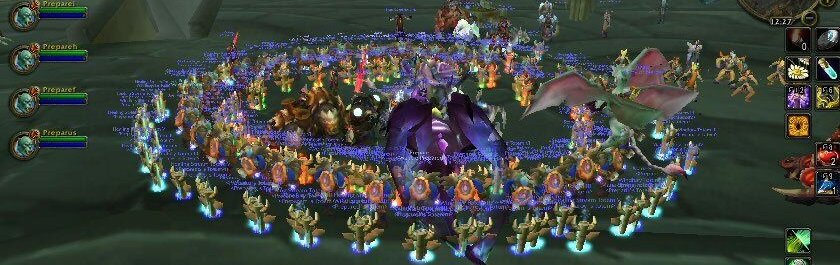
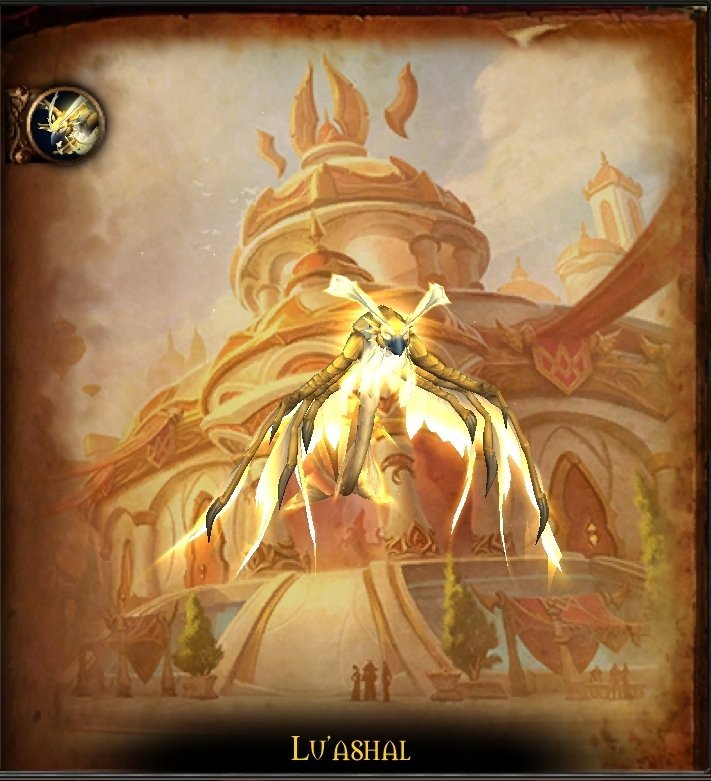
CLAIMED BY MASHIRO  Drop a screen shot here of the kill and make sure you have tracked it with the addon. If the addon failed to work then mention the details here so we can fix it as we work to make this addon better for our community. Learn about relics here https://www.thecrimsonmarket.com/relic-info Addon is on CurseForge -> https://www.curseforge.com/wow/addons/guild-rewards-hub Addon is available here   
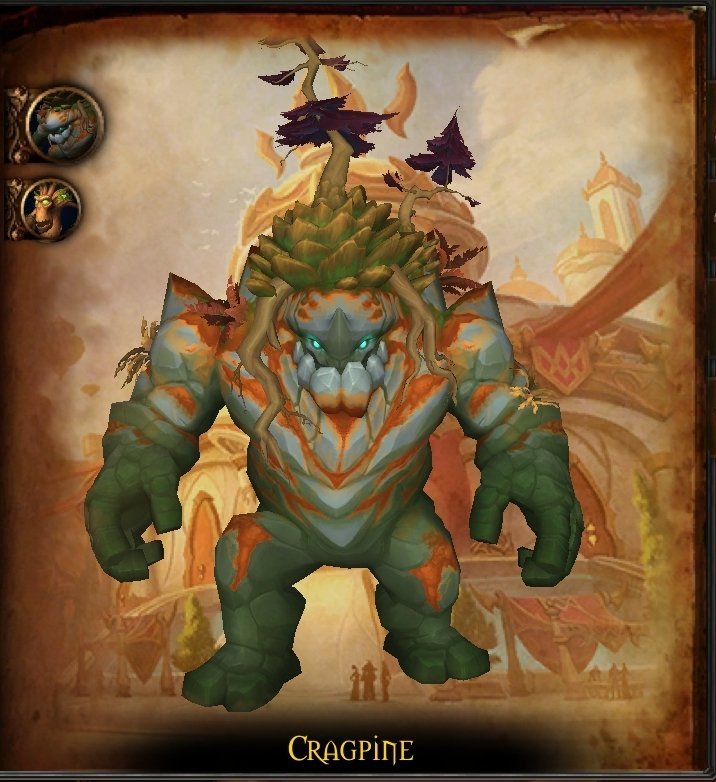
Complete Midnight Lumberjack Housing achievement and post a screen shot here. Learn about relics here https://www.thecrimsonmarket.com/relic-info Addon is on CurseForge -> https://www.curseforge.com/wow/addons/guild-rewards-hub Make sure to track it with the addon, if it doesn't track properly, let us know here so we can fix it! - Addon is available here until CurseForge approves it ->     This is for the housing people!   Claimed by Bouncindan (BabyBubb

Account

Navigation

Search

Search

Configure browser push notifications

Chrome (Android)
  1. Tap the lock icon next to the address bar.
  2. Tap Permissions → Notifications.
  3. Adjust your preference.
Chrome (Desktop)
  1. Click the padlock icon in the address bar.
  2. Select Site settings.
  3. Find Notifications and adjust your preference.