Skip to content
View in the app

A better way to browse. Learn more.

The Crimson Market

A full-screen app on your home screen with push notifications, badges and more.

To install this app on iOS and iPadOS
  1. Tap the Share icon in Safari
  2. Scroll the menu and tap Add to Home Screen.
  3. Tap Add in the top-right corner.
To install this app on Android
  1. Tap the 3-dot menu (⋮) in the top-right corner of the browser.
  2. Tap Add to Home screen or Install app.
  3. Confirm by tapping Install.

News

A club blog for Feedback & Updates
  • Entries

    8
  • Comments

    8
  • Views

    3168

About this blog

Entries in this blog

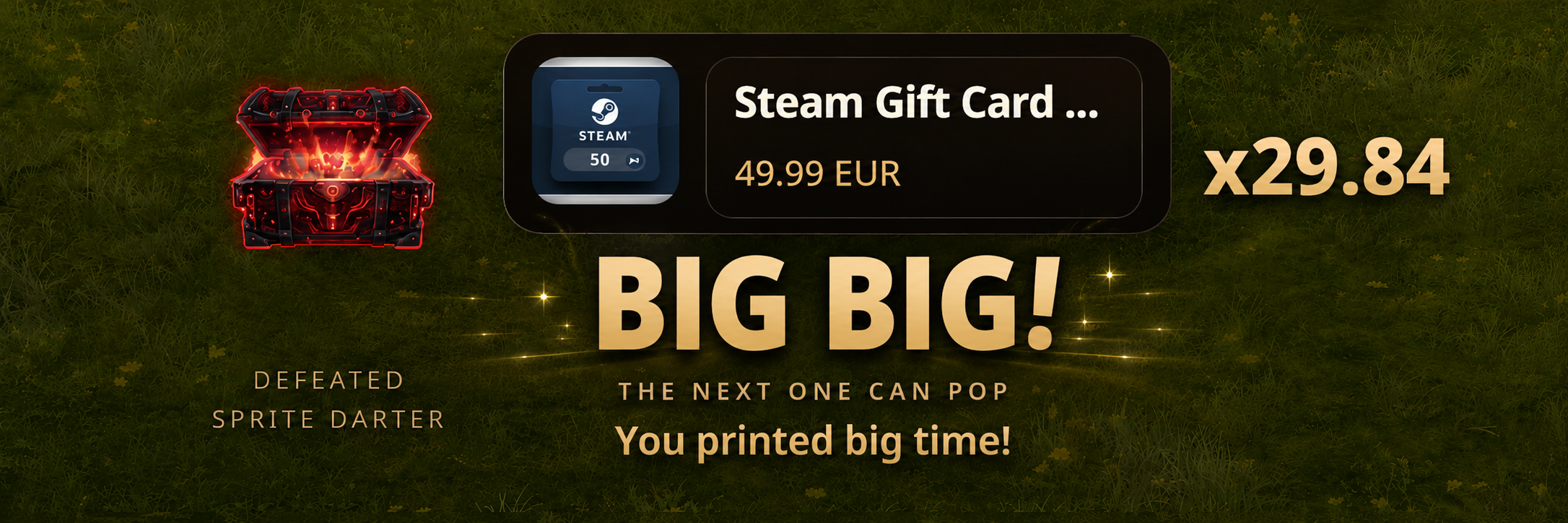
Gift Code Drops Have Arrived Corpse Scanner is expanding beyond item drops, Rubies, Forum Gold v2, and Lucky Points with an entirely new reward category: Gift Code Drops. Available through Play With Purpose, the gaming rewards overlay powered by The Crimson Market, Gift Code Drops allow eligible corpse scans to unlock real gaming rewards in addition to traditional loot and currencies. Players can now discover rewards such as: Steam Gift Cards Battle.net Balance

Account

Navigation

Search

Search

Configure browser push notifications

Chrome (Android)
  1. Tap the lock icon next to the address bar.
  2. Tap Permissions → Notifications.
  3. Adjust your preference.
Chrome (Desktop)
  1. Click the padlock icon in the address bar.
  2. Select Site settings.
  3. Find Notifications and adjust your preference.