Skip to content
View in the app

A better way to browse. Learn more.

The Crimson Market

A full-screen app on your home screen with push notifications, badges and more.

To install this app on iOS and iPadOS
  1. Tap the Share icon in Safari
  2. Scroll the menu and tap Add to Home Screen.
  3. Tap Add in the top-right corner.
To install this app on Android
  1. Tap the 3-dot menu (⋮) in the top-right corner of the browser.
  2. Tap Add to Home screen or Install app.
  3. Confirm by tapping Install.

News

A club blog for Feedback & Updates
  • Entries

    8
  • Comments

    8
  • Views

    3298

About this blog

Entries in this blog

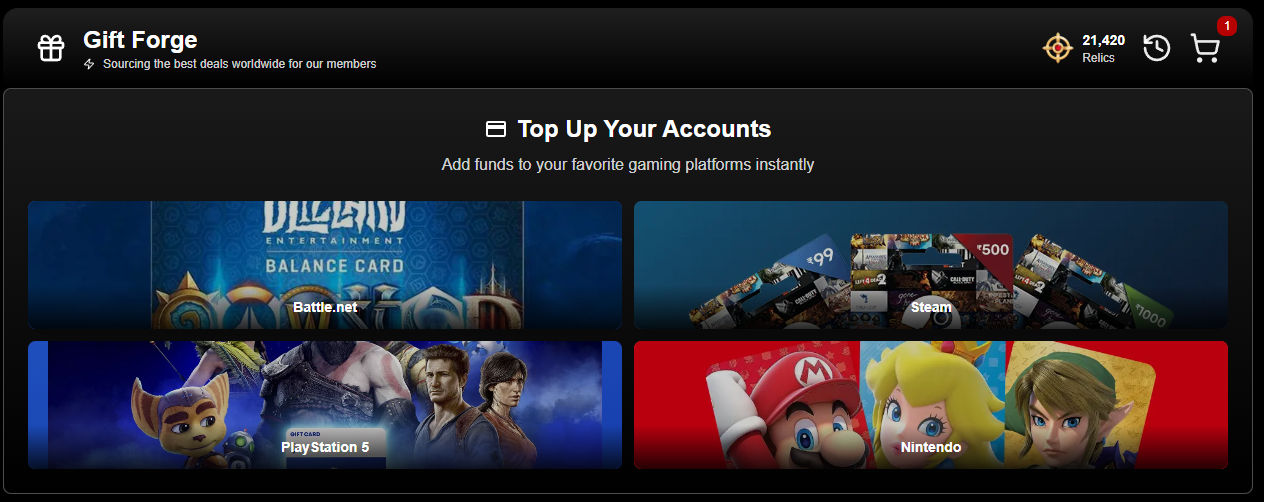
Hi everyone, We've finished a round on the GiftForge. 1. Performance is massively improved in all regions. 2. Bug fixes and general user experience uplifts in the search was improved. 3. Now if you cover the entire cost of a product with Relics, there will be no transaction fee for the purchaser! TCM does pay a small fee on these transactions as we still need to pay for them but I think if you can cover the cost of the product with your Relics, then we will cover that fee for

Account

Navigation

Search

Search

Configure browser push notifications

Chrome (Android)
  1. Tap the lock icon next to the address bar.
  2. Tap Permissions → Notifications.
  3. Adjust your preference.
Chrome (Desktop)
  1. Click the padlock icon in the address bar.
  2. Select Site settings.
  3. Find Notifications and adjust your preference.