
Skip to content
View in the app

A better way to browse. Learn more.

The Crimson Market

A full-screen app on your home screen with push notifications, badges and more.

To install this app on iOS and iPadOS
  1. Tap the Share icon in Safari
  2. Scroll the menu and tap Add to Home Screen.
  3. Tap Add in the top-right corner.
To install this app on Android
  1. Tap the 3-dot menu (⋮) in the top-right corner of the browser.
  2. Tap Add to Home screen or Install app.
  3. Confirm by tapping Install.

News

A club blog for Crimson Loot Carnival
  • Entries

    9
  • Comments

    2
  • Views

    7724

About this blog

All the latest updates for The Crimson Loot Carnival!

Entries in this blog

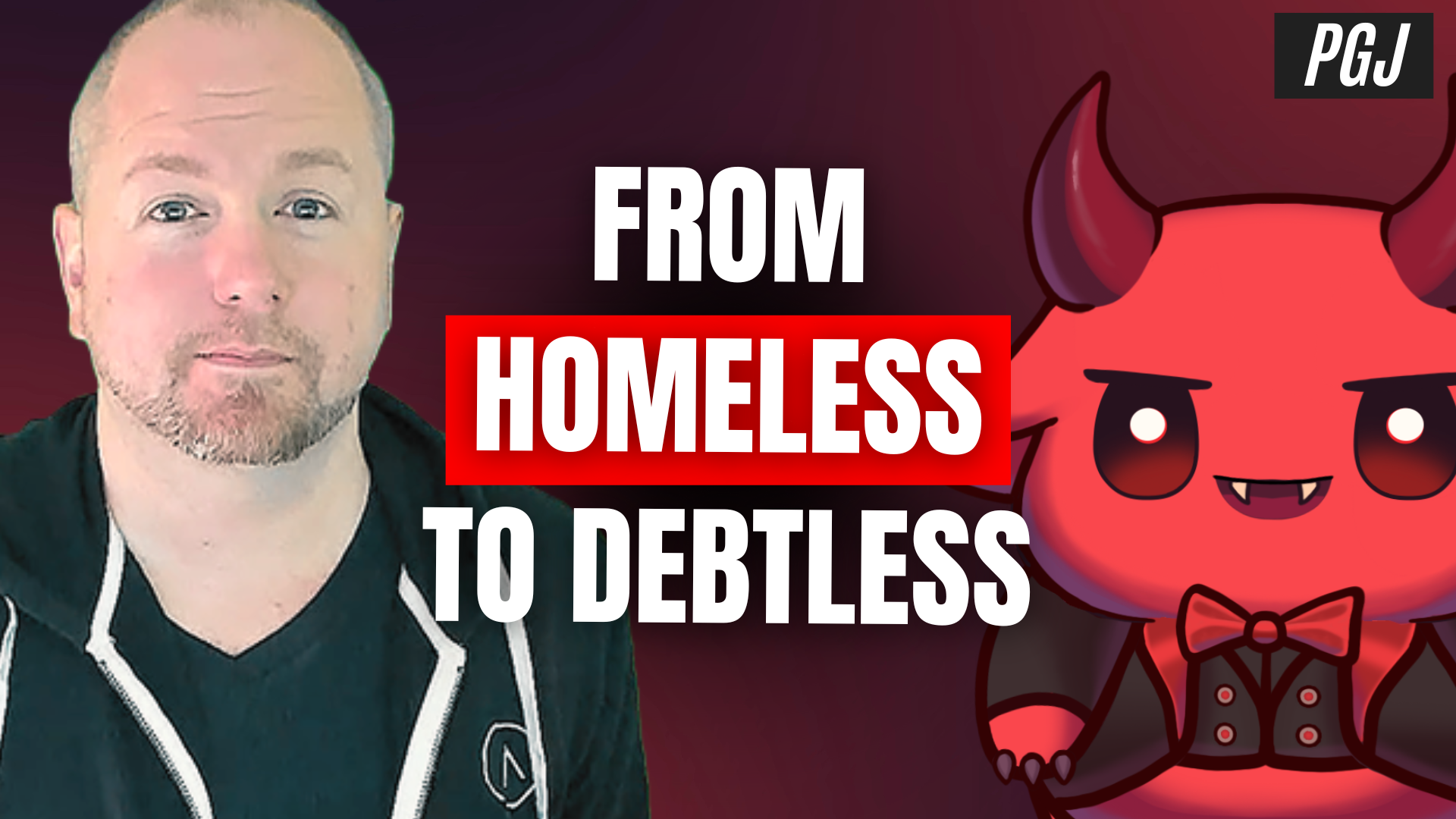
🎙️ From Black Lotus to PvP Glory – The Coooley Interview | Pro Gamers Journal In this special edition of Pro Gamers Journal, we dive into the world of Coooley — a legendary figure in the Diablo II: Resurrected community, Magic: The Gathering champion, world-record holder, and creator of the Diablo Fighting Championship. But this isn’t just a podcast — it’s a masterclass in gaming, content creation, and staying true to your path. 🎮 What’s Inside This Episode: Coooley’s

Account

Navigation

Search

Search

Configure browser push notifications

Chrome (Android)
  1. Tap the lock icon next to the address bar.
  2. Tap Permissions → Notifications.
  3. Adjust your preference.
Chrome (Desktop)
  1. Click the padlock icon in the address bar.
  2. Select Site settings.
  3. Find Notifications and adjust your preference.
