
Skip to content
View in the app

A better way to browse. Learn more.

The Crimson Market

A full-screen app on your home screen with push notifications, badges and more.

To install this app on iOS and iPadOS
  1. Tap the Share icon in Safari
  2. Scroll the menu and tap Add to Home Screen.
  3. Tap Add in the top-right corner.
To install this app on Android
  1. Tap the 3-dot menu (⋮) in the top-right corner of the browser.
  2. Tap Add to Home screen or Install app.
  3. Confirm by tapping Install.

News

A club blog for Crimson Loot Carnival
  • Entries

    9
  • Comments

    2
  • Views

    7969

About this blog

All the latest updates for The Crimson Loot Carnival!

Entries in this blog

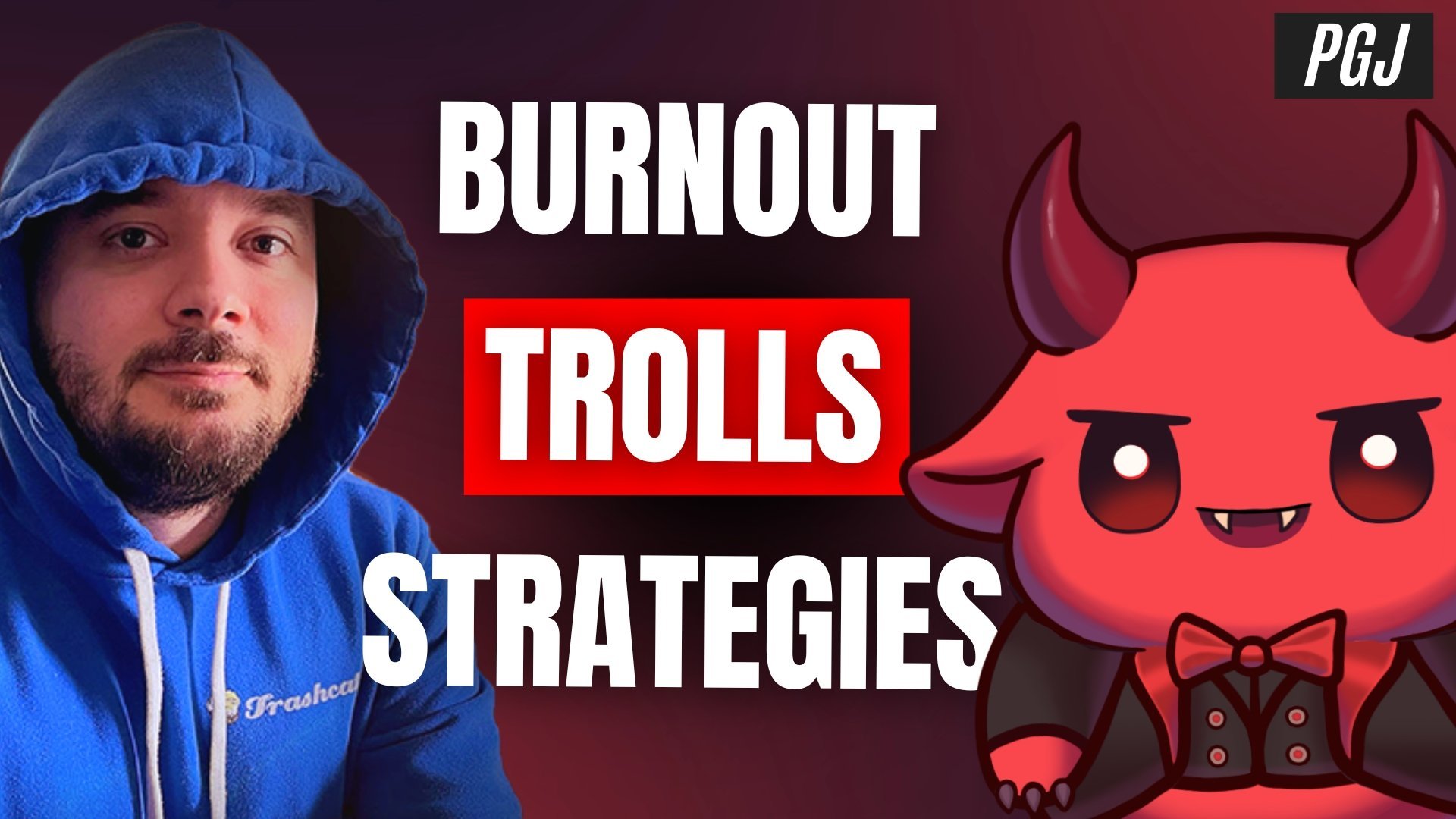
Raxxanterax on the Grind: 10 Years of Streaming and What It Takes to Succeed In the first episode of Pro Gamer’s Journal, we sat down with one of the most dedicated and recognizable faces in the ARPG genre. Raxxanterax. Known for his extensive work in games like Diablo 4, Path of Exile, Last Epoch, and most recently No Rest for the Wicked, Raxx has built a loyal following by doing what few creators dare to commit to: streaming every single day in pursuit of a 10-year streak. This conve

Account

Navigation

Search

Search

Configure browser push notifications

Chrome (Android)
  1. Tap the lock icon next to the address bar.
  2. Tap Permissions → Notifications.
  3. Adjust your preference.
Chrome (Desktop)
  1. Click the padlock icon in the address bar.
  2. Select Site settings.
  3. Find Notifications and adjust your preference.
