Skip to content
View in the app

A better way to browse. Learn more.

The Crimson Market

A full-screen app on your home screen with push notifications, badges and more.

To install this app on iOS and iPadOS
  1. Tap the Share icon in Safari
  2. Scroll the menu and tap Add to Home Screen.
  3. Tap Add in the top-right corner.
To install this app on Android
  1. Tap the 3-dot menu (⋮) in the top-right corner of the browser.
  2. Tap Add to Home screen or Install app.
  3. Confirm by tapping Install.

News

General

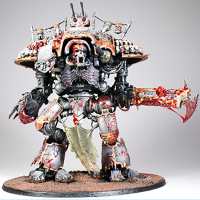
  1. Since it was just released, I want to give some out, just drop a comment below, first come first serve for a free one! - Might give it to more than one person idk 🙂 Otherwise if you are willing to support us, please grab it from the Proxies (3D Models) Downloads tabs and I can also show you how to get it printed out. Forum Gold v2 can also be used to pay for the printing!

  2. knight6.mp4

    • 0 replies
    • 104 views

Account

Navigation

Search

Search

Configure browser push notifications

Chrome (Android)
  1. Tap the lock icon next to the address bar.
  2. Tap Permissions → Notifications.
  3. Adjust your preference.
Chrome (Desktop)
  1. Click the padlock icon in the address bar.
  2. Select Site settings.
  3. Find Notifications and adjust your preference.