.thumb.png.041942ccbc421517353baefb42e877b6.png)
💎 What You Get:
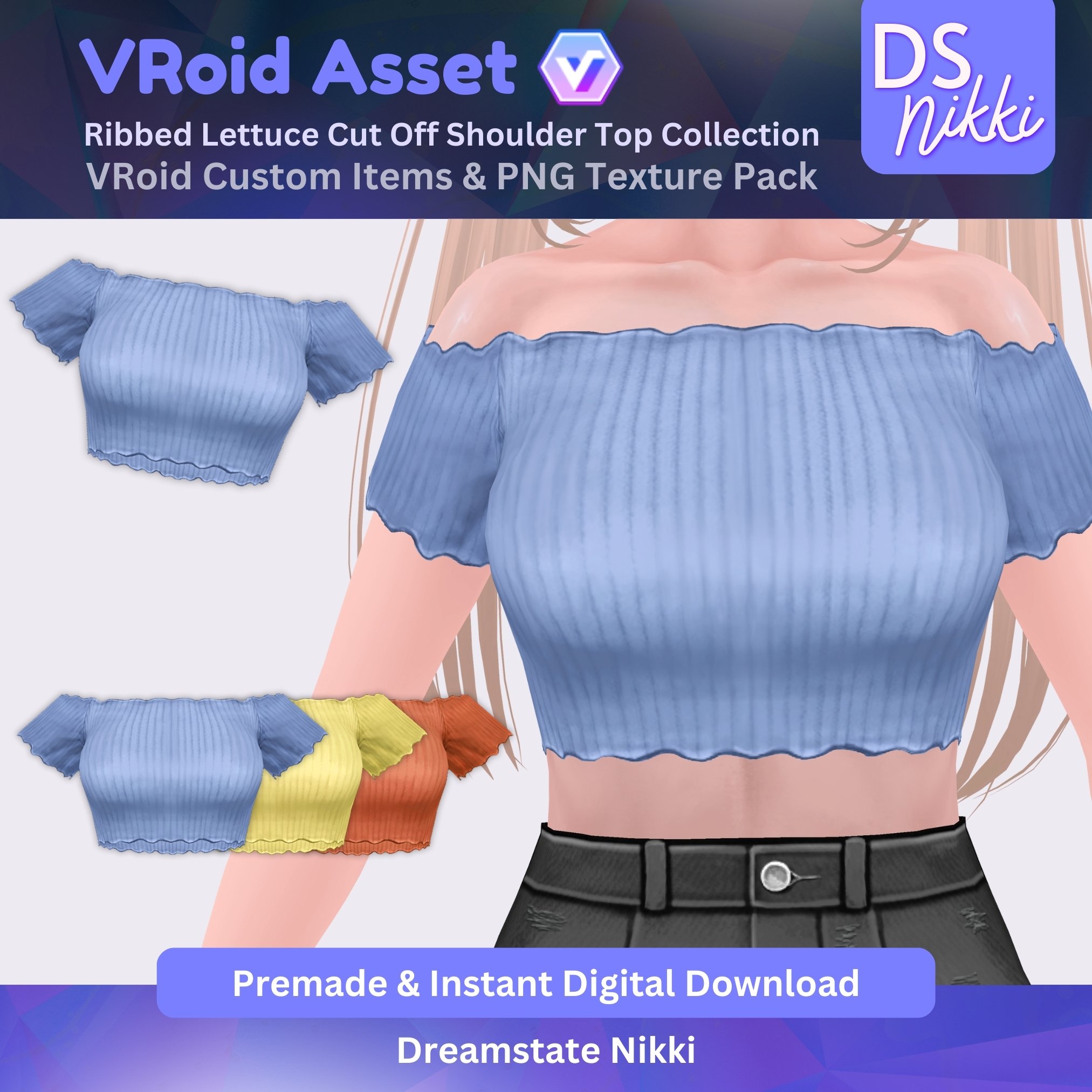
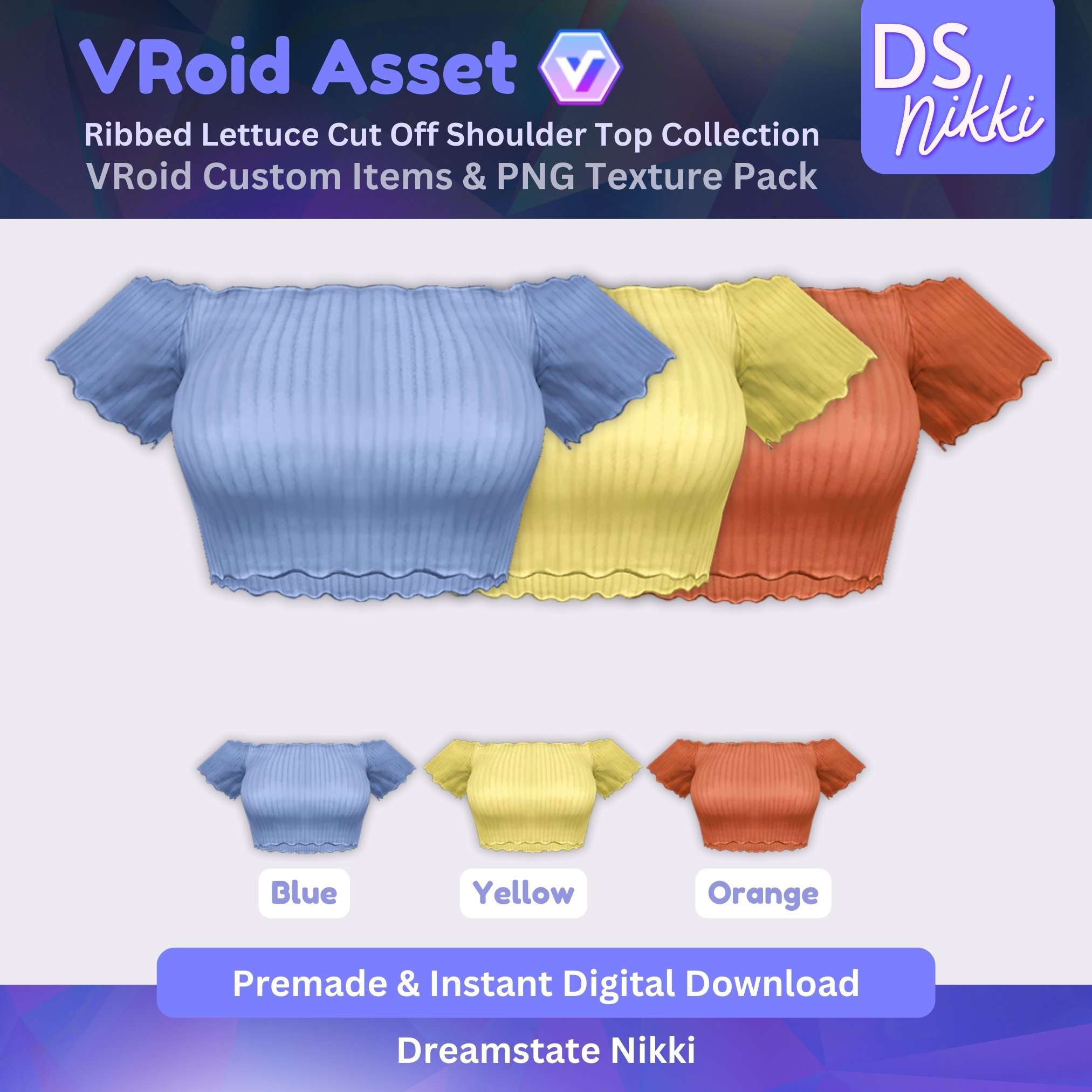
✅ VRoid Custom Items – Ribbed Lettuce Cut Off Shoulder Top Collection (3 colors: blue, yellow, & orange.)
✅ 3 High-Quality PNG Texture Files for manual import, which include the Template & Parameters Guide for perfect customization
✅ Step-by-Step Import Guides for both VRoid Custom Item & PNG versions
🎮 Where Can You Use It?
✔️ On your VRoid Studio models intended for live streaming on Twitch, YouTube, TikTok, etc.
⚠️ Note: VRoid model is NOT included.
🔹 Created using the Official VRoid Studio version (Beta compatibility not guaranteed).
📥 How to Download & Import:
1️⃣ Purchase & download the ZIP folder instantly.
2️⃣ Follow the included step-by-step guide for easy import.
3️⃣ Apply the textures and enjoy your brand-new VRoid look!
🚨 Terms of Use 🚨
🔹 Redistribution, reselling, or NFT usage is strictly prohibited.
🔹 Used exclusively by the person who purchased it.
💌 Have Questions? Need Help?
If you have any issues with your order, feel free to contact me! 😊

You may only provide a review once you have downloaded the file.
There are no reviews to display.