Apps, Bots & Programs.
Twitch bots, Unity apps and everything in between.
1 file
-
Getting Started & How To Play:
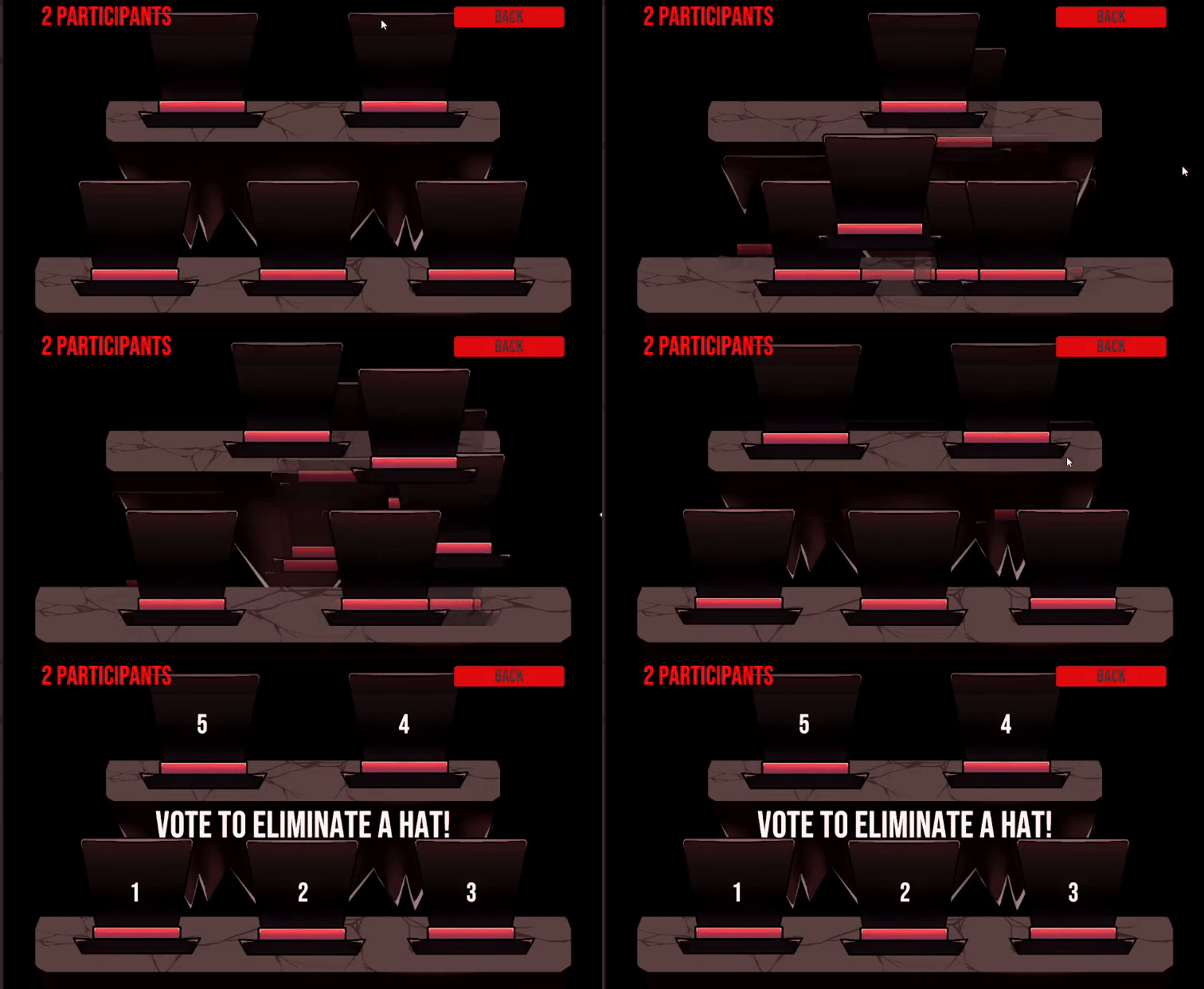
Extract the zipped folder into a folder & Run the TCMHatGame.exe. Click the "TWITCH LOGIN" button. It will open a browser, requiring you to enter a code. The required code should be entered in the field already, if not, it is in the URL. Once you log in with Twitch, you can now click the button that starts the game. Use the "Enable Join" button to create a "Channel Point Reward" which will be the button for your viewers to join the game. Once you think enough people have joined, press start and the viewers will be shuffled in hats. Now a vote will appear in your Twitch chat. Your viewers can vote for a hat to get eliminated. Demons that were shuffled into the most voted hat will meet their doom while the rest continue the game. After multiple votes, the last demon standing wins the game. [Esc] key opens and closes the main menu. This is an early-test version, potential bug fixes, visual upgrades and UI improvements will be coming soon!
- 5.00 USD
Updated