

Skip to content
View in the app

A better way to browse. Learn more.

The Crimson Market

A full-screen app on your home screen with push notifications, badges and more.

To install this app on iOS and iPadOS
  1. Tap the Share icon in Safari
  2. Scroll the menu and tap Add to Home Screen.
  3. Tap Add in the top-right corner.
To install this app on Android
  1. Tap the 3-dot menu (⋮) in the top-right corner of the browser.
  2. Tap Add to Home screen or Install app.
  3. Confirm by tapping Install.

News

Ultimate Diablo Championship: S13 Lord of Hatred
Welcome to the Ultimate Diablo Championship: S13 Lord of Hatred.

In this occasion we bring a new experience: Collect the seed Duo tournament with amazing prizes to the top 2 teams!!!!

1° place: 300 USD
2° place: 100 USD


*To be eligible for the prize you need to stream on our website
https://www.thecrimsonmarket.com/vision

Collect the seeds in the Denshar area!

You and a friend will start a new characters and join a normal zone in denshar where other players will be ready to brawl to be the fastest seed collectors. Will be 8 teams of 2 bloodmarked per instance fighting from lv1 and going for over 20 minutes to see who gathers the more seeds, then every winner of each instance will fight in the "donut area" to see the two winning teams. Once we have 2 teams we will do best of 3 2v2 duels to determine the victor. No followers are allowed and you need to spend all your seeds before join the tournament. This way every team will start at 0 seeds.
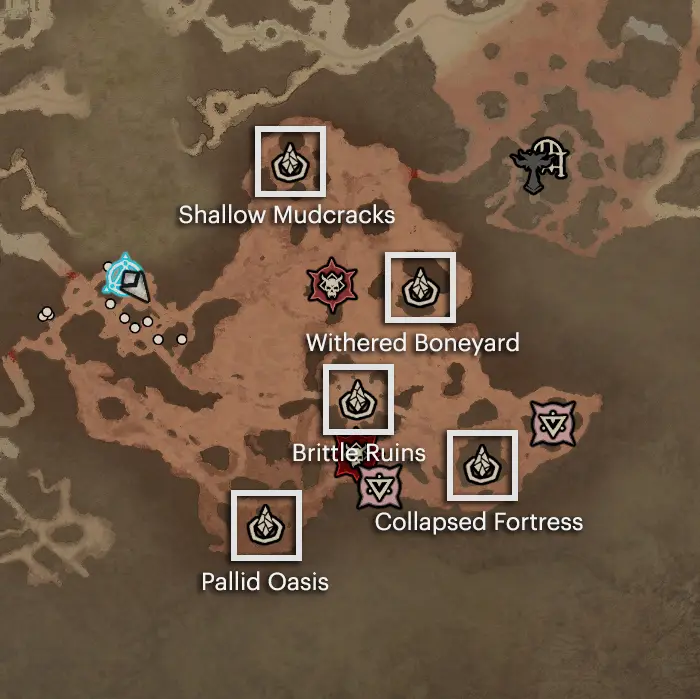
 

Diablo 4 Seeds of Hatred · Best way to farm? · Mythic Drop


To join the event you need to join the club and leave your and your friend battletag in a comment.

Twitch:  https://www.twitch.tv/crimsonlootcarnival


Remember to RSVP!!!

Edited by Sa10#1908

Recommended Comments

Elisian

Members

I'll be there tomorrow along with Kittrix as my teammate!  Be afraid, be VERY afraid

Elisian

Members

Oh, are companions allowed or outlawed?


cerbixu2oo7

Members

@Costel

 class: Barbarian

Sa10#1908

Members

Remember guys, need your btag in this coment section and stream in the website

lynwolf

Members

Vegeta#12589

ho69005

Members

LyOn69#21338

Elisian

Members

Elisian#1288 with Kittrixe

Account

Navigation

Search

Search

Configure browser push notifications

Chrome (Android)
  1. Tap the lock icon next to the address bar.
  2. Tap Permissions → Notifications.
  3. Adjust your preference.
Chrome (Desktop)
  1. Click the padlock icon in the address bar.
  2. Select Site settings.
  3. Find Notifications and adjust your preference.