Skip to content
View in the app

A better way to browse. Learn more.

The Crimson Market

A full-screen app on your home screen with push notifications, badges and more.

To install this app on iOS and iPadOS
  1. Tap the Share icon in Safari
  2. Scroll the menu and tap Add to Home Screen.
  3. Tap Add in the top-right corner.
To install this app on Android
  1. Tap the 3-dot menu (โ‹ฎ) in the top-right corner of the browser.
  2. Tap Add to Home screen or Install app.
  3. Confirm by tapping Install.

News

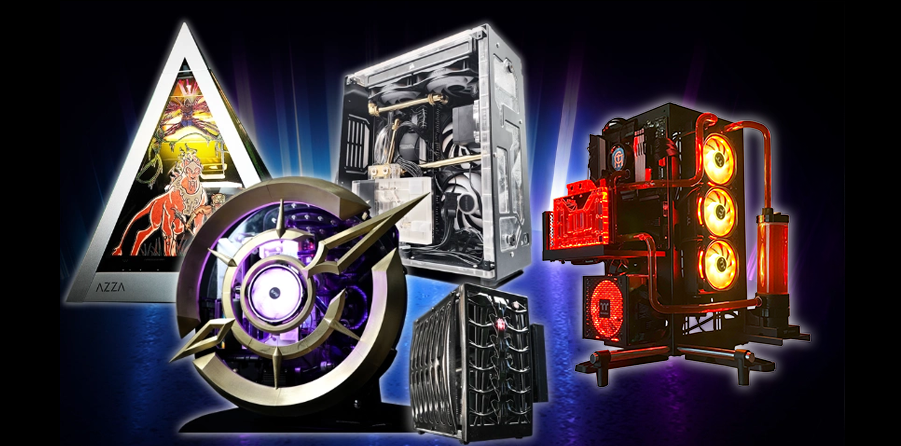
Monthly Big Computer Reward!

Hey everyone!ย 
Reminder that weโ€™re spinning the wheel for your chance to win a custom built gaming PC or you can take the cash prize instead.

If you want to learn more about the giveaway, you can check out the details here:
๐Ÿ‘‰ https://www.thecrimsonmarket.com/pcgiveaway

Join us live to see the wheel spin and find out who wins.
๐Ÿ“… November 22, 2025
๐Ÿ•’ย 2:00 PM CST
Watch on Twitch here: https://www.twitch.tv/crimsonlootcarnival
(We are streaming as CrimsonLootCarnival)

Good luck and hope to see you there!

ย 

Edited by Kittrix

Recommended Comments

There are no comments to display.

Please sign in to comment

You will be able to leave a comment after signing in

Sign In Now

Account

Navigation

Search

Search

Configure browser push notifications

Chrome (Android)
  1. Tap the lock icon next to the address bar.
  2. Tap Permissions โ†’ Notifications.
  3. Adjust your preference.
Chrome (Desktop)
  1. Click the padlock icon in the address bar.
  2. Select Site settings.
  3. Find Notifications and adjust your preference.