

Crimson Loot Carnival - Opening | Raxxanterax : Pro Gamers Journal - Learn about a Pro Gamer, Come have FUN and WIN

We are starting something new, something we are really excited for.
Our team will begin to create different mini games for our Crimson Loot Carnival.
Games will run every single hour, starting from Saturday 4PM CST and go on for approximately 6 hours EVERY SINGLE SATURDAY.
Every game will have one winner which takes home a cash prize, we've given away over $4000 USD so far on the LilithMommy stream and now this stream will become "Crimson Loot Carnival" as a total re-branding of what we are trying to accomplish, a new live experience which digitalize's the carnivals of the 19th century.
We will also bring on board different Pro Gamers to hear about their journey, starting with everyones favourite, Raxxanterax 🙂,
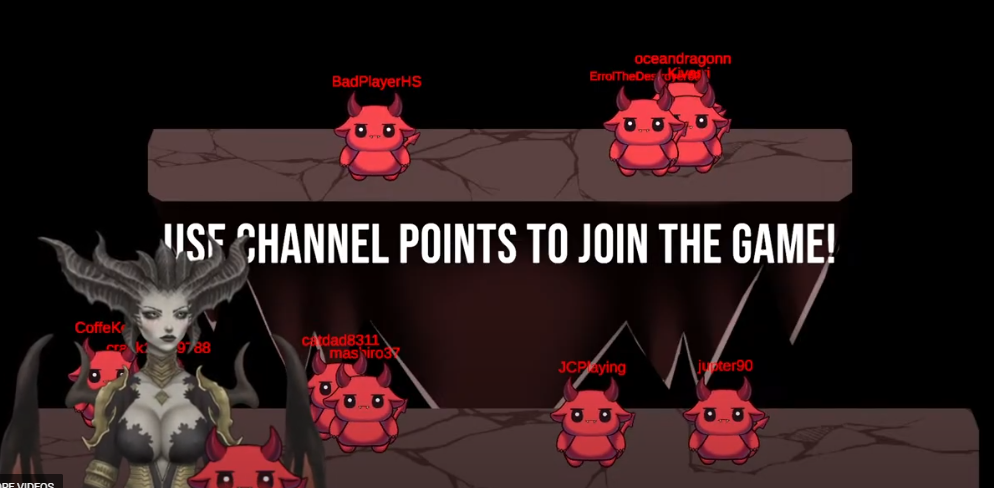
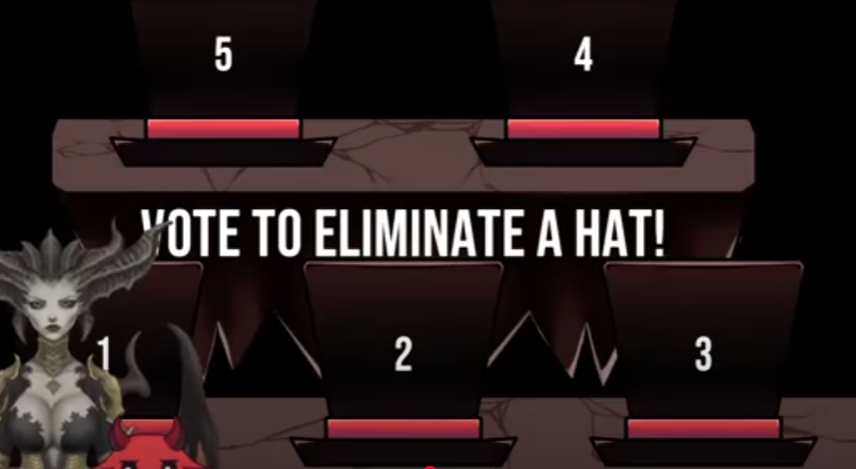
We will delve deep into what makes Raxx who he is and then we will play The Hat Game, where everyone will choose a hat to go under before Raxx chooses which hat to blow up 🙂 The last little devil standing will win the prize!
Here is an example of The Hat Game
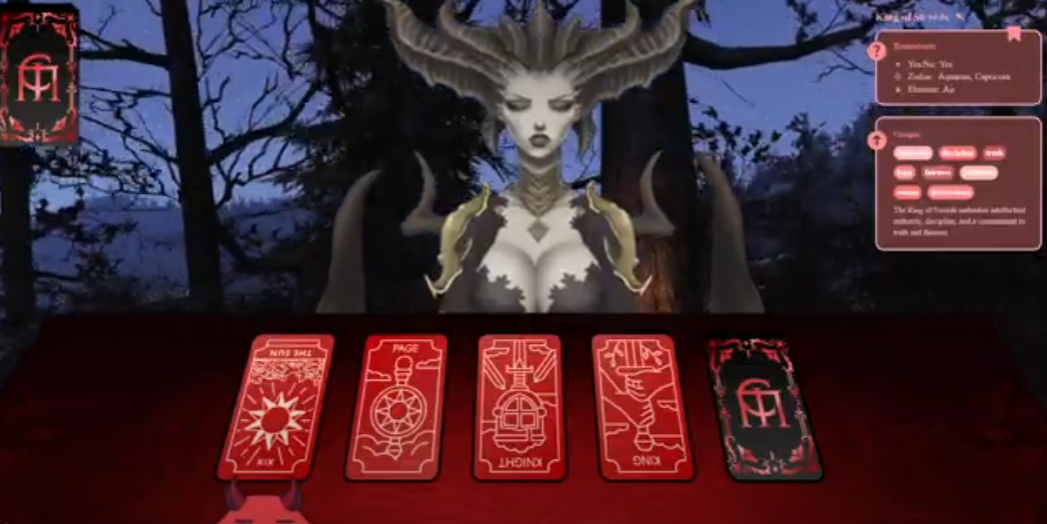
Then we will do an offer where you can double your prize through a Tarot Card Reading FLIP! Here's an example of that.
We will continue to work on making new interesting games for the Carnival to grow into something that can provide a really special experience for you.
I hope to see you there!
|
Region |
Timezone | Local Time |
|---|---|---|
| USA (CST) | CST | 4:00 PM (Saturday) |
| Europe (e.g., Germany, France, Italy) | CEST (Central European Summer Time) | 11:00 PM (Saturday) |
| Australia (e.g., Sydney, Melbourne) | AEST (Australian Eastern Standard Time) | 7:00 AM (Sunday) |
Edited by Merzal#1414

Recommended Comments