

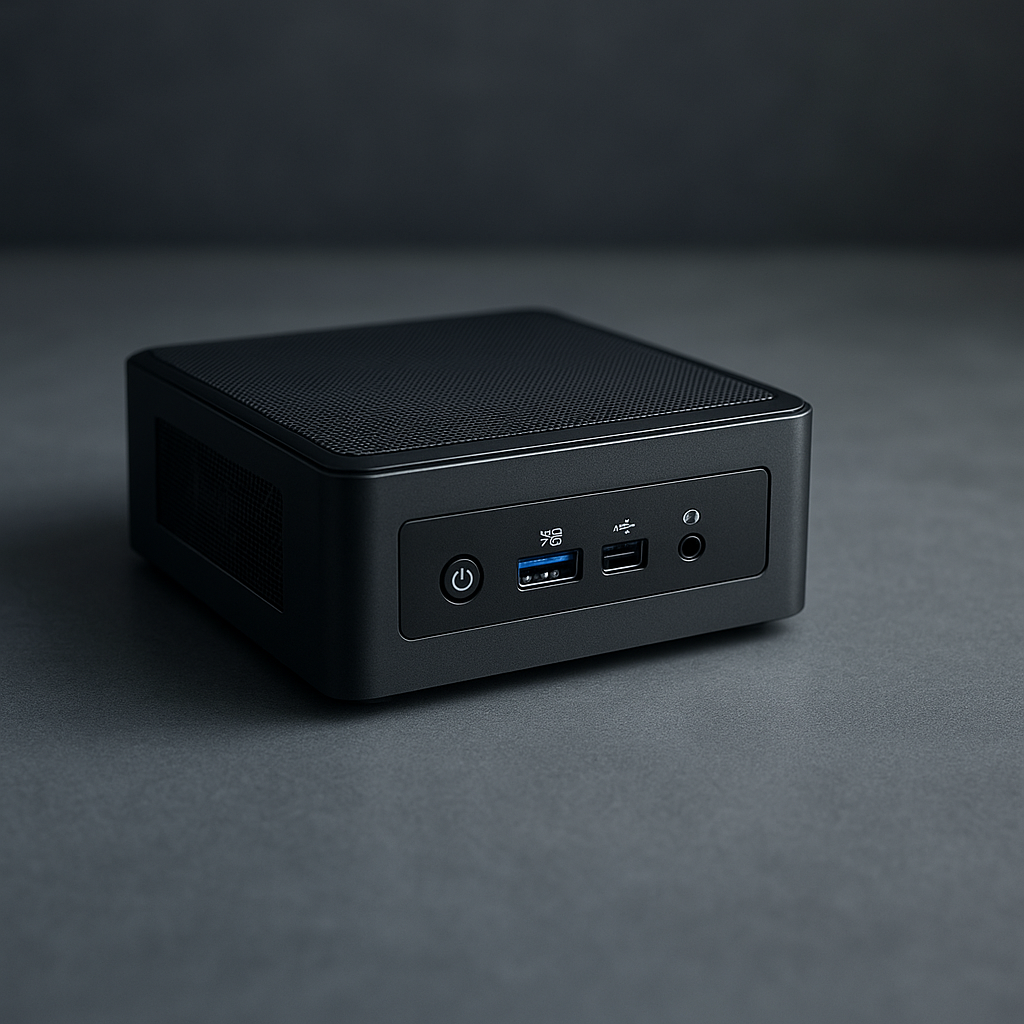
Rethinking Small Form Factor Computers: An Analytical Deconstruction of Their Design and Market Dynamics

By Macsusc in Small Form Factor
· 368 views
Challenging the Conventional Wisdom on Small Form Factor Efficiency
Small Form Factor (SFF) computers are often praised for their compactness and energy efficiency, yet these assertions obscure critical trade-offs that merit a more nuanced evaluation. The prevailing notion that smaller size inherently correlates with reduced power consumption neglects the engineering compromises in thermal management and component selection. In fact, SFF systems can sometimes demand higher power draw per unit volume due to dense component placement and reliance on active cooling solutions, contradicting the simplistic energy-efficiency narrative.
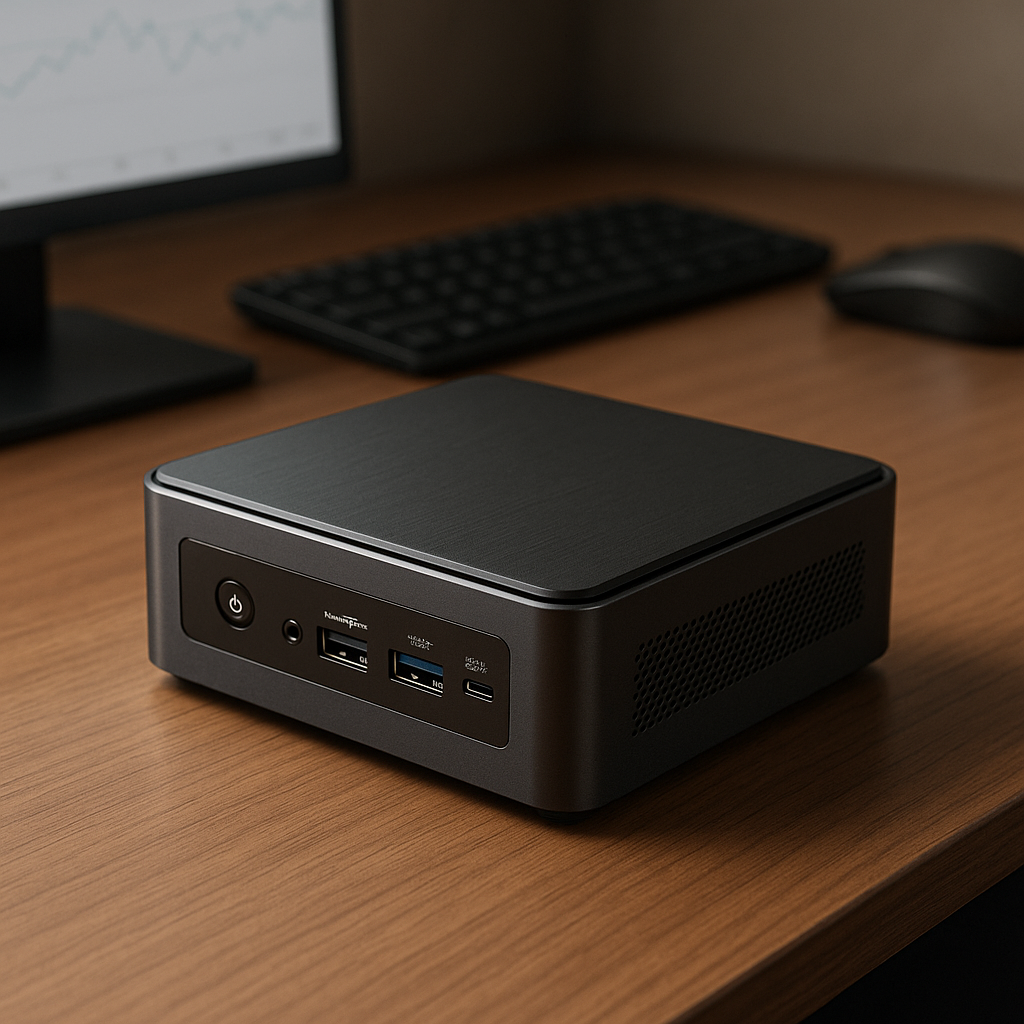
Thermal Density: The Silent Performance Bottleneck
Thermal density in SFF computers is an underappreciated factor that inversely impacts system longevity and performance stability. Unlike standard desktops where heat dissipation can be managed with larger, passive cooling arrays, SFF designs must employ intricate airflow strategies or liquid cooling to mitigate hotspots. This engineering constraint often limits the feasibility of high-performance CPUs and GPUs within SFF chassis, forcing manufacturers into a delicate balance between performance and thermal throttling.
[IMAGE_2]
Reconsidering the 'Mobile-First' Mindset in Desktop Computing
A counterintuitive insight emerges when examining the SFF market through the lens of the mobile computing paradigm. While SFF machines borrow heavily from laptop component miniaturization, adopting a "mobile-first" approach for desktop systems overlooks critical differences in usage patterns and upgrade cycles. Mobile components, optimized for intermittent workloads and battery conservation, may underperform in sustained desktop environments, leading to diminished user experience and accelerated wear.
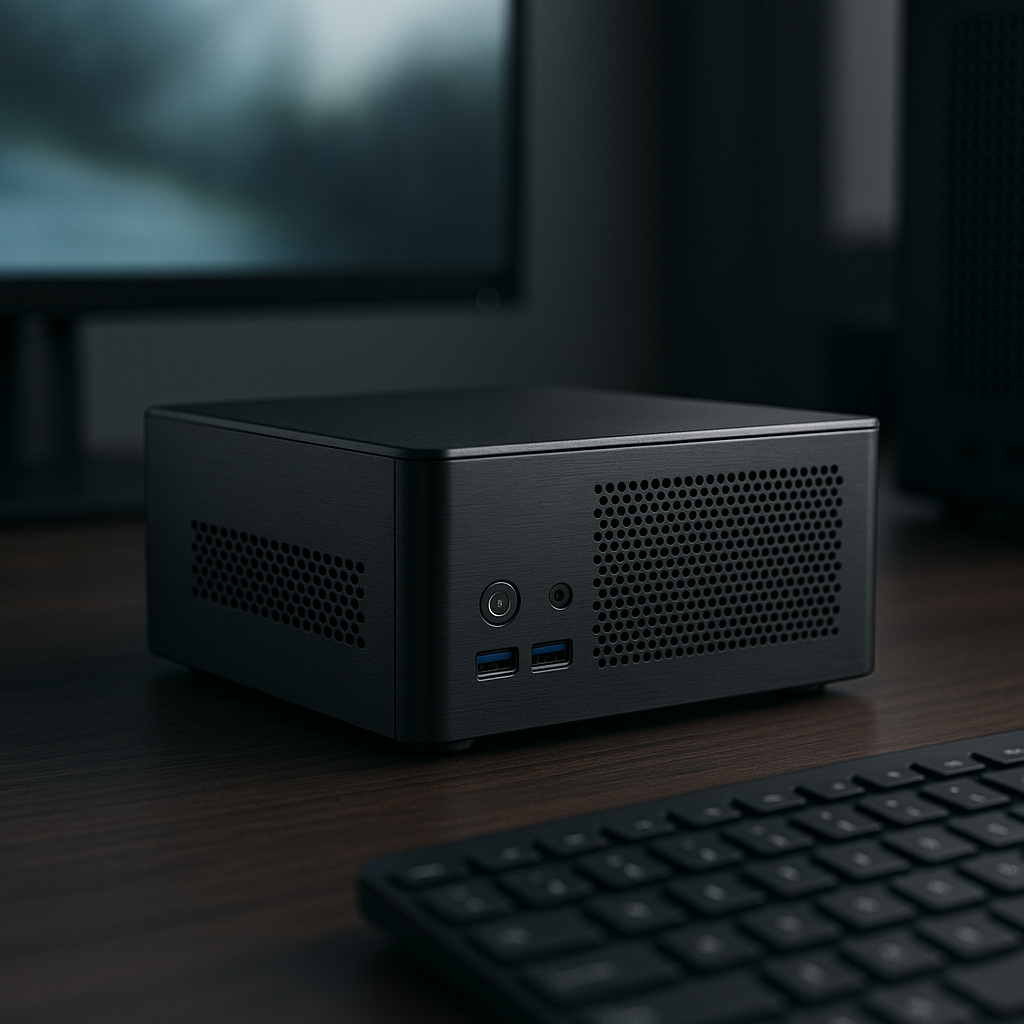
The Misconception of Upgradeability and Longevity
Contrary to popular belief, SFF computers often sacrifice future-proofing for initial convenience. The perception that these machines offer comparable upgrade paths to traditional desktops is misleading. Proprietary motherboards, non-standard power supplies, and limited physical space restrict component swaps and expansions, creating a scenario where complete replacement becomes more economical than incremental upgrades, thereby increasing long-term electronic waste.
[IMAGE_4]
Strategic Positioning in the Market: Beyond Size and Specs
Understanding SFF computers through purely technical specifications misses the broader strategic positioning by OEMs. These systems cater to niche demands—such as silent operation in office environments or minimal footprint in constrained spaces—that transcend raw computing power. Recognizing the psychological and ergonomic factors influencing SFF adoption provides a more comprehensive view of their sustained relevance despite inherent compromises.

Recommended Comments