




Mastering Small Form Factor Computers: A Step-by-Step Practical Guide for 2024 Builds

Entry posted by Macsusc in Small Form Factor
29 views
Reevaluating Component Compatibility Before Purchase
When building or upgrading a Small Form Factor (SFF) computer, the first practical step is to meticulously verify component compatibility—not just by size, but by thermal design and power requirements. Unlike standard desktops, SFF cases have significantly constrained airflow and power delivery capabilities. For example, a high-end GPU might physically fit, but it can cause thermal throttling or overload the PSU. Use manufacturer datasheets and user forums to cross-check component dimensions and power draw. This upfront diligence prevents costly returns or ineffective builds.
Choosing a Motherboard: Beyond Mini-ITX
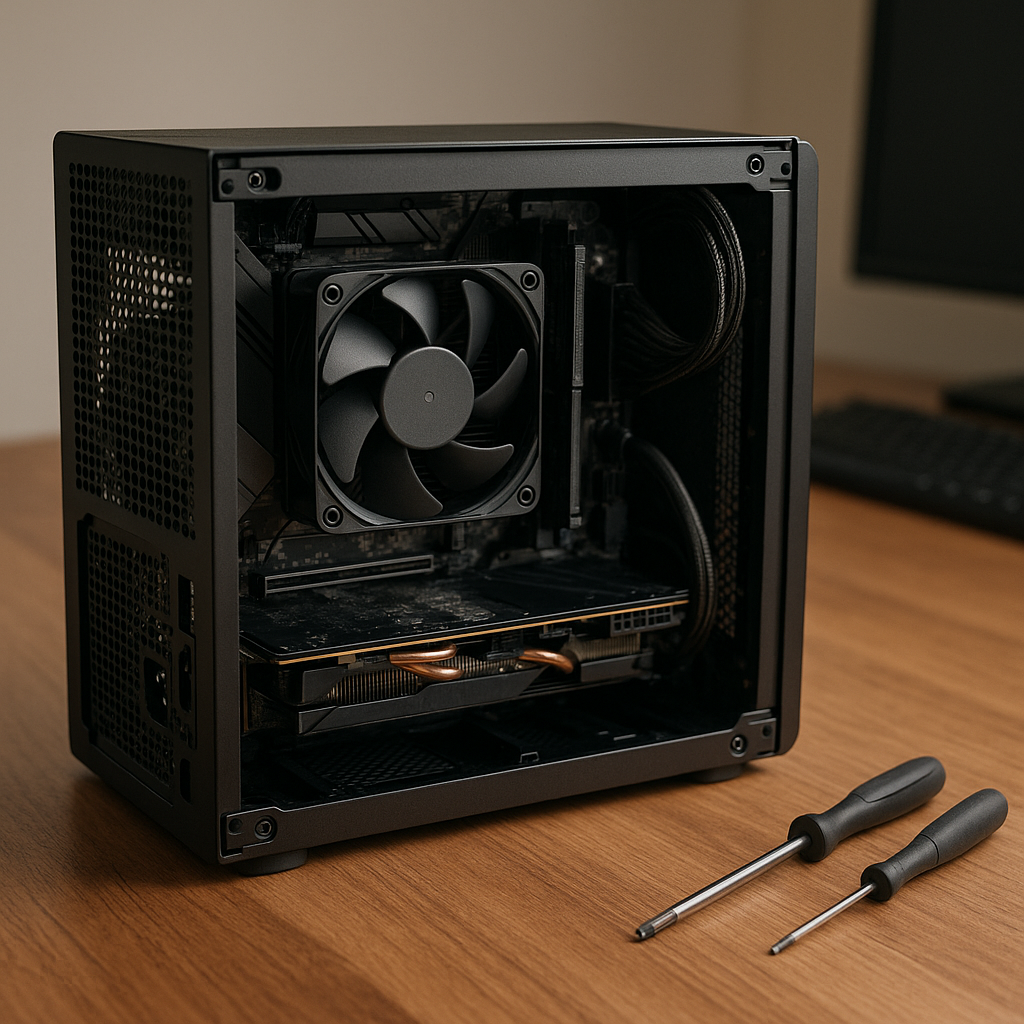
Most builders default to Mini-ITX motherboards for SFF computers, but recent trends highlight the emergence of flexible form factors like NUC boards and proprietary designs from brands such as ASRock and ASUS. These boards often integrate advanced power management and improved thermal controls, which can enhance performance in tight spaces. Step one here is to identify which board form factor aligns with your performance goals and case dimensions, then confirm BIOS support for your CPU and RAM choices.
Optimizing Cooling with Unconventional Solutions
Standard wisdom pushes for compact air coolers or small AIO liquid cooling in SFF builds, but an often overlooked technique is leveraging passive cooling designs combined with strategic chassis ventilation. For instance, some modern SFF cases now feature vertical GPU mounting paired with side ventilation slots that allow natural convection currents to dissipate heat effectively without noisy fans. This approach reduces noise and power consumption, which is critical in compact office or home theater setups.
[IMAGE_2]
Power Supply Selection: Efficiency Over Wattage
Contrary to the usual focus on high wattage PSUs, prioritize efficiency ratings (80 Plus Gold or better) and modular designs to minimize cable clutter in tight cases. A smaller, high-efficiency SFX or SFX-L power supply often delivers better overall system stability and thermal performance than a larger, lower-rated unit. Begin by calculating your system’s realistic power needs (including peripherals) and then choose a PSU that operates at 50-70% load for optimal efficiency.
Custom Cabling and Internal Layout Planning
Before assembly, plan the internal layout using 3D modeling tools or online build simulators tailored for SFF builds. Custom-length cables or cable extensions can drastically improve airflow and reduce build time. This step is especially important because poor cable management can negate all thermal optimizations. Label and route cables along case edges and behind the motherboard tray where possible.
Counterintuitive Insight: Embrace External Expansion for Future-Proofing
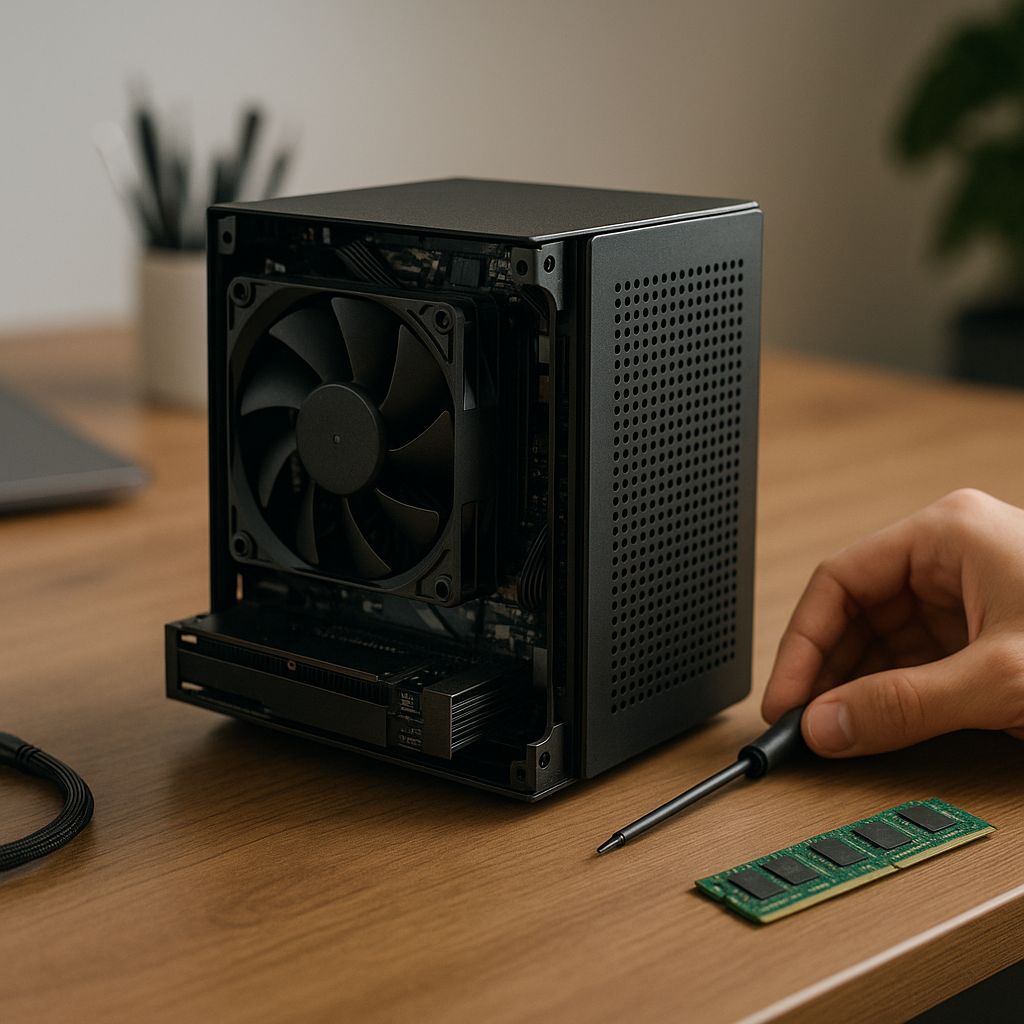
While SFF builds aim for compactness, integrating external expansion options can paradoxically enhance both performance and longevity. Thunderbolt 4 and USB4 external GPU enclosures, high-speed external storage, and even external PCIe card docks allow users to bypass internal space constraints. Instead of squeezing every component inside the chassis, design your build with a minimal internal footprint and rely on external peripherals for upgrades. This strategy also eases thermal management and can reduce initial build costs.
Final Assembly and BIOS Configuration
When assembling, tighten mounting screws in a cross pattern to evenly distribute pressure on the motherboard and components. Once powered on, immediately update the BIOS to the latest version to ensure hardware compatibility and performance improvements. Configure fan curves aggressively but quietly, focusing on thermal thresholds rather than fixed RPM values. This step ensures your SFF computer runs efficiently and silently under varying workloads.
[IMAGE_4]
Testing and Maintenance Protocols
Post-build, perform stress tests focusing on thermal and power stability using tools like Prime95 and FurMark, but monitor temperatures closely. In small cases, even short thermal spikes can indicate insufficient airflow or faulty mounting. Schedule regular maintenance every 6-12 months to clean dust filters and reapply thermal paste, as SFF computers tend to accumulate heat more rapidly over time.
By following these practical, detailed steps with an emphasis on compatibility, innovative cooling, and external expansion, your Small Form Factor computer will not only fit your space but also deliver exceptional performance and longevity.
0 Comments
Recommended Comments
There are no comments to display.
Please sign in to comment
You will be able to leave a comment after signing in
Sign In Now