




Small Form Factor Computers: Rethinking Power, Portability, and Purpose Beyond Size

Entry posted by Macsusc in Small Form Factor
34 views
When Small Means More Than Just Compact
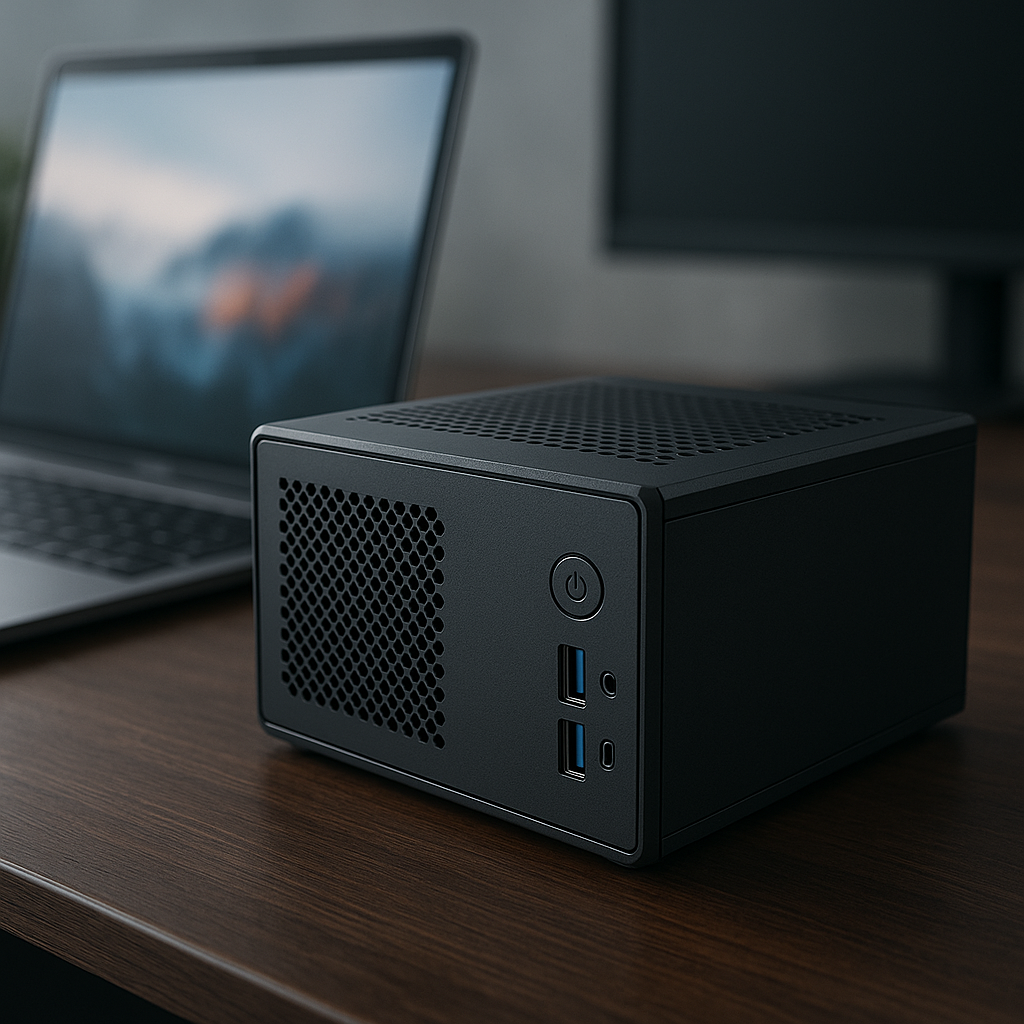
Small form factor (SFF) computers often get lumped into the category of mere miniaturized desktops. But this perspective misses a deeper conversation about how compact design reshapes computing priorities. For beginners, understanding SFF devices requires looking beyond size to appreciate how these machines balance power, efficiency, and use-case specificity in ways traditional towers cannot.
The Unseen Trade-Offs: Performance Isn’t Always Sacrificed
Many newcomers assume that small computers are inherently underpowered or outdated. Yet, recent advances in component integration and cooling technologies have allowed SFF PCs to pack impressive horsepower. The debate among experts often centers on whether these machines can truly rival full-sized desktops in sustained performance or if they are better suited for targeted tasks like media consumption, light gaming, or office productivity.
Interestingly, the counterintuitive insight here is that smaller can sometimes be more efficient. Less internal space means fewer components and shorter data pathways, which can reduce latency and power consumption under certain workloads. Efficiency specialists argue that this efficiency gains make SFF PCs ideal for environmentally conscious users or businesses aiming to cut energy costs.
Portability Meets Permanence: An Emerging Use Case
Unlike laptops, small form factor PCs aren't designed for frequent transport, yet they redefine what portability means in desktop computing. Their compactness allows users to position powerful systems in unconventional spaces—such as mounted behind monitors, under desks, or integrated into entertainment centers—without sacrificing accessibility or expandability. This flexibility is a subtle but powerful advantage that beginner users might overlook.
[IMAGE_2]
The Expert Debate: Expandability vs. Integration
One of the most debated topics in SFF computer design is the balance between modularity and integration. Traditional desktops favor modular parts for easy upgrades, while many SFF designs lean toward integrated components to save space. Experts argue about the future trajectory: will modular designs evolve to fit smaller cases or will integration dominate, making SFF PCs more like sealed appliances?
This debate impacts beginners directly: choosing an SFF computer today means considering how long you expect to keep and upgrade your machine. If you value future-proofing through swapping parts, a modular SFF might be your best bet. However, if you prefer a streamlined, maintenance-light experience, integrated designs could better suit your needs.
Rarely Discussed: Thermal Dynamics In Small Spaces
While most beginners focus on size and power, few consider the unique thermal challenges posed by SFF PCs. Limited airflow and compact layouts can cause hotspots that degrade performance or hardware lifespan. Advanced cooling solutions—like vapor chambers, heat pipes, or liquid cooling loops tailored for small cases—are essential but often overlooked by novice buyers.
Understanding these thermal dynamics is crucial because it reveals why two small PCs with similar specs can perform vastly differently. This insight encourages beginners to research cooling capabilities rather than just CPU or GPU benchmarks when selecting an SFF computer.
Conclusion: Small Form Factor Computing as a Strategic Choice
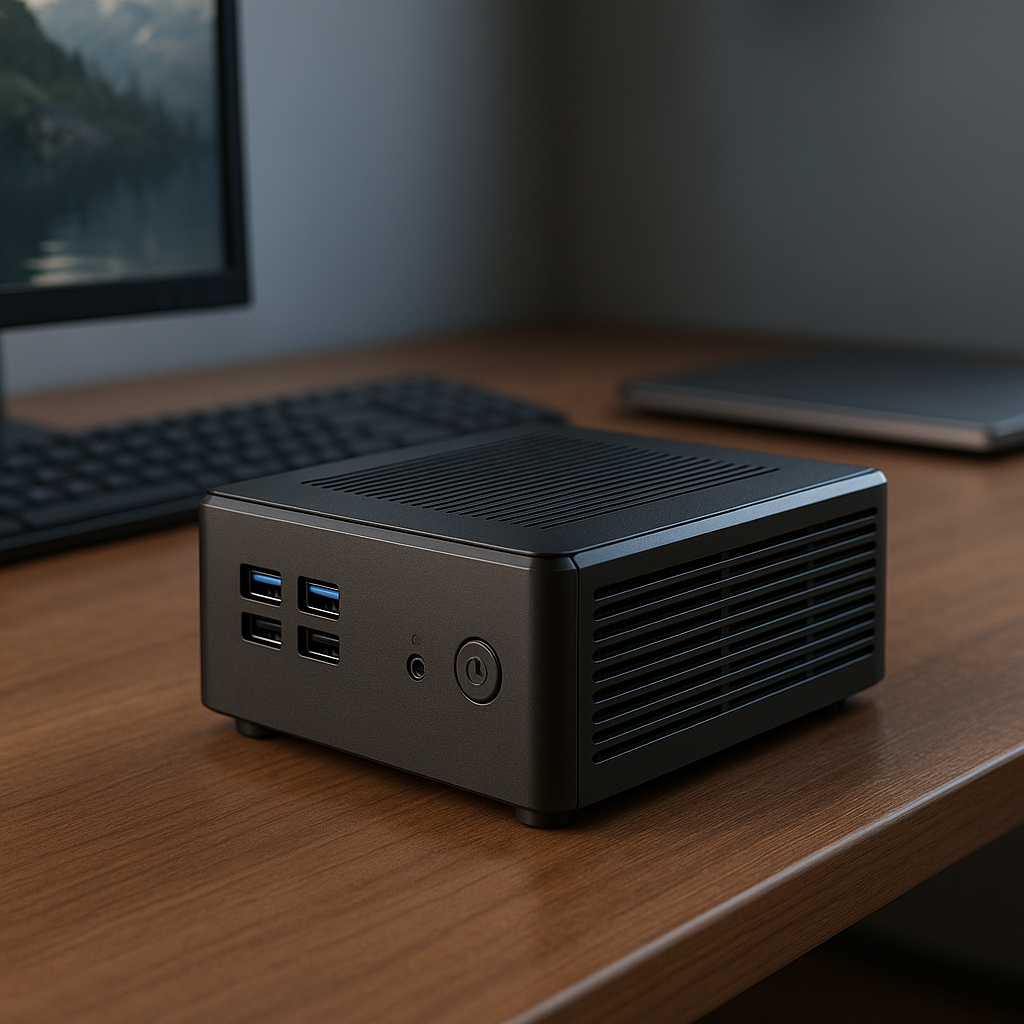
For beginners, small form factor computers represent a nuanced intersection of design, performance, and practicality. Moving beyond the idea that “small equals weak,” we see a growing ecosystem of machines optimized for specific needs—from efficient workstations to powerful yet space-conscious gaming rigs.
By appreciating the expert debates on modularity, the hidden efficiency benefits, and the critical importance of thermal management, beginners can make informed decisions that align with both their immediate needs and future aspirations.
0 Comments
Recommended Comments
There are no comments to display.
Please sign in to comment
You will be able to leave a comment after signing in
Sign In Now