Skip to content
View in the app

A better way to browse. Learn more.

The Crimson Market

A full-screen app on your home screen with push notifications, badges and more.

To install this app on iOS and iPadOS
  1. Tap the Share icon in Safari
  2. Scroll the menu and tap Add to Home Screen.
  3. Tap Add in the top-right corner.
To install this app on Android
  1. Tap the 3-dot menu (⋮) in the top-right corner of the browser.
  2. Tap Add to Home screen or Install app.
  3. Confirm by tapping Install.

News

A club blog for Miniatures
  • Entries

    2
  • Comment

    1
  • Views

    2367

About this blog

The Crimson Court news

Entries in this blog

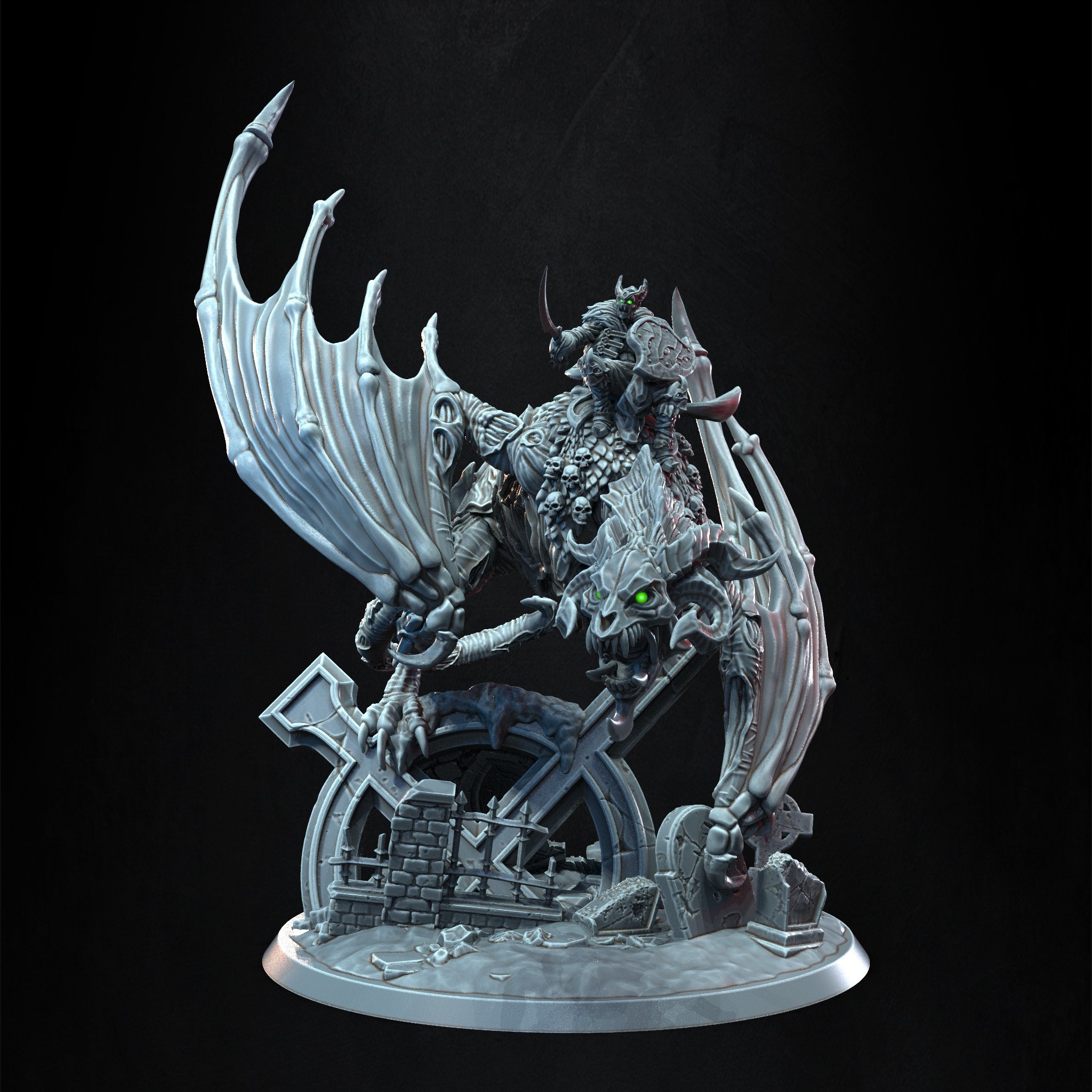
The Crimson Market is excited to introduce its new project : the Crimson Court. Big fans of TTRPGs and Wargaming, the team of the STL store has decided to add their own vision to people’s table. We partnered with a known sculptor in the industry, Dimitris Kampourides, to bring an exclusive line of sculpts to the 3D printing world. Our first model : Radoslav Krvavy, the Crimson Commander.  First model of the Crimson Court, this fearsome Vampire Lord is a perfect proxy for any vampire a

Account

Navigation

Search

Search

Configure browser push notifications

Chrome (Android)
  1. Tap the lock icon next to the address bar.
  2. Tap Permissions → Notifications.
  3. Adjust your preference.
Chrome (Desktop)
  1. Click the padlock icon in the address bar.
  2. Select Site settings.
  3. Find Notifications and adjust your preference.
