Skip to content
View in the app

A better way to browse. Learn more.

The Crimson Market

A full-screen app on your home screen with push notifications, badges and more.

To install this app on iOS and iPadOS
  1. Tap the Share icon in Safari
  2. Scroll the menu and tap Add to Home Screen.
  3. Tap Add in the top-right corner.
To install this app on Android
  1. Tap the 3-dot menu (⋮) in the top-right corner of the browser.
  2. Tap Add to Home screen or Install app.
  3. Confirm by tapping Install.

News

A club blog for Electric Cars
  • Entries

    5
  • Comments

    0
  • Views

    4778

About this blog

Entries in this blog

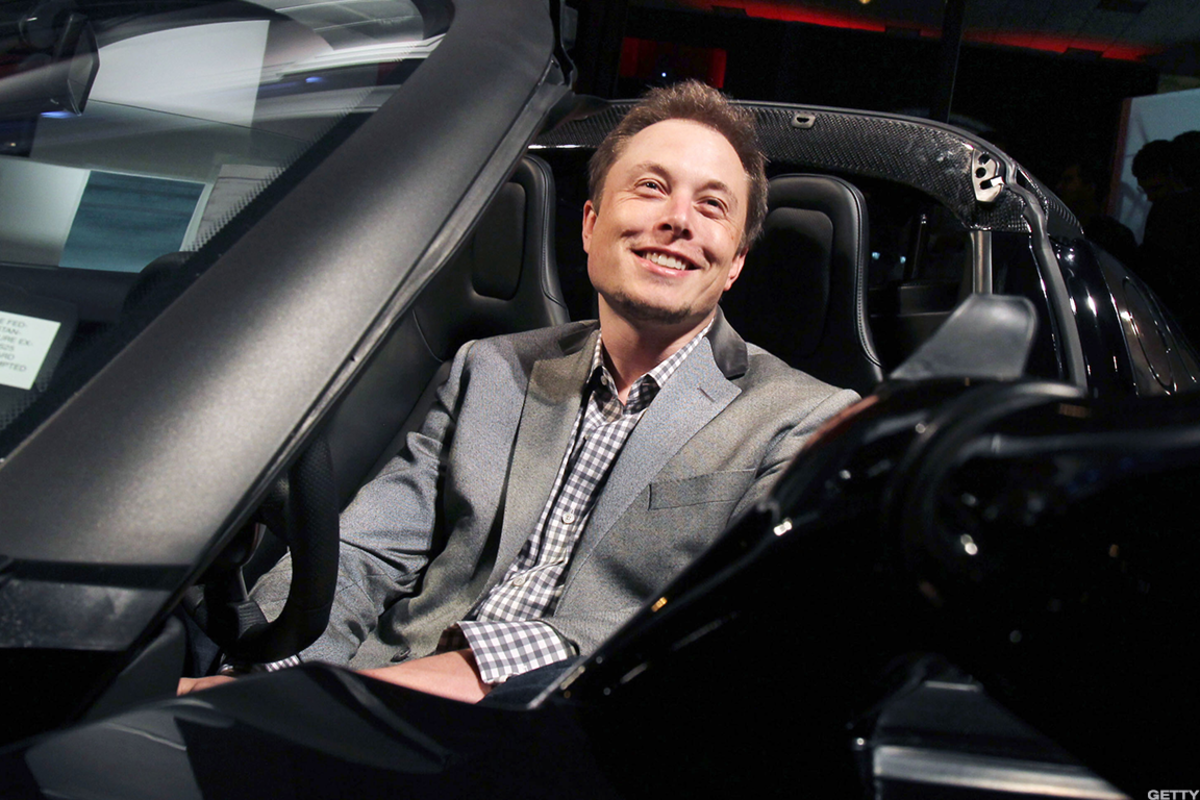
Tesla vehicles are some of the most technologically advanced cars on the road today. With over-the-air (OTA) software updates, built-in internet connectivity, and deep integration with Tesla's cloud services, these cars are more like computers on wheels than traditional automobiles. But this level of connectivity raises an important question: could Elon Musk, or Tesla as a company, remotely disable every Tesla if they wanted to? The Remote Control Capabilities of Tesla Tesla’s fleet is

Account

Navigation

Search

Search

Configure browser push notifications

Chrome (Android)
  1. Tap the lock icon next to the address bar.
  2. Tap Permissions → Notifications.
  3. Adjust your preference.
Chrome (Desktop)
  1. Click the padlock icon in the address bar.
  2. Select Site settings.
  3. Find Notifications and adjust your preference.