Skip to content
View in the app

A better way to browse. Learn more.

The Crimson Market

A full-screen app on your home screen with push notifications, badges and more.

To install this app on iOS and iPadOS
  1. Tap the Share icon in Safari
  2. Scroll the menu and tap Add to Home Screen.
  3. Tap Add in the top-right corner.
To install this app on Android
  1. Tap the 3-dot menu (⋮) in the top-right corner of the browser.
  2. Tap Add to Home screen or Install app.
  3. Confirm by tapping Install.

News

A club blog for Electric Cars
  • Entries

    5
  • Comments

    0
  • Views

    4766

About this blog

Entries in this blog

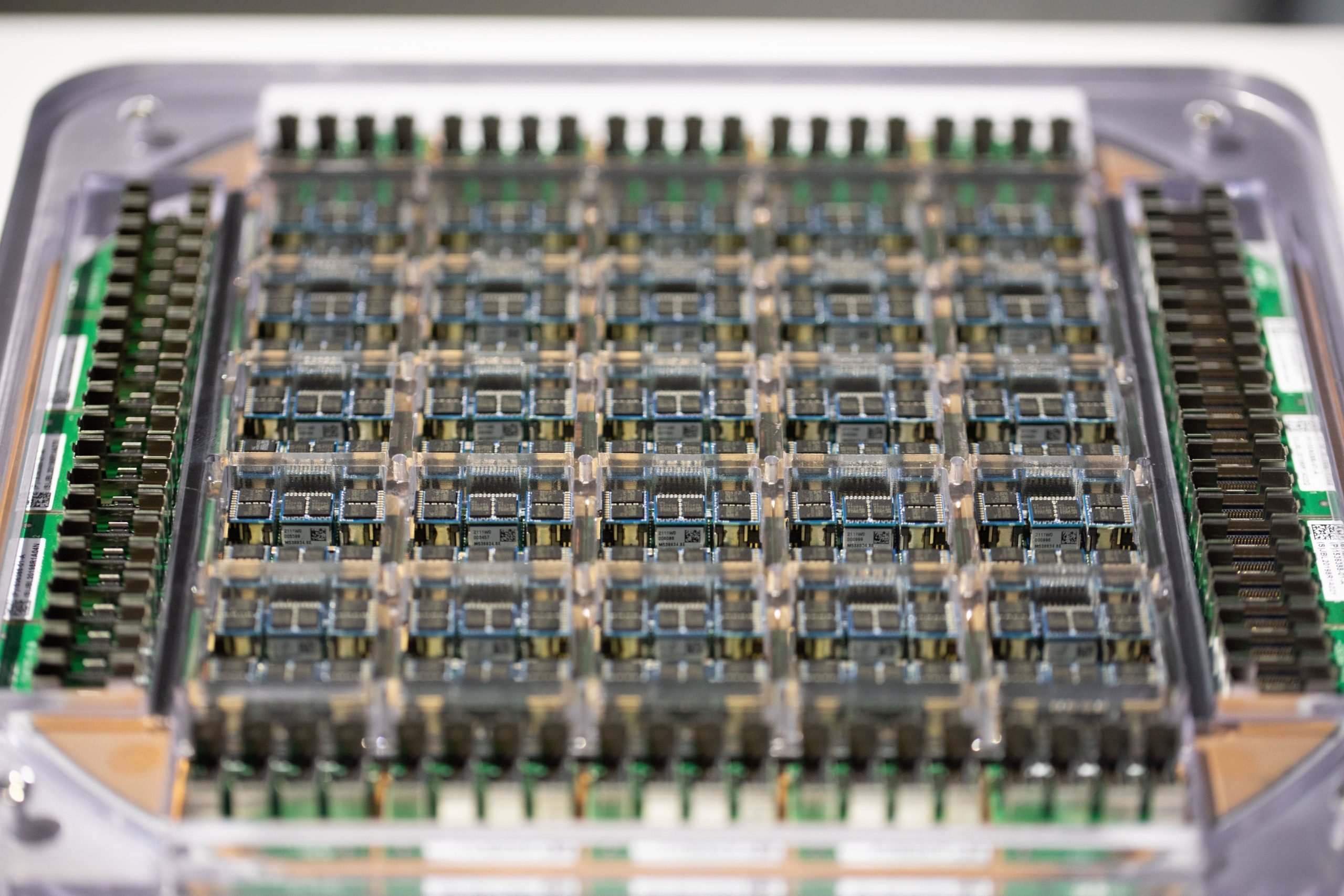
Tesla is accelerating into a new era of intelligent mobility with its groundbreaking AI 5 chip, a leap that redefines what self-driving technology can achieve. More than a hardware update, this marks the next step in Tesla’s mission to merge artificial intelligence, robotics, and clean energy into a single, unified ecosystem. A Quantum Leap in Vehicle Intelligence The AI 5 platform represents a monumental upgrade in Tesla’s in-house computing power. Designed for extreme precision, the
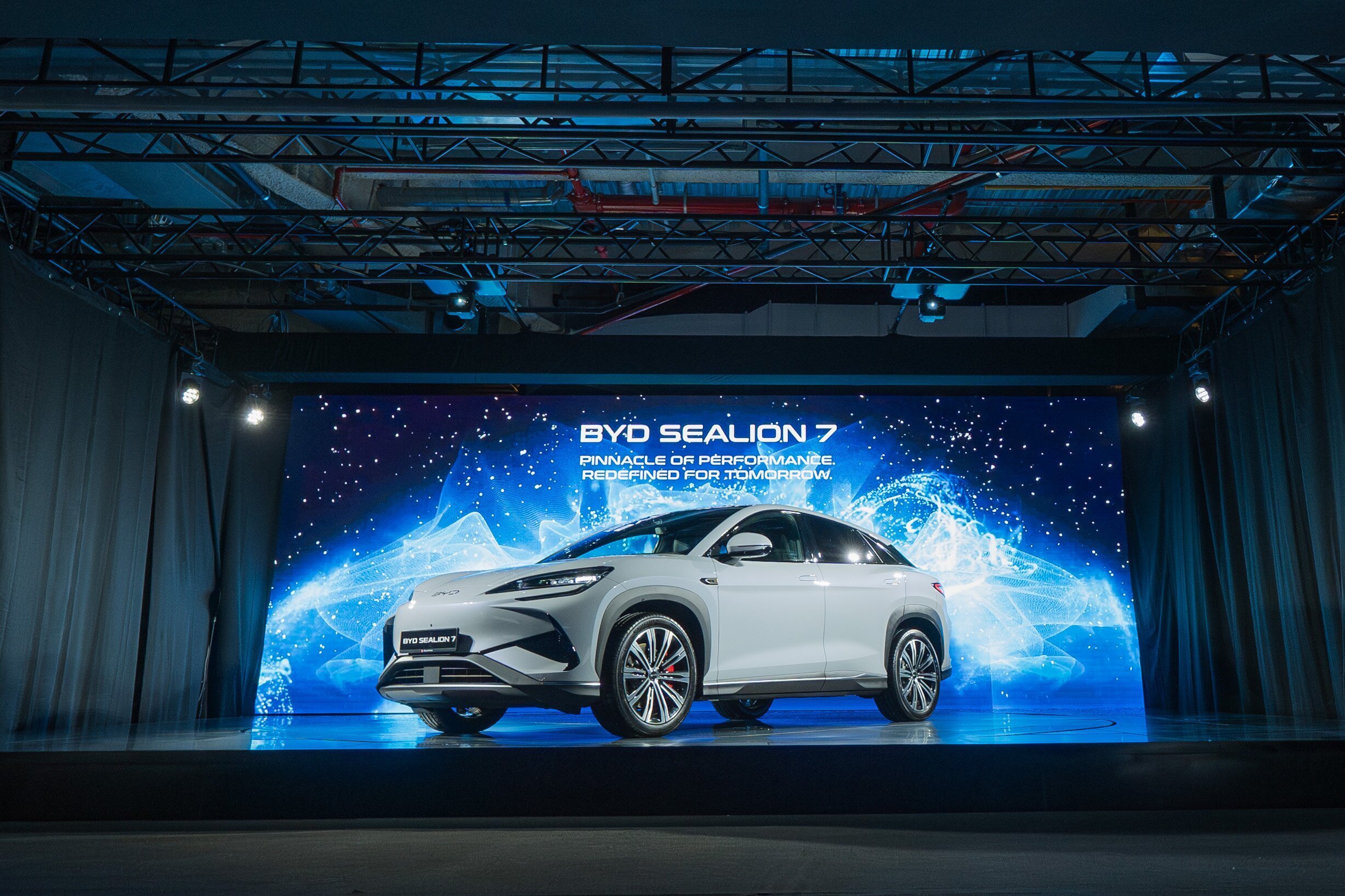
The automotive world is abuzz with the arrival of the BYD Sealion 7, a mid-size electric SUV that seamlessly blends performance, luxury, and cutting-edge technology. Designed to rival established players like the Tesla Model Y, the Sealion 7 is making waves in markets worldwide. Striking Design and Spacious Interior The Sealion 7 boasts a sleek, coupe-like silhouette with a sloping roofline that doesn't compromise interior space. Measuring 4,830 mm in length with a 2,930 mm wheel

Account

Navigation

Search

Search

Configure browser push notifications

Chrome (Android)
  1. Tap the lock icon next to the address bar.
  2. Tap Permissions → Notifications.
  3. Adjust your preference.
Chrome (Desktop)
  1. Click the padlock icon in the address bar.
  2. Select Site settings.
  3. Find Notifications and adjust your preference.