
Skip to content
View in the app

A better way to browse. Learn more.

The Crimson Market

A full-screen app on your home screen with push notifications, badges and more.

To install this app on iOS and iPadOS
  1. Tap the Share icon in Safari
  2. Scroll the menu and tap Add to Home Screen.
  3. Tap Add in the top-right corner.
To install this app on Android
  1. Tap the 3-dot menu (⋮) in the top-right corner of the browser.
  2. Tap Add to Home screen or Install app.
  3. Confirm by tapping Install.

News

A club blog for Programming
  • Entries

    3
  • Comments

    0
  • Views

    4573

About this blog

Welcome to out community of passionate programmers dedicated to learning, problem-solving, and pushing the boundaries of coding! Whether you're a beginner looking to sharpen your skills or an experienced developer eager for new challenges, our club provides a space to grow, collaborate, and innovate.


Entries in this blog

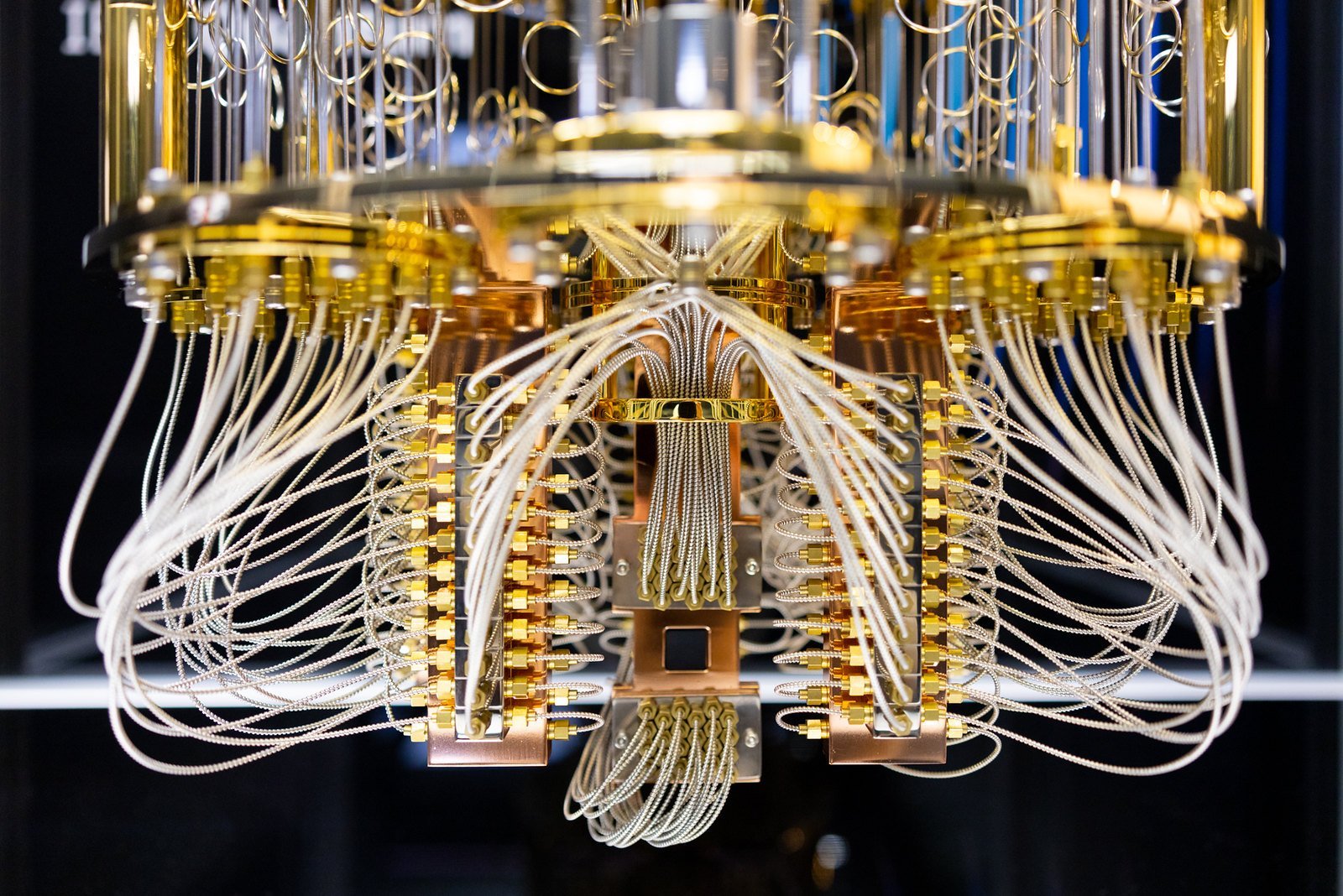
1. Introduction Quantum computing is poised to revolutionize the world in ways we can only begin to imagine. With the ability to solve complex problems at an exponential speed, quantum computers have the potential to disrupt industries and change the way we live and work. These powerful machines, which rely on the principles of quantum mechanics, have the ability to perform calculations that are currently impossible for classical computers. In this blog, we will explore the world of quantum

Account

Navigation

Search

Search

Configure browser push notifications

Chrome (Android)
  1. Tap the lock icon next to the address bar.
  2. Tap Permissions → Notifications.
  3. Adjust your preference.
Chrome (Desktop)
  1. Click the padlock icon in the address bar.
  2. Select Site settings.
  3. Find Notifications and adjust your preference.