
Skip to content
View in the app

A better way to browse. Learn more.

The Crimson Market

A full-screen app on your home screen with push notifications, badges and more.

To install this app on iOS and iPadOS
  1. Tap the Share icon in Safari
  2. Scroll the menu and tap Add to Home Screen.
  3. Tap Add in the top-right corner.
To install this app on Android
  1. Tap the 3-dot menu (⋮) in the top-right corner of the browser.
  2. Tap Add to Home screen or Install app.
  3. Confirm by tapping Install.

News

A club blog for PC Giveaway Community
  • Entries

    26
  • Comment

    1
  • Views

    13951

About this blog

Entries in this blog

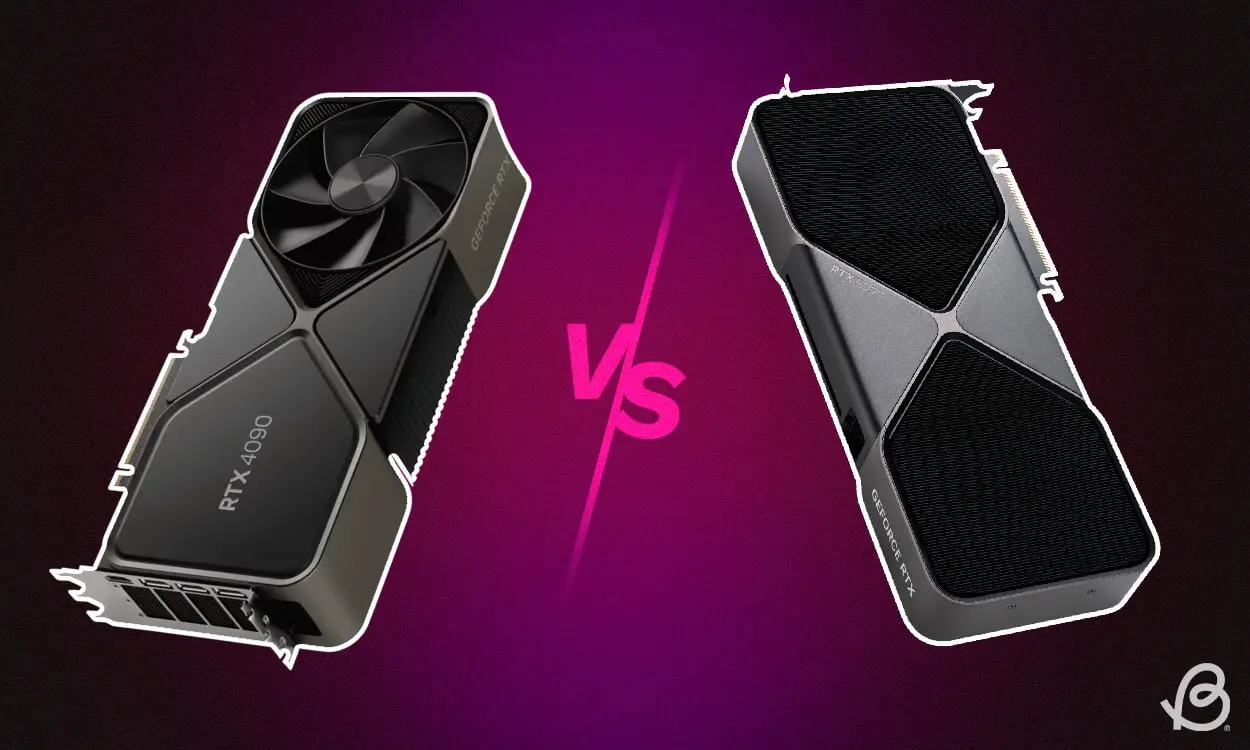
The launch of NVIDIA’s 50 series GPUs has sparked debates among gamers and tech enthusiasts. Many are questioning whether the latest generation offers a significant leap forward or just a minor iteration over the 40 series. The consensus among early adopters and benchmarks suggests that if you ignore frame generation technology, the raw performance gains might not be as groundbreaking as some had hoped. Raw Performance: A Modest Bump? Traditionally, each new NVIDIA GPU generation

Account

Navigation

Search

Search

Configure browser push notifications

Chrome (Android)
  1. Tap the lock icon next to the address bar.
  2. Tap Permissions → Notifications.
  3. Adjust your preference.
Chrome (Desktop)
  1. Click the padlock icon in the address bar.
  2. Select Site settings.
  3. Find Notifications and adjust your preference.

