
Skip to content
View in the app

A better way to browse. Learn more.

The Crimson Market

A full-screen app on your home screen with push notifications, badges and more.

To install this app on iOS and iPadOS
  1. Tap the Share icon in Safari
  2. Scroll the menu and tap Add to Home Screen.
  3. Tap Add in the top-right corner.
To install this app on Android
  1. Tap the 3-dot menu (⋮) in the top-right corner of the browser.
  2. Tap Add to Home screen or Install app.
  3. Confirm by tapping Install.

News

A club blog for Giveaway Club Owners
  • Entries

    9
  • Comments

    0
  • Views

    5939

About this blog

  • Learn about how to create a Giveaway Club.
  • Learn about how to create a Raffle.
  • Learn about how to run a Trade Promotion.

Entries in this blog

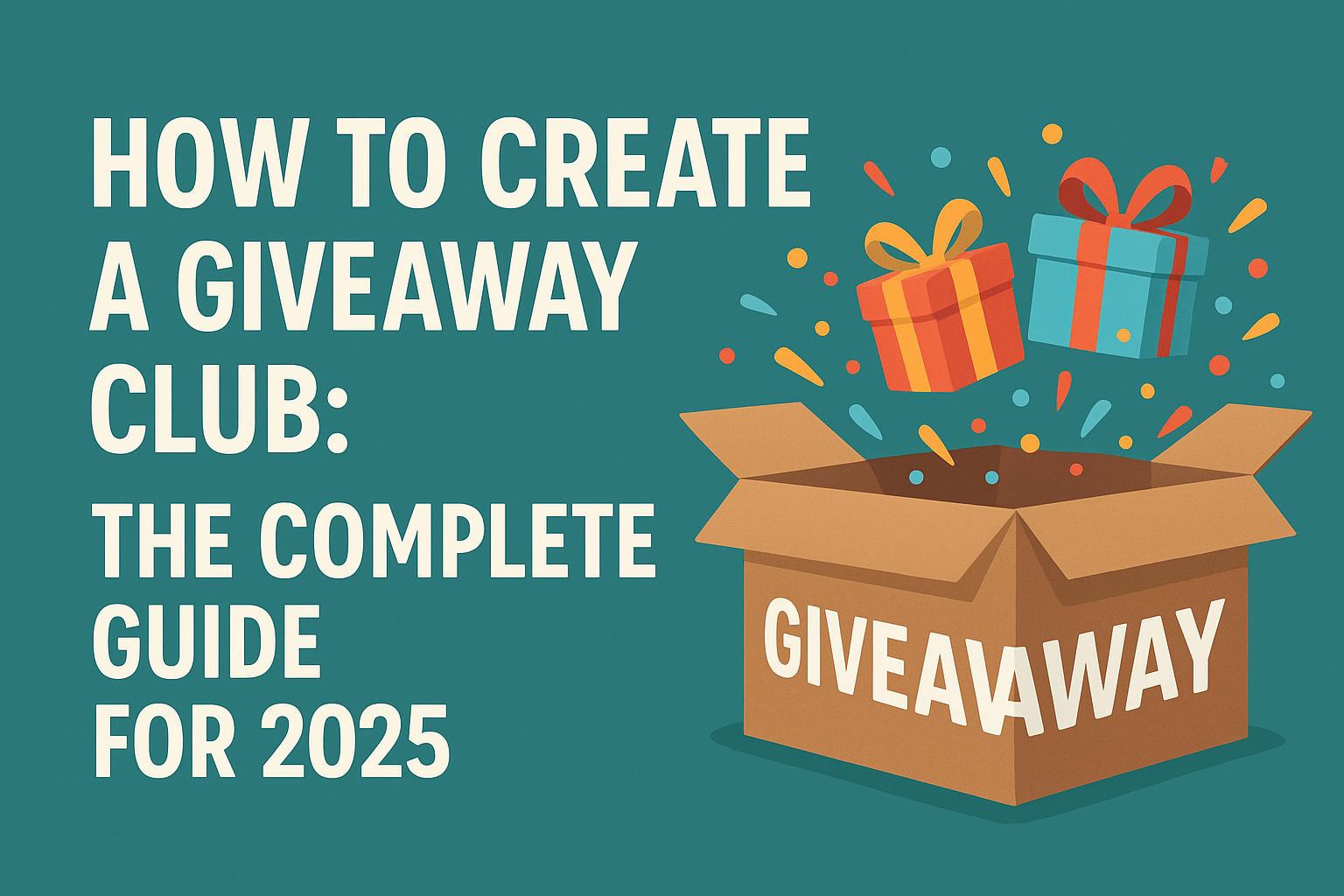
Giveaway clubs are becoming one of the fastest growing community models online. They build excitement, attract loyal members, and create sustainable revenue when done correctly. If you want to start a giveaway club that stands out from your competitors, this guide gives you the complete framework. This article covers every step from planning, legal considerations, and rewards structure to community building, loyalty systems, transparency, and promotion. It is fully SEO optimised to help you

Account

Navigation

Search

Search

Configure browser push notifications

Chrome (Android)
  1. Tap the lock icon next to the address bar.
  2. Tap Permissions → Notifications.
  3. Adjust your preference.
Chrome (Desktop)
  1. Click the padlock icon in the address bar.
  2. Select Site settings.
  3. Find Notifications and adjust your preference.